
A week you can read at a glance
Week, month and day views with color-coded blocks, also on your home screen with widgets.
Enter your class schedule, shifts and plans once and the whole week stays easy to read, with your to-do list and focus time right beside it.
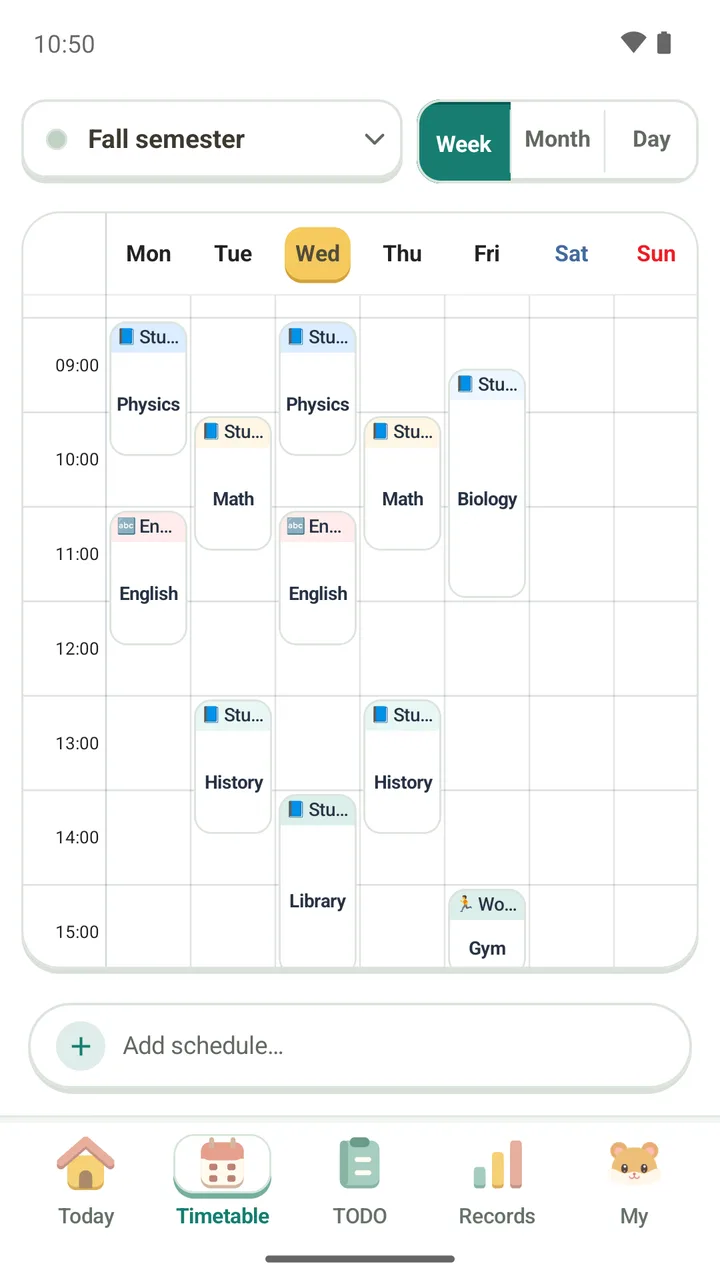
Week, month and day views with color-coded blocks, also on your home screen with widgets.
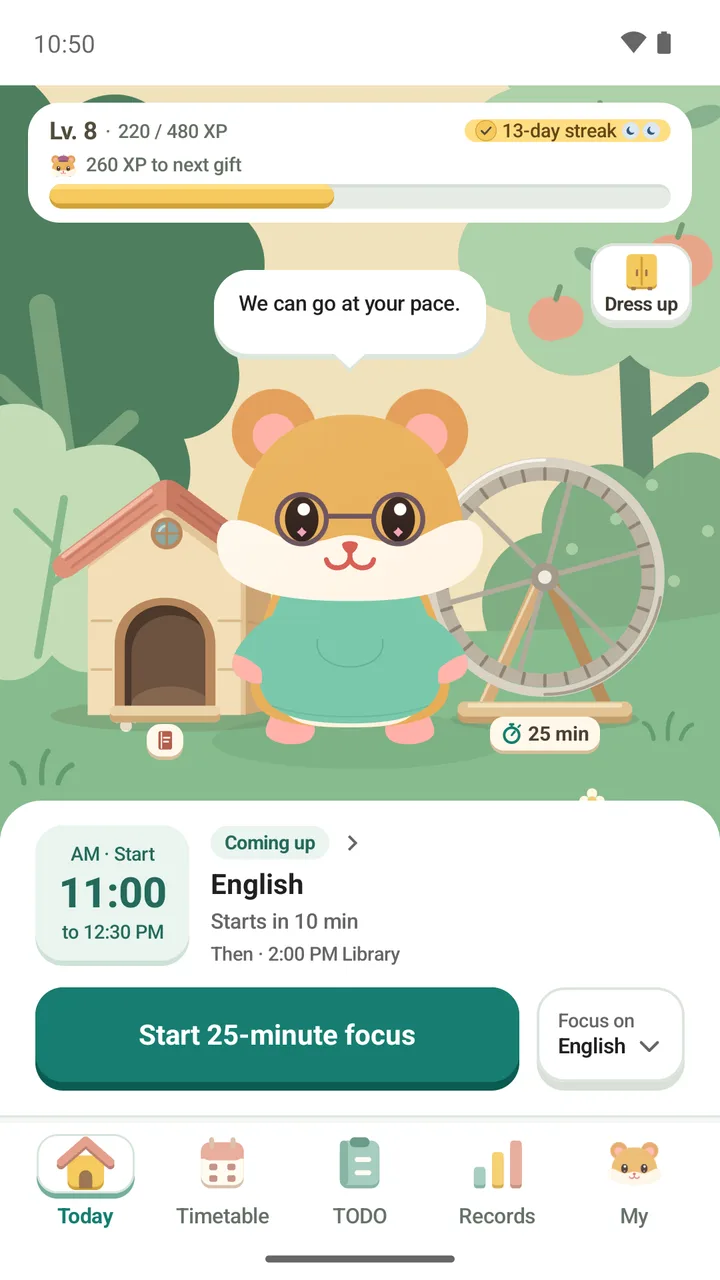
Check tasks off or fill a count, and focus with a Pomodoro timer. Link a session to a class or to-do and the time is counted there.
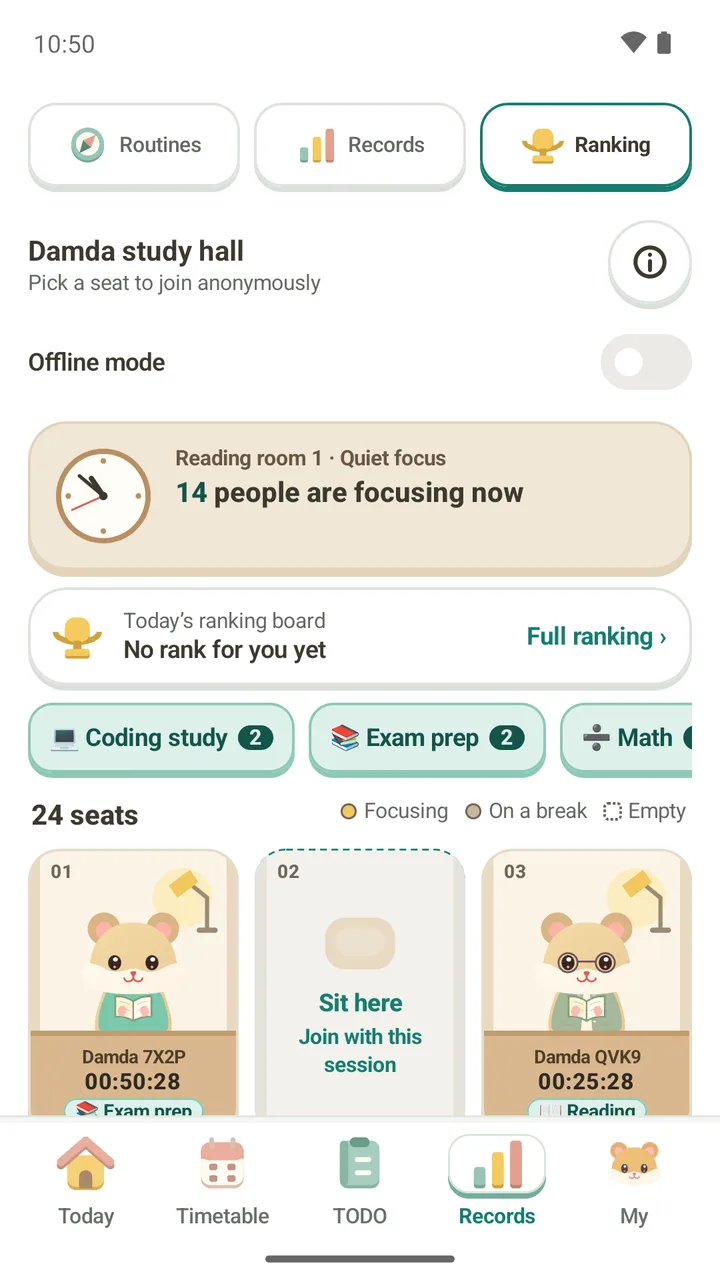
Look back on streaks and focus charts, earn XP and outfits for your hamster, and focus with others anonymously in the study hall.
Start with the timetable, Today and study hall screens. The manual also covers to-dos and records.
Build your weekly timetableAdd classes and plans, switch between week, month and day views, and set repeats and reminders.Read moreStart focusing from the Today tabSee your next plan and streak, pick what to focus on, and start the timer.Read moreFocus with others in the study hallPick a seat to join anonymously, see what is shared, and stop sharing with offline mode.Read moreThe manual, blog, notices, FAQ, and operating policy each have their own page.