Quiet Online Study Room: Study Together, No Camera or Chat
A quiet online study room with no camera and no chat. In Damda's 3D hamster study hall on Android, desk time becomes a record tied to your timetable.
In late October, something small took over the Korean internet: an "online temple." It was a website where you sit on a cushion, bow, turn prayer beads and rest for a moment. News reports said 600,000 people visited in three days. Online cathedrals and churches followed, then saunas, campsites and even a hot spring village.
Watching this from Korea, we noticed one thing. People weren't looking for clever features. They wanted the feeling that someone else is in the same place, even if nobody says a word. And one of the moments you need that feeling most is when you're studying alone.
Why a quiet space?
Think about why people go to a library reading room. You don't talk to the person at the next desk. But when you can see someone quietly working, you put your phone down and hold on a little longer.
It's the same online. If there's a chat, it turns into a conversation. If the camera is on, you start thinking about how you look. Sitting at your own desk without a word, and nothing more, may be the most comfortable distance for studying.
The online study room Damda built
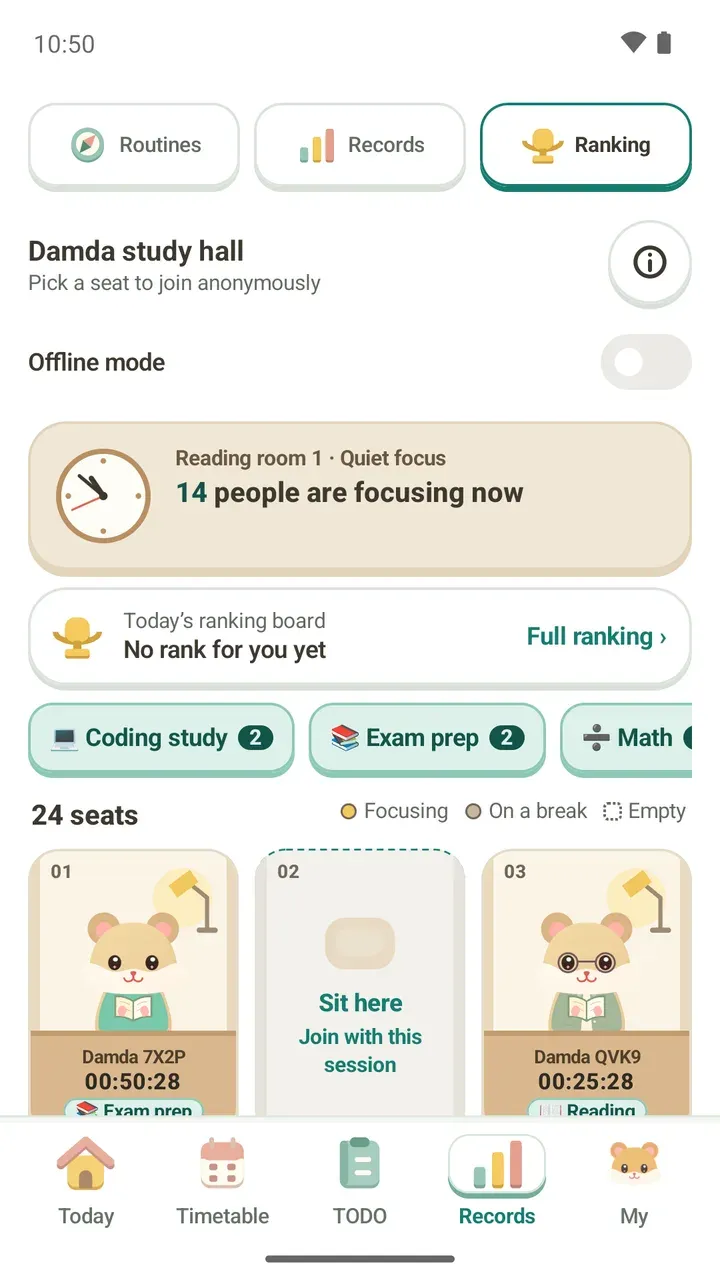
The Damda study hall is a 3D online reading room with rows of partitioned desks. Open the Records tab and tap Ranking at the top. Tap an empty desk, and your hamster walks down the aisle and sits there. If a camera-on "study with me" session feels like too much, this may suit you better.
- You don't have to talk to anyone. We left chat out on purpose.
- No camera. Others only see a hamster and a name like "Damda XXXX" that changes every day.
- No sign-up and no group to create. Tap one empty desk and you're seated.
- Your desk shows a book, a laptop or a sketchbook depending on the status you pick, and the nameplate on the desk shows your seat number and status.
- The light from the windows changes through the day. At night the ceiling lights dim and each desk lamp stands out.
- On a break, you can grab coffee or cup noodles from the vending machine in the lounge. This only shows on your own phone.
Not just a place to look around: your study time stays
The online temple is a place to rest for a moment. The Damda study hall has one more thing: the time you spend at your desk becomes your own study record.
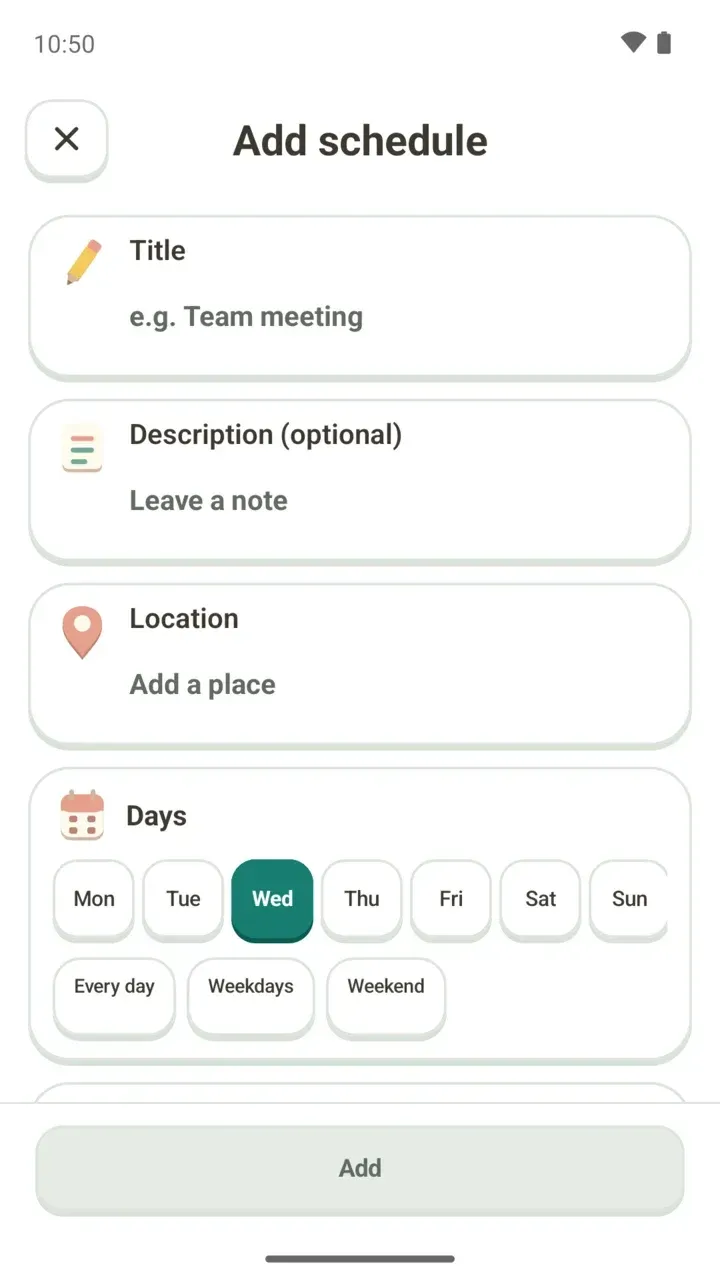
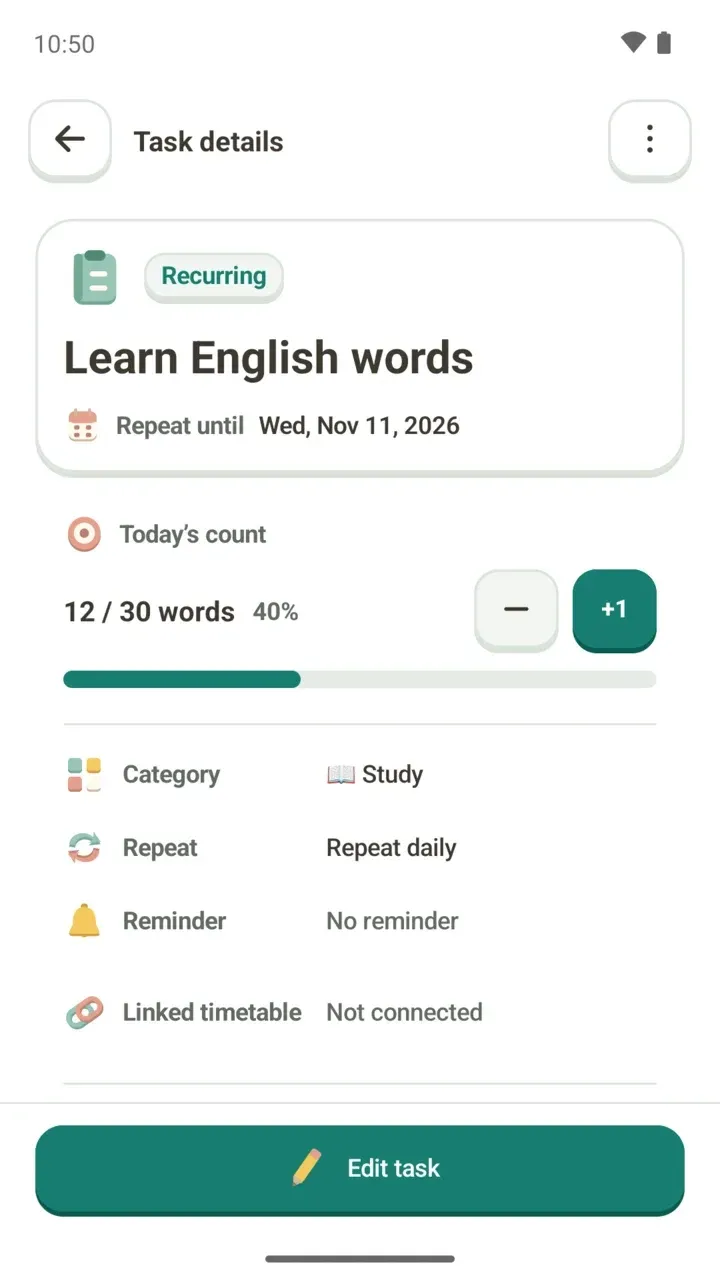
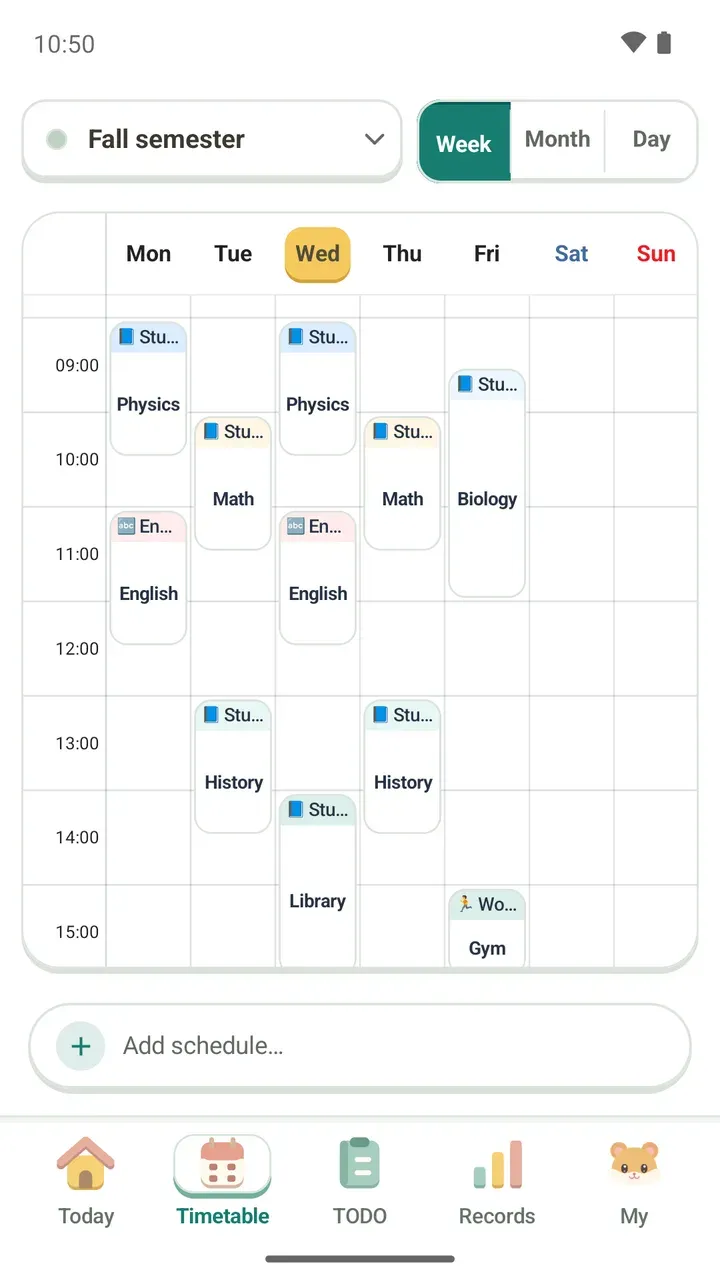
Damda started as a timetable app. So when you sit down in the study hall, you can pick what to study straight from your timetable and your to-dos.
- Tap an empty desk. A sheet opens with the seat number and "How long will you focus?"
- Under "Focus on," choose Free focus, a plan from your timetable or one of today's tasks.
- Under "Shown on this seat," pick a status such as Test study or Reading. If you'd rather not share one, choose "Don't show."
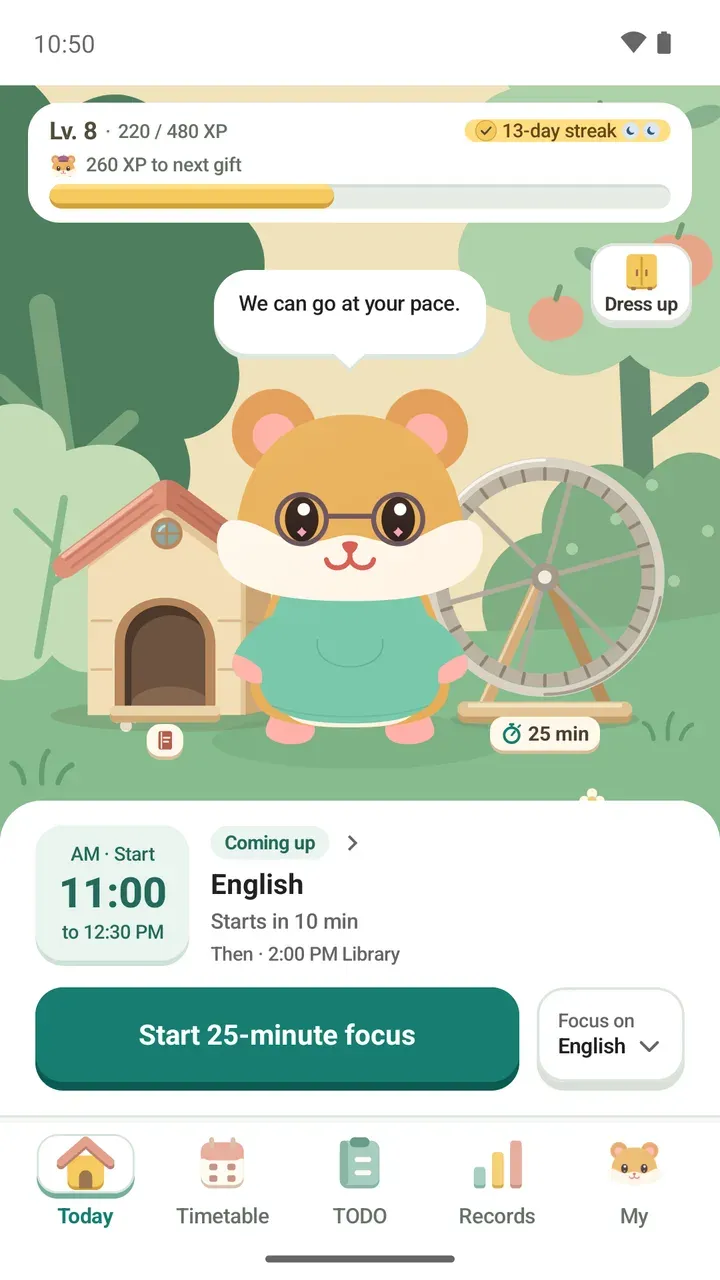
- Tap a time card, such as 25 minutes, and the timer starts. Your hamster sits down at the desk.
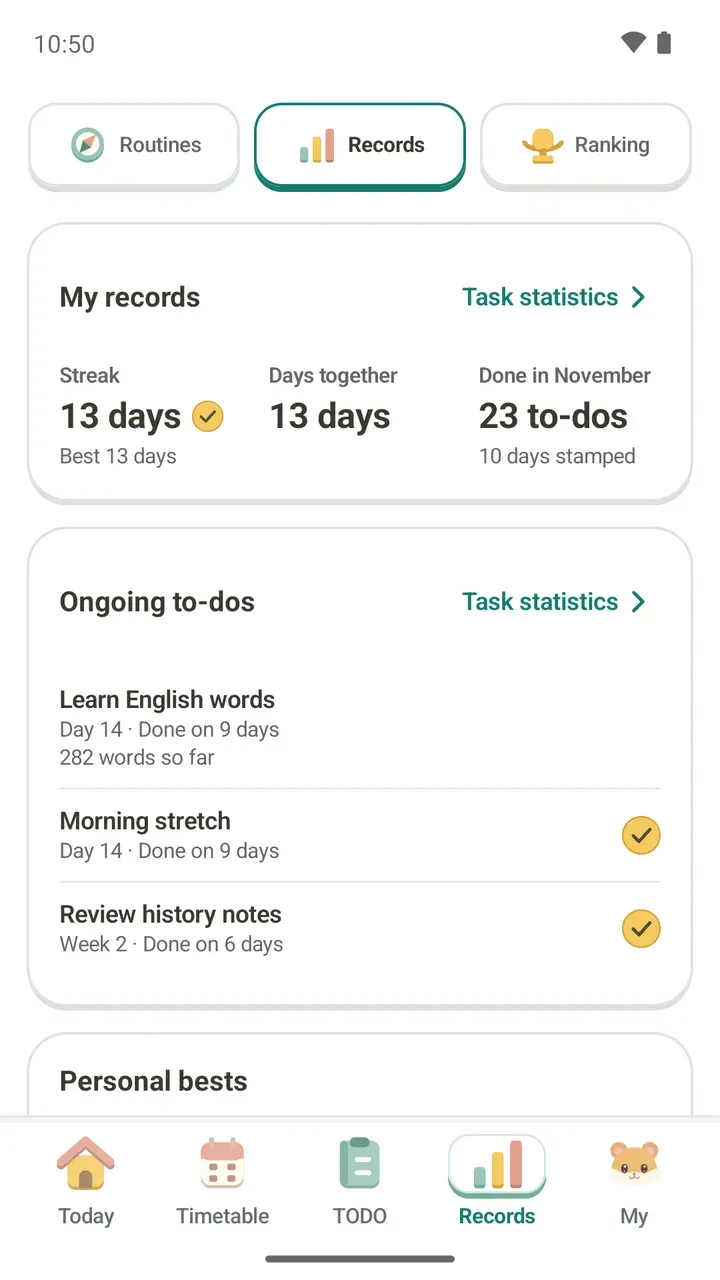
- When you finish, today's focus time is added to the Records tab and your XP goes up.
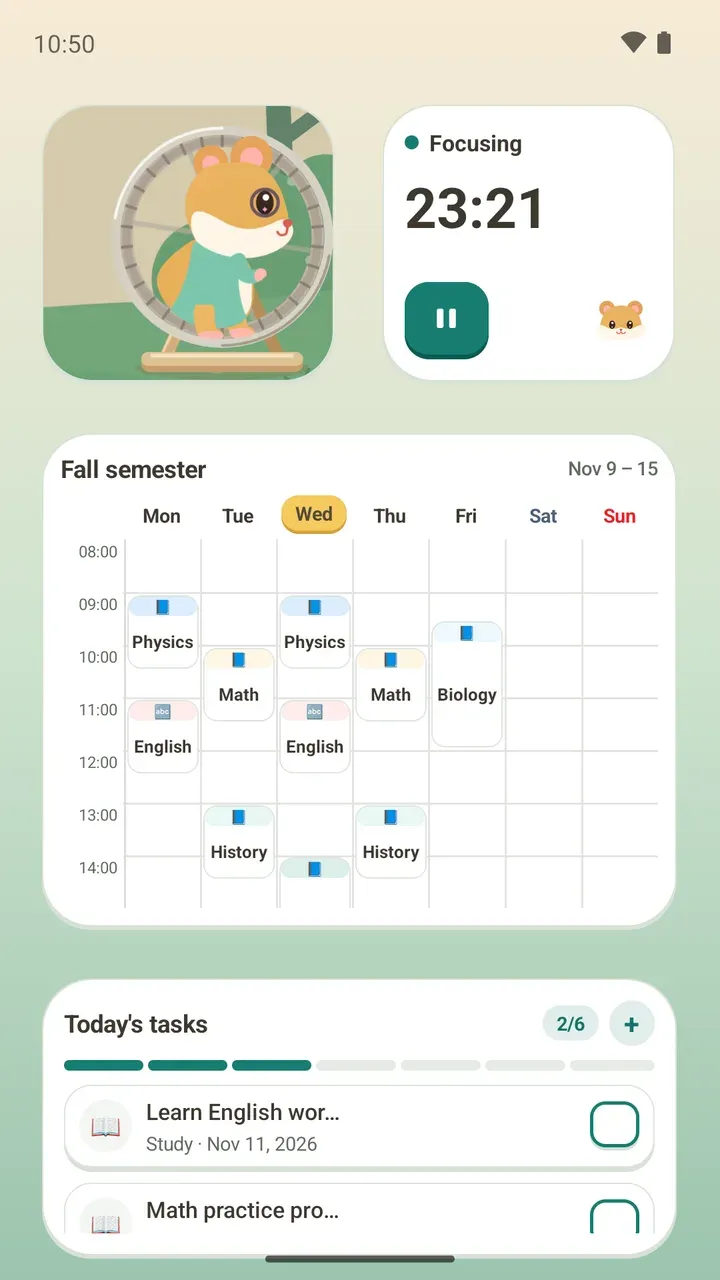
A class on your timetable is what you focus on, as it is. The name you picked shows only on your own screen. Others see only your status. So a study session that starts in one block of your timetable passes through a study hall desk and ends up in your records. To follow a whole day screen by screen, see how one day flows from timetable to study hall.
This is all that others see
For a quiet space to feel comfortable, it also has to be clear what's visible.
- Once you first pick a seat, these are shown anonymously while you focus: your focus time today, whether you're focusing or on a break, your activity type, the status you picked, and your reading room and seat number.
- Your name, timetable, plan and task titles and memos are never uploaded.
- The outfit you put on your hamster shows only on your own screen.
- On days you'd rather be alone, turn on offline mode. Nothing is uploaded, and you can still use the study hall on this device.
The ranking, offline mode and deleting your online data are all covered in the Damda study hall guide. If you're curious how the 3D room was made, read the story of building the 3D study hall.
Taking your first seat
The study hall is in the Records tab from Damda 3.1.0. You don't need a subscription to sit down. Only "Keep this seat for today," which holds your seat for the day, is a Damda Plus feature. Damda is an Android app, and if you're new, you can start with Getting started.
The online temple gave people a place to rest their minds for a moment. When it's time to study, try tapping one empty desk in the study hall. Without a single word, the hamster at the next desk will keep you company.