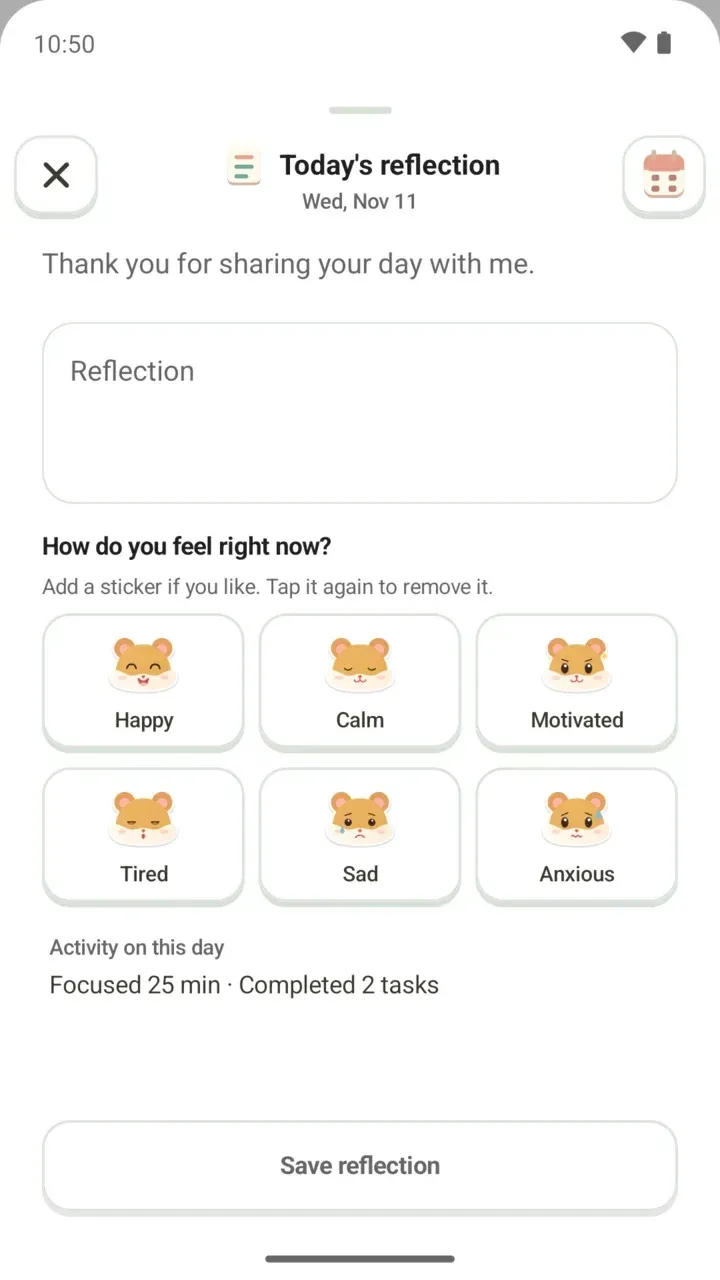
3.1.0 Update: Where Did the Dog and the Timer Go?
Your timetable, to-dos and focus records are still here. What changed in 3.1.0: the hamster, tabs, widgets, levels, study hall and backup passwords.
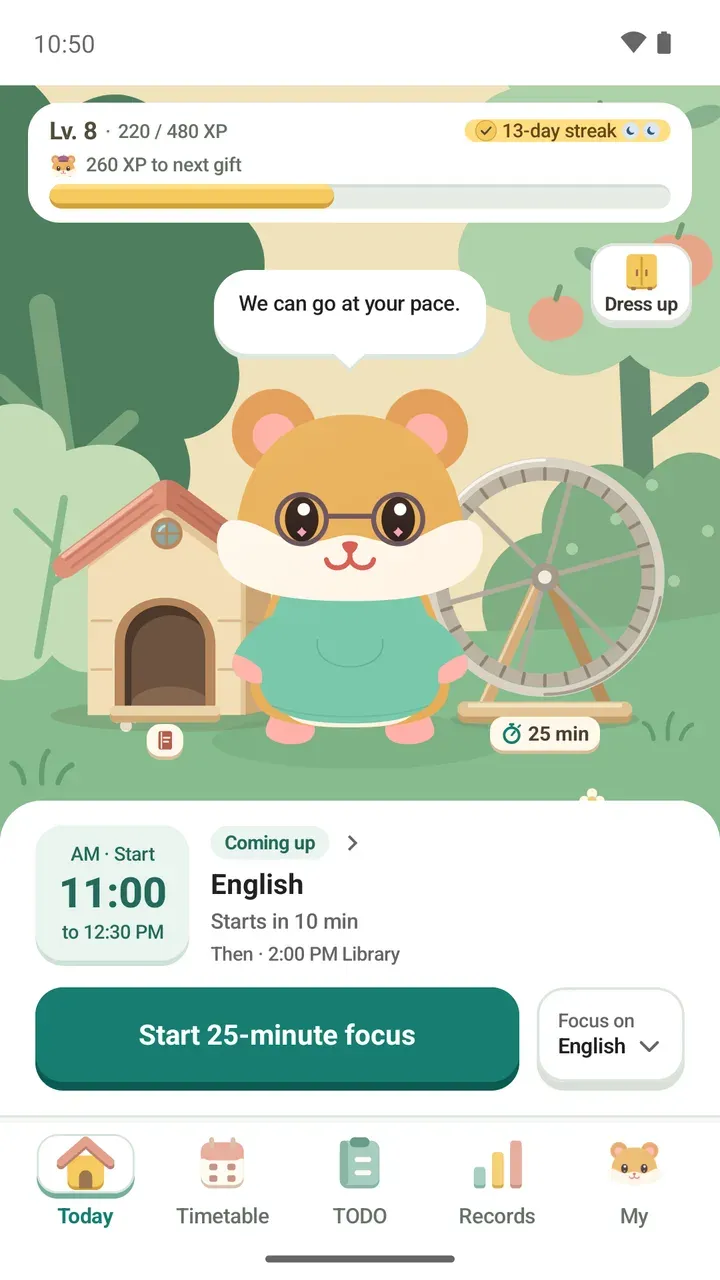
Updated Damda to 3.1.0 and now wondering where the dog went, or where the timer and ranking are? This post walks through everything that changed in one place.
First, the most important part: your timetable, to-dos and focus records are all still here. The screens and the character changed, but nothing you built up was lost.
The dog is now a hamster
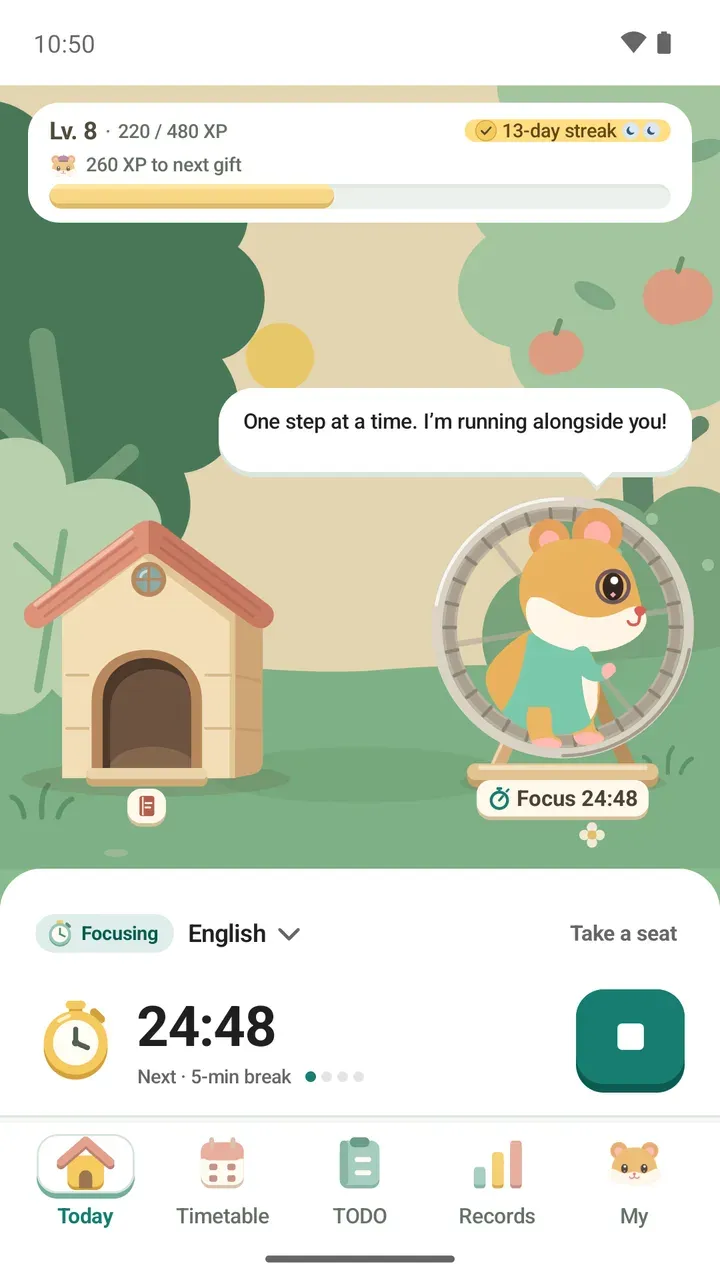
Damda's main character changed from a dog to a hamster. In the update note, the developer explained why: "I've always believed cute things can change the world. Dogs are cute too, but they were hard to turn into a character, so I made this adorable hamster the main character."
The outfits you wore and collected came along to the hamster too. The bow tie, scarf and bandana became hoodies. You can also see what the hamster gets up to around the app.
New tab names and where things moved
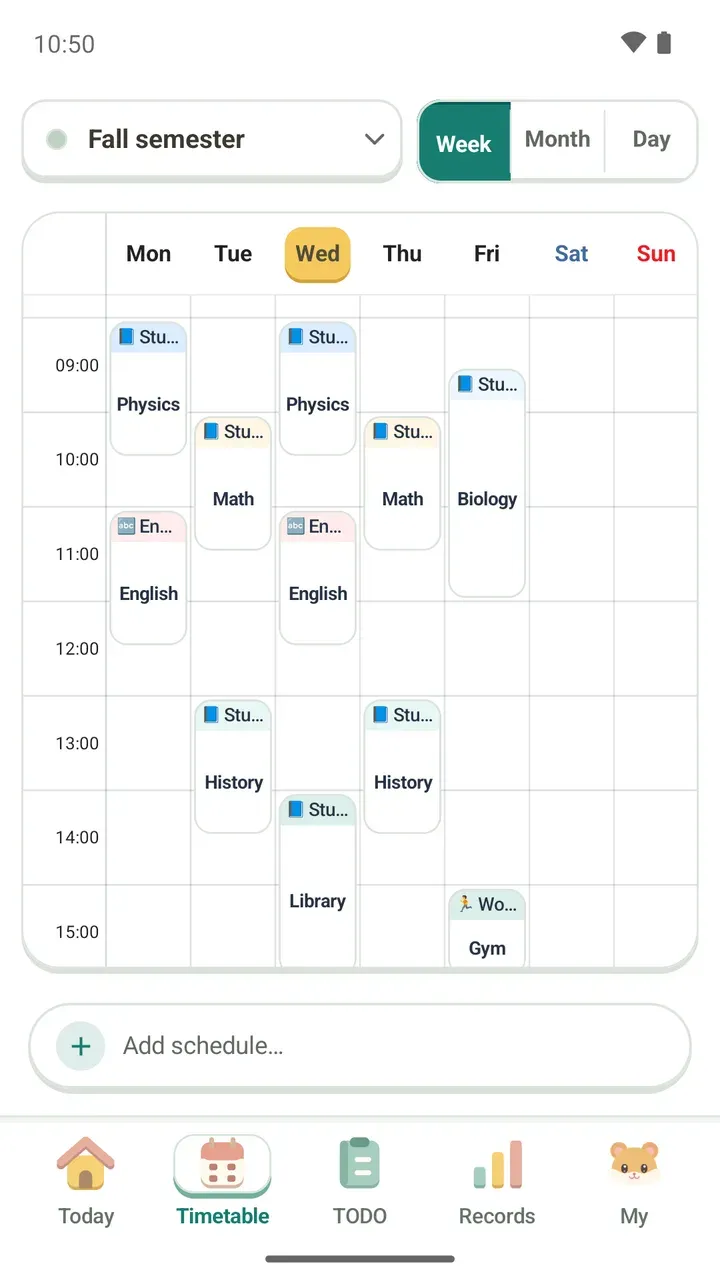
The bottom tabs are now Today, Timetable, TODO, Records and My. Here's where the familiar places went:
- Home → Today tab
- Together → Records tab
- Timing → starts right from the Today tab
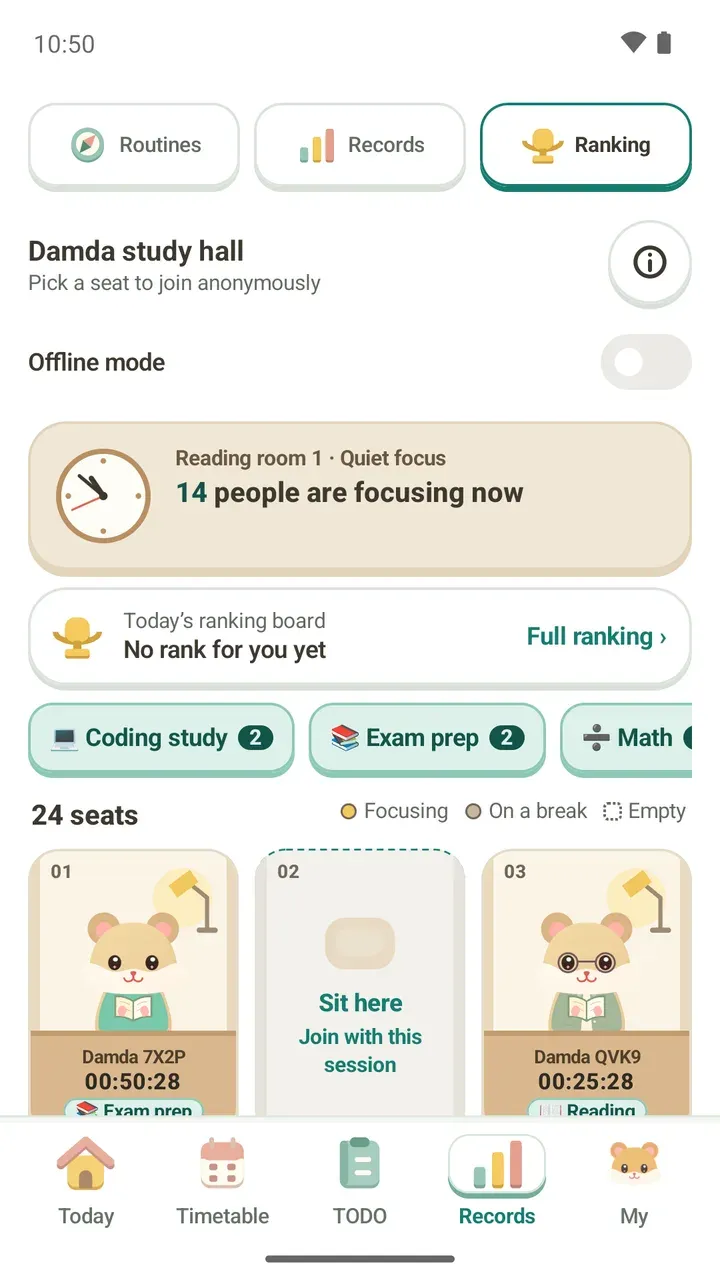
- Ranking → starts fresh in the Records tab's study hall
- Names like First focus → level numbers
Looking for the timer? Here's how to start a focus session now:
- Open the Today tab.
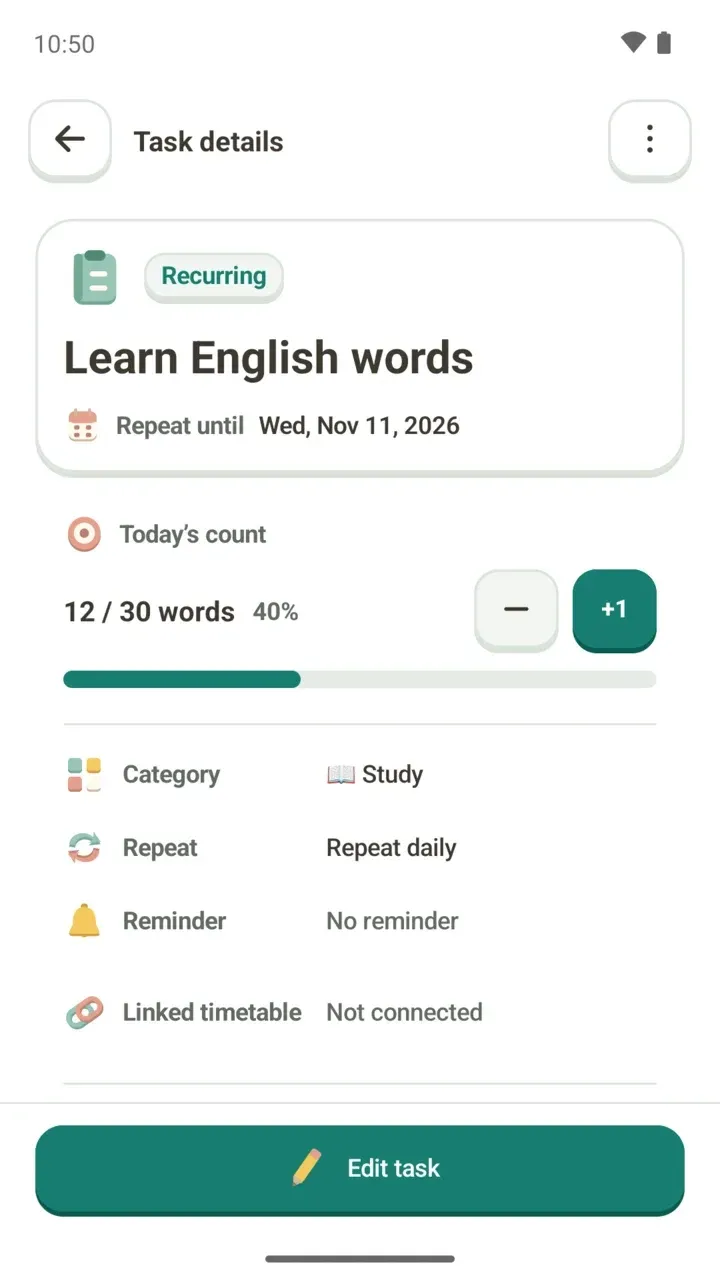
- Under Focus on, pick a class or to-do.
- Press the start focus button.
For a screen-by-screen walkthrough, see the Today tab guide.
Here's the reason for the change, in the developer's own words: "I wanted today's to-dos to be ready to start from one place. Damda will keep aiming to be a well-made timetable app."
About the new look across the whole app, the developer wrote: "The old UI never felt very tidy. It may look a little childish, but I wanted to make an app that feels like a game, so I changed the design to suit that."
Widgets have a new look too
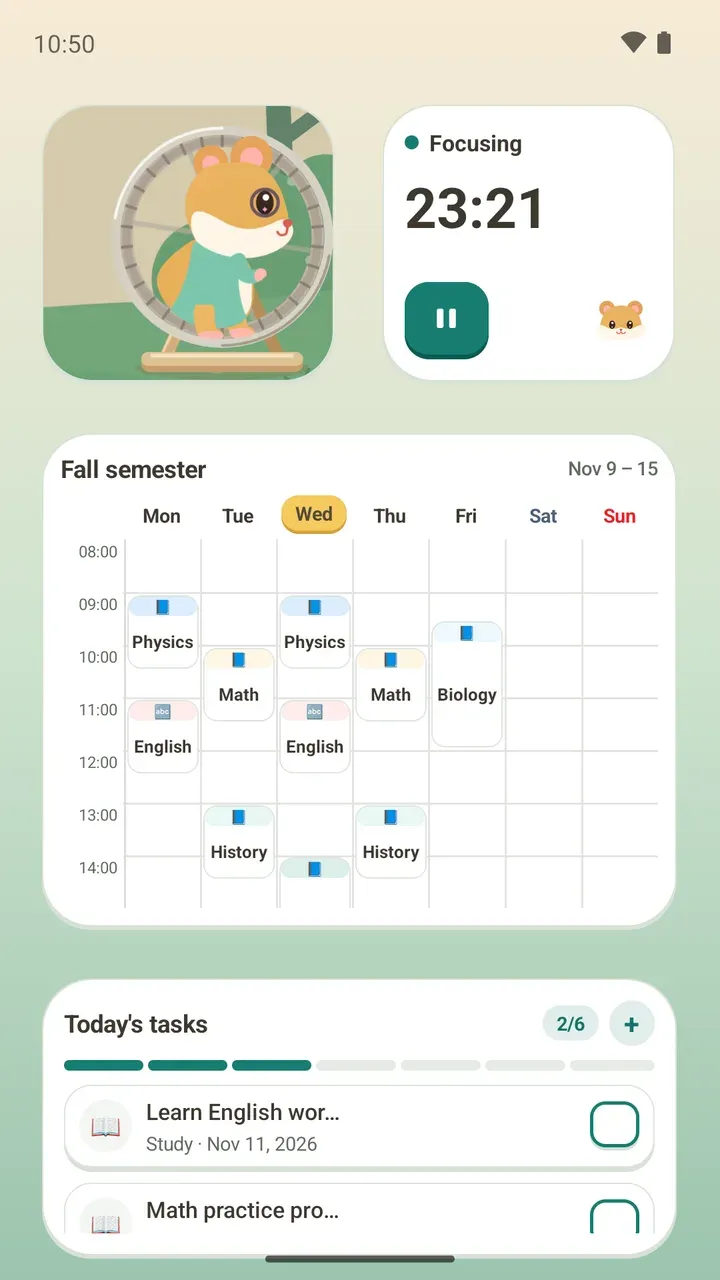
The widgets were redrawn in the same style as the app, with two new ones: Monthly timetable and Today's hamster. The developer's reason: "With the app changing, widgets stuck in the old look would feel out of place."
Widgets you've already placed on your home screen keep working, so there's no need to add them again.
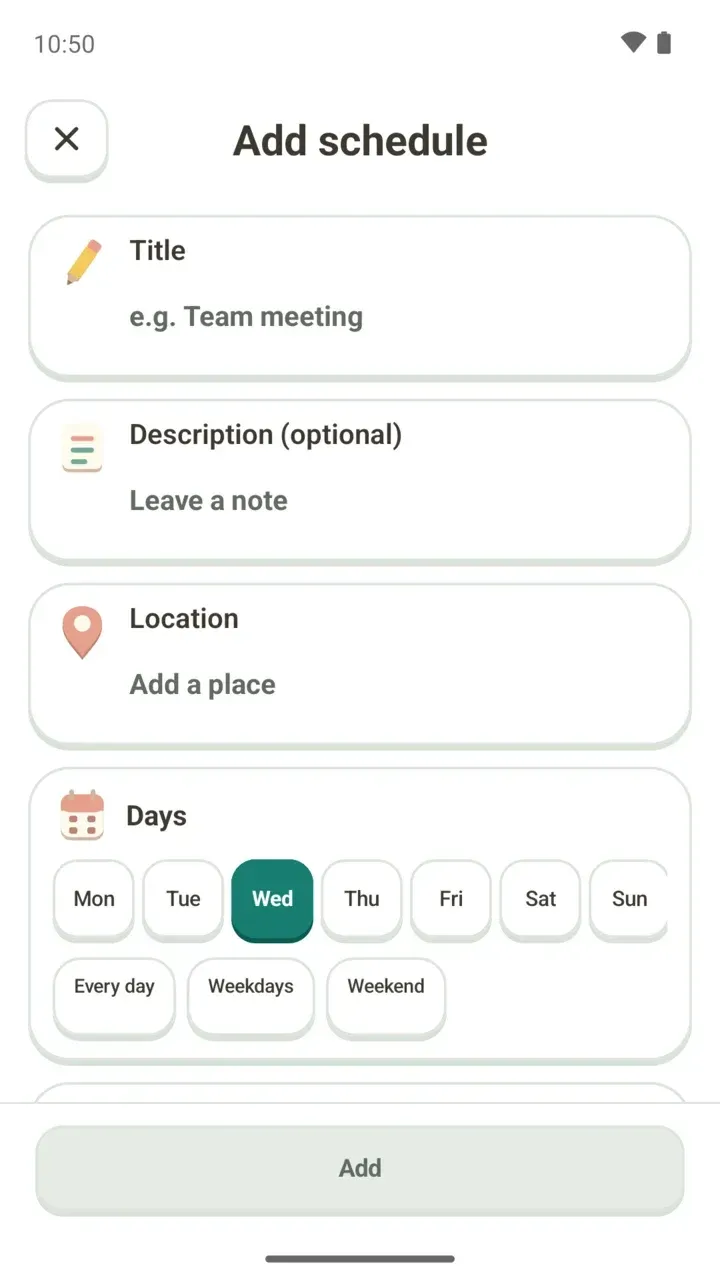
Schedules saved as "Exercise"
Schedules saved under the old "Exercise" category were re-sorted by their titles. If one ended up in the wrong category, you can change it in that schedule.
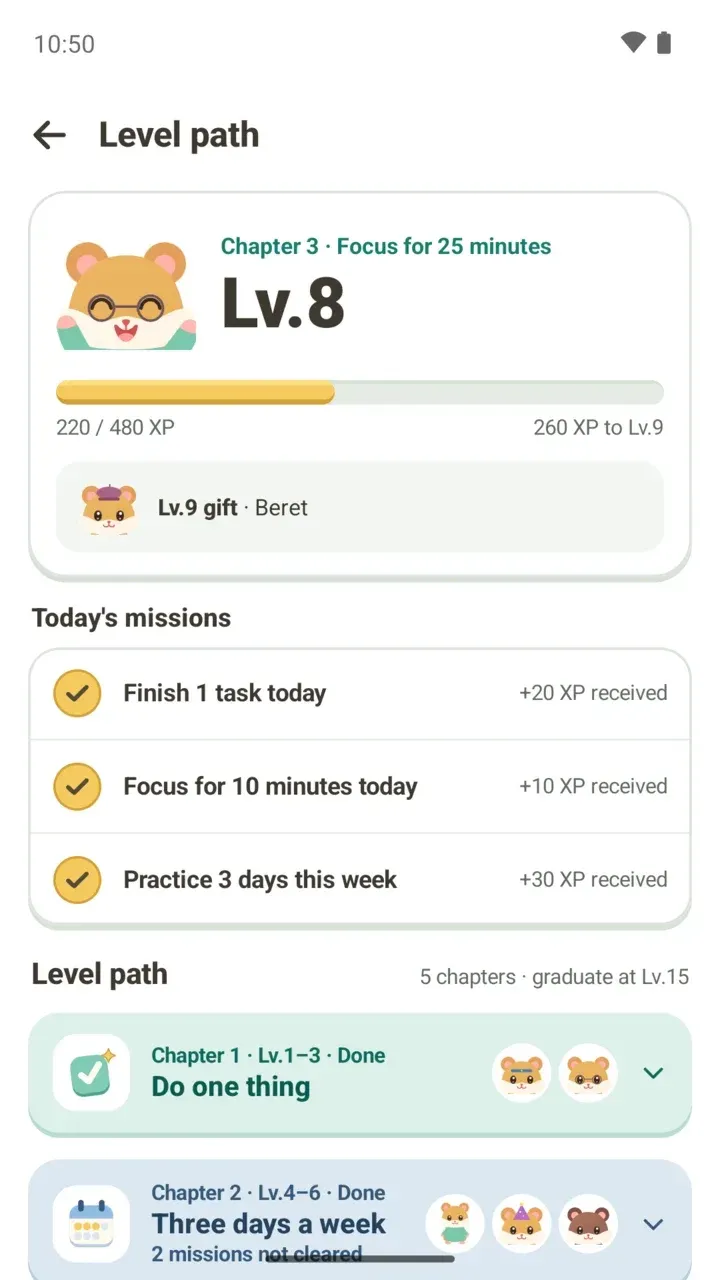
Level numbers instead of names
Levels now use numbers in place of names like First focus. Your past records count for up to 1,500 XP. How to level up and what gifts you get are covered in the level path guide.
Ranking starts fresh in the study hall
The old ranking moved to the Damda study hall, under Ranking in the Records tab, and starts fresh there. Because of that, you and people still on older versions can't see each other.
In the study hall, you only join anonymously once you pick a seat, and others only see a name and a hamster that change every day. What's shared and how offline mode works are explained in the Damda study hall guide.
New backups need a password
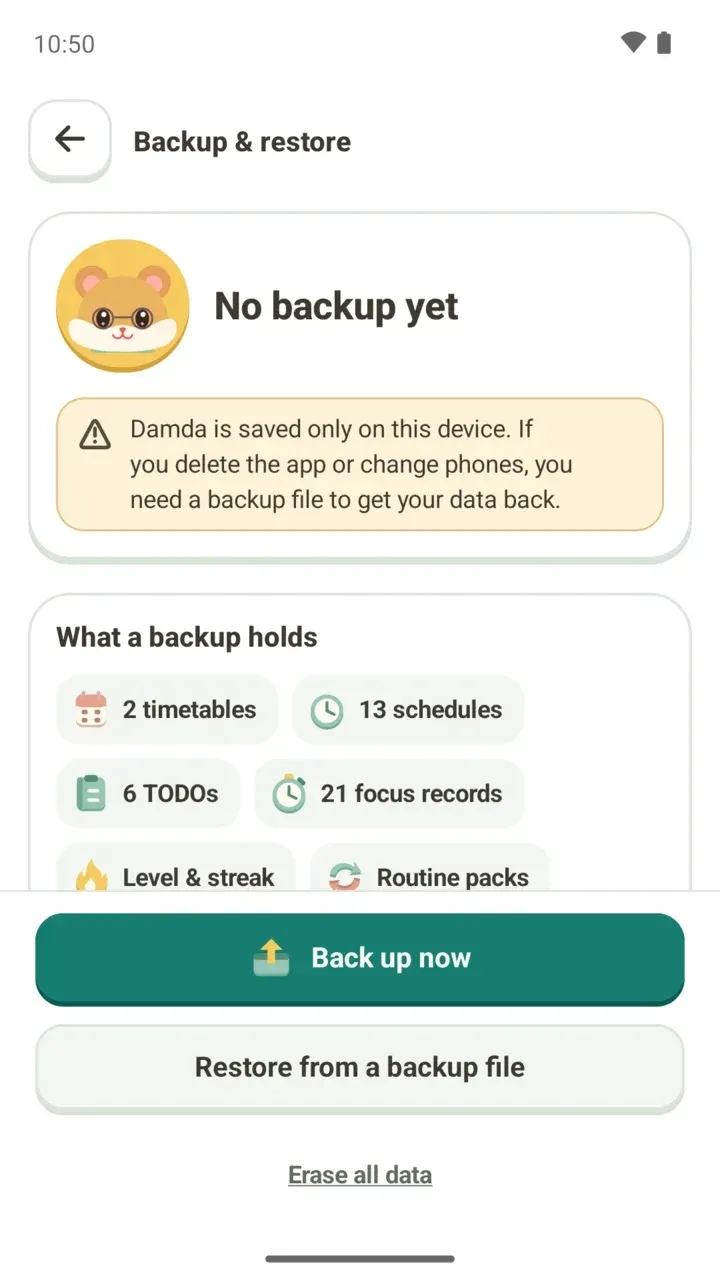
When you make a new backup file, you now set a password. Your schedules, memos and photos are all locked with it.
The password isn't stored anywhere, so if you forget it, Damda can't open the file for you either. You'll need it on your new phone too, so write it down somewhere safe. Backup files made before the update can still be restored without a password.
No more camera permission
From 3.1.0, Damda no longer asks for camera permission. You can still add photos to your schedules. Taking a photo opens your phone's camera app, and choosing one uses the system photo picker.
Don't see the update yet?
Version 3.1.0 reaches Google Play gradually. If you don't see it yet, check the Play Store again a little later.