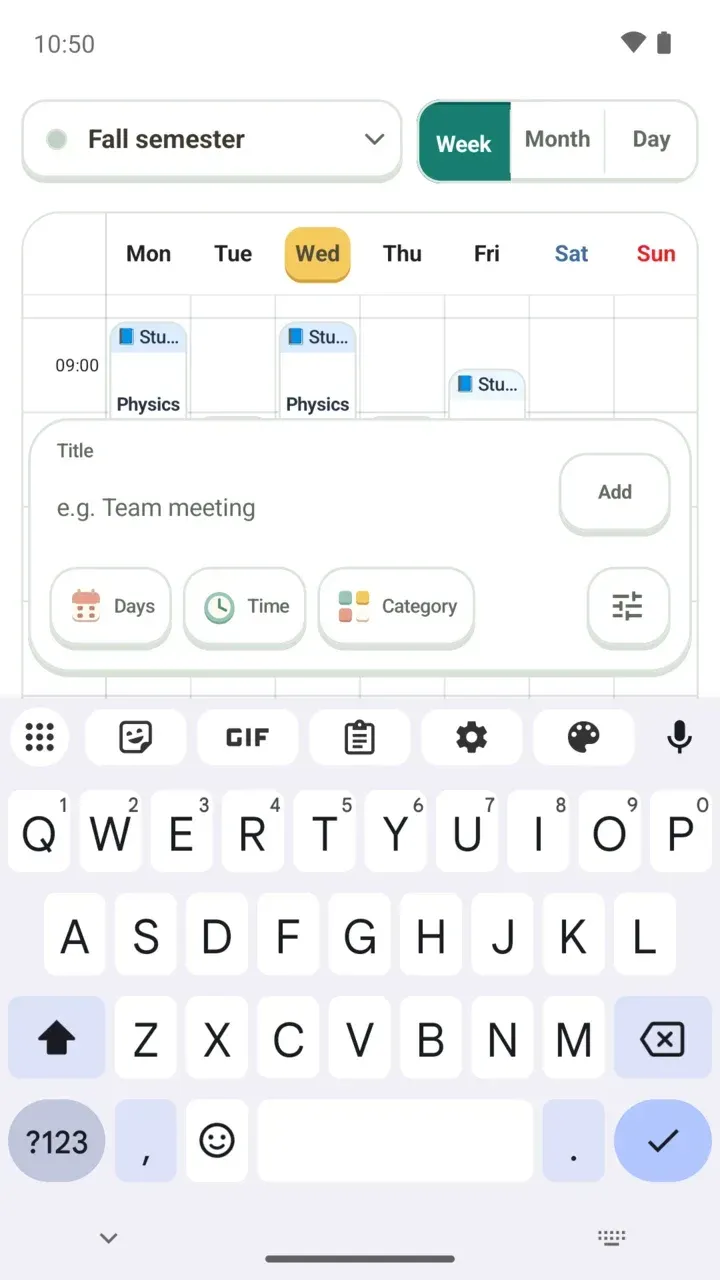
Damda's Hamster Character: Why the Dog Became a Hamster
Why Damda's main character went from a dog to a hamster in 3.1.0, and what it does in Today, the timer, reflections, widgets and the study hall.
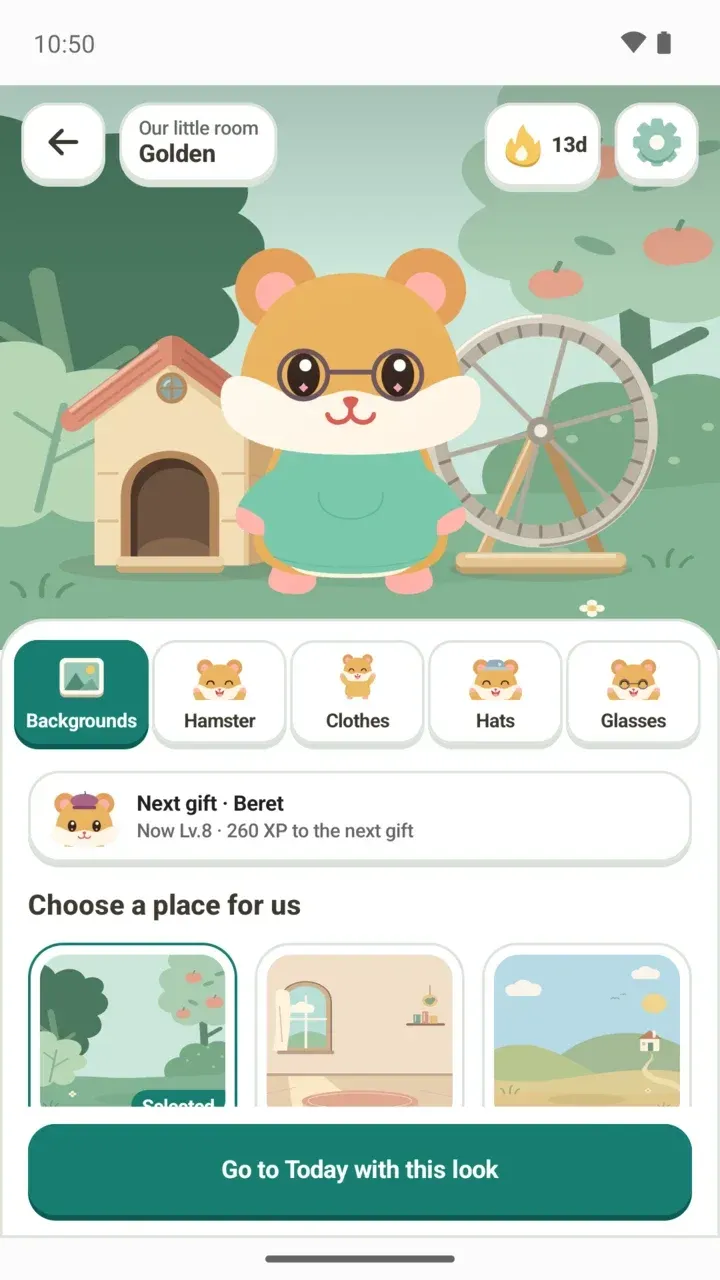
Open Damda and there's a hamster in a little garden. Since the 3.1.0 update, it's the main character of this timetable app and study planner.
If you've used Damda for a while, you may remember the dog. This post explains why the dog became a hamster and what the hamster does around the app.
Where did the dog go?
In 3.1.0, the main character changed from a dog to a hamster. The developer explained why in the update note:
"I've always believed cute things can change the world. Dogs are cute too, but they were hard to turn into a character, so I made this adorable hamster the main character."
The same update rebuilt the look of the app. In the developer's words, "It may look a little childish, but I wanted to make an app that feels like a game." The direction hasn't changed, though. Damda will keep aiming to be a well-made timetable app, and the hamster keeps you company beside it.
The dog's outfits came along too. The bow tie, scarf and bandana became hoodies. Your timetable, to-dos and focus records are all still here. For everything else that changed, see the 3.1.0 update post.
It talks to you in the Today tab garden
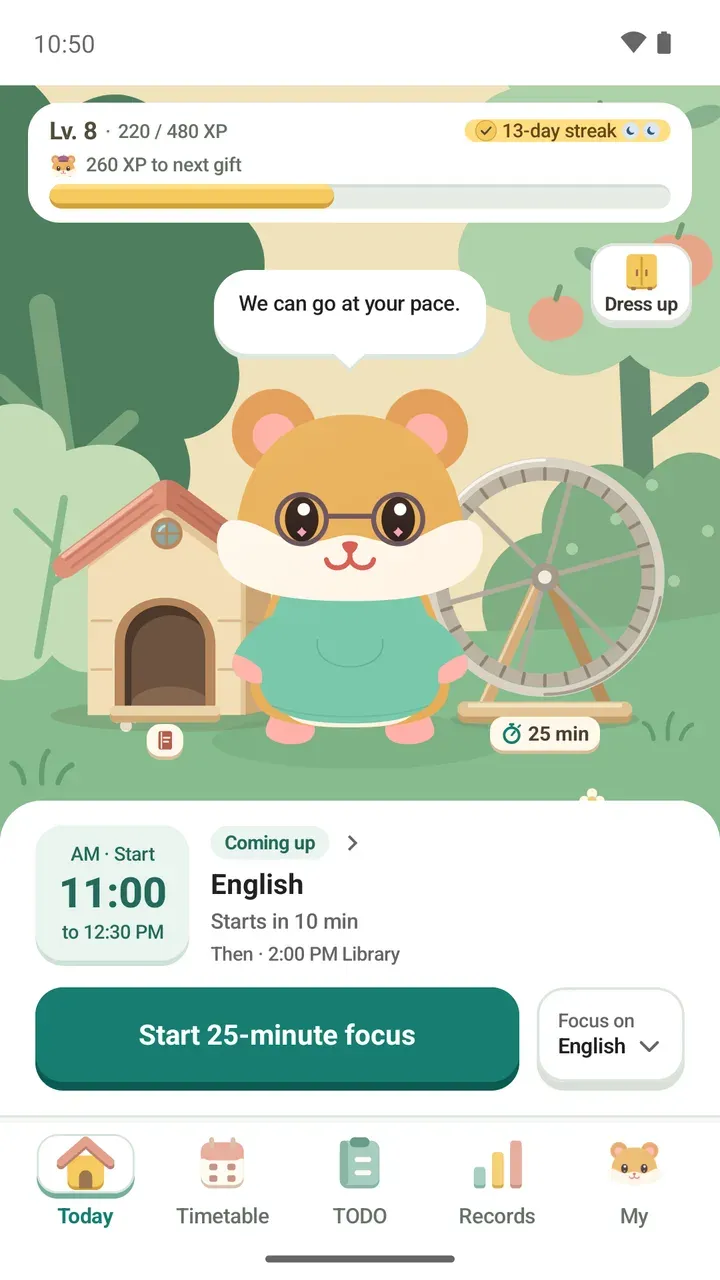
The hamster lives in the small garden on the Today tab. The garden changes with the time of day, and the hamster says a few words in a speech bubble. At the start of the day it might say "You're here! Let's do one thing together today." When it's fine to slow down, it might say "It's okay to take a breather."
Tap the hamster to play with it. It reacts by waving, washing its face or reading a book. It also notices how many tasks you finished today or how long you focused. Even then it only mentions the numbers, never your task titles.
The wheel and the little house aren't just decoration. Tap the wheel to pick a focus length and run with the hamster. The house is where you write Today's line, a one-line note about your day.
It runs on the wheel while you focus
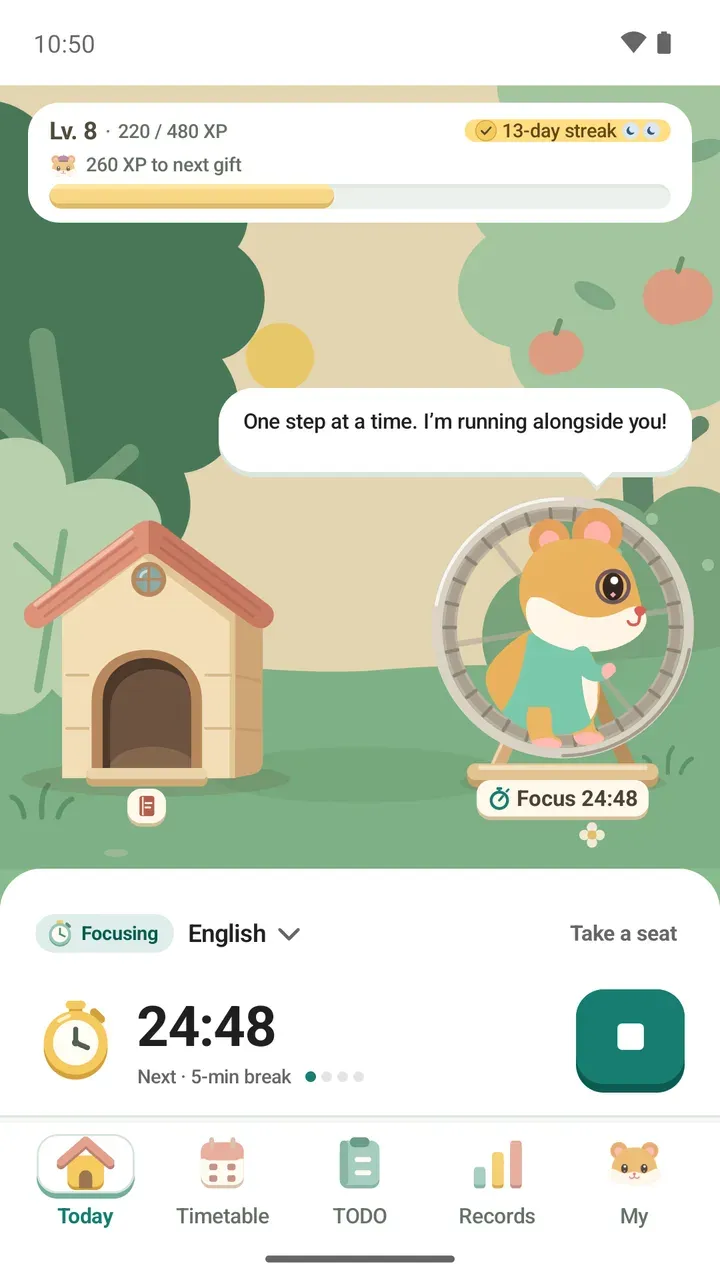
When you start focusing, the hamster climbs onto its wheel and runs. It stays with you while the timer counts down, and if you tap the wheel during a session, it tells you how much time is left. On breaks, the hamster rests too.
When you finish, it says "Another lap done today." For timer settings and how to use them, see the Pomodoro study timer post.
It's in your reflection mood stickers
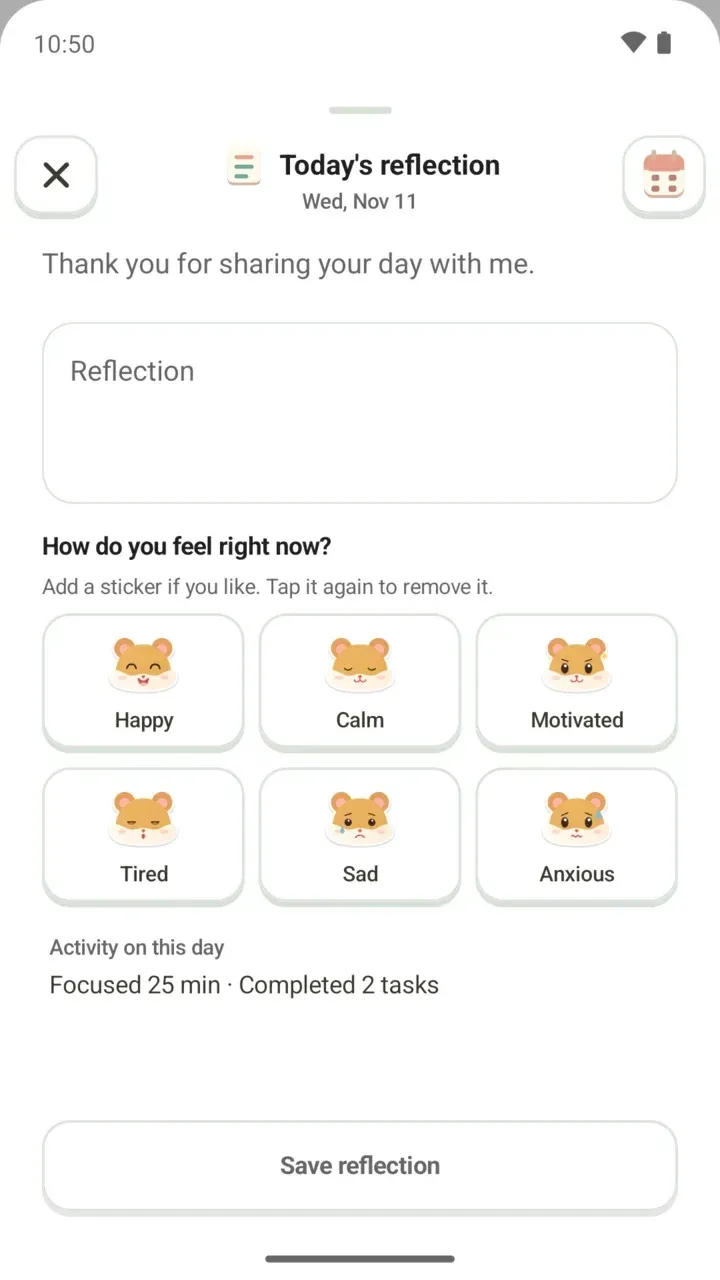
In Today's reflection, where you look back on your day, you can pick a hamster sticker for how you feel right now. There are six faces: Happy, Calm, Motivated, Tired, Sad and Anxious. Tap one again to remove it.
When you save a reflection, the hamster thanks you for sharing your day. How to write one is covered in the daily reflection post.
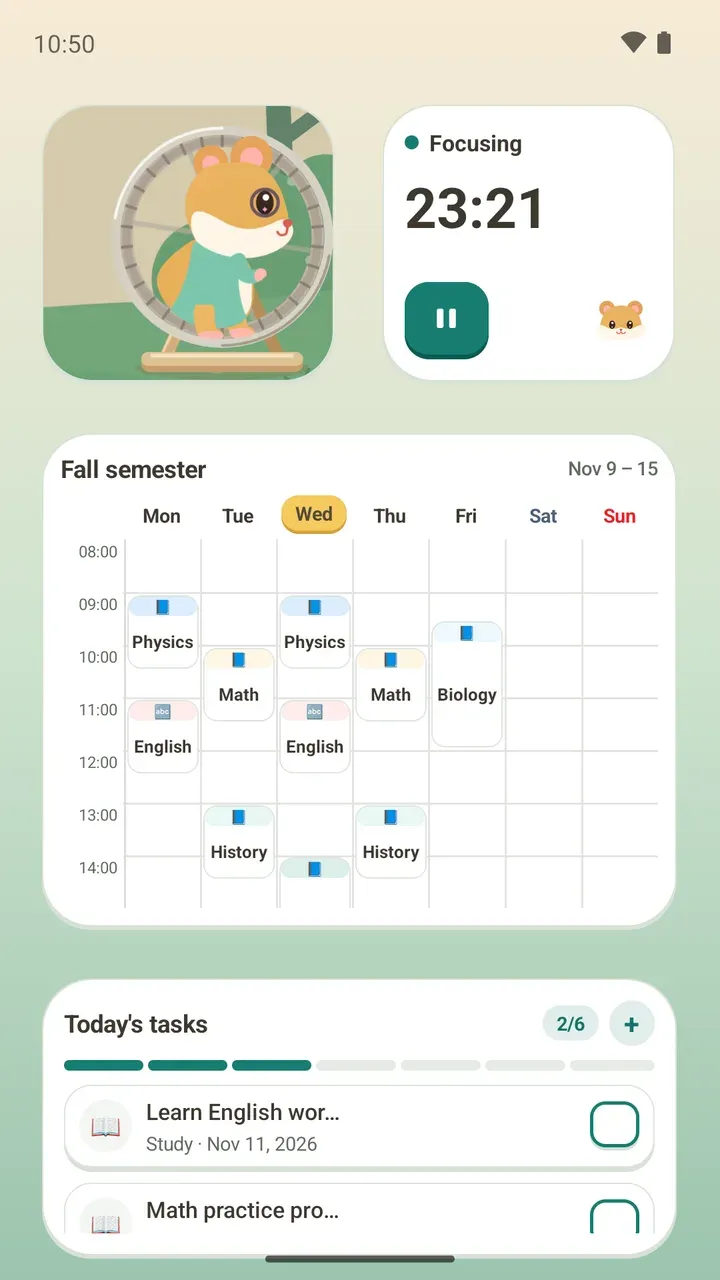
On your home screen with the Today's hamster widget
You can see the hamster without opening the app. The Today's hamster widget shows what you're doing as a moving scene. While you're focusing, for example, the hamster is running on its wheel.
The widget has no text, and TalkBack reads out its current state. How to add it, along with the other widgets, is in the timetable widget post.
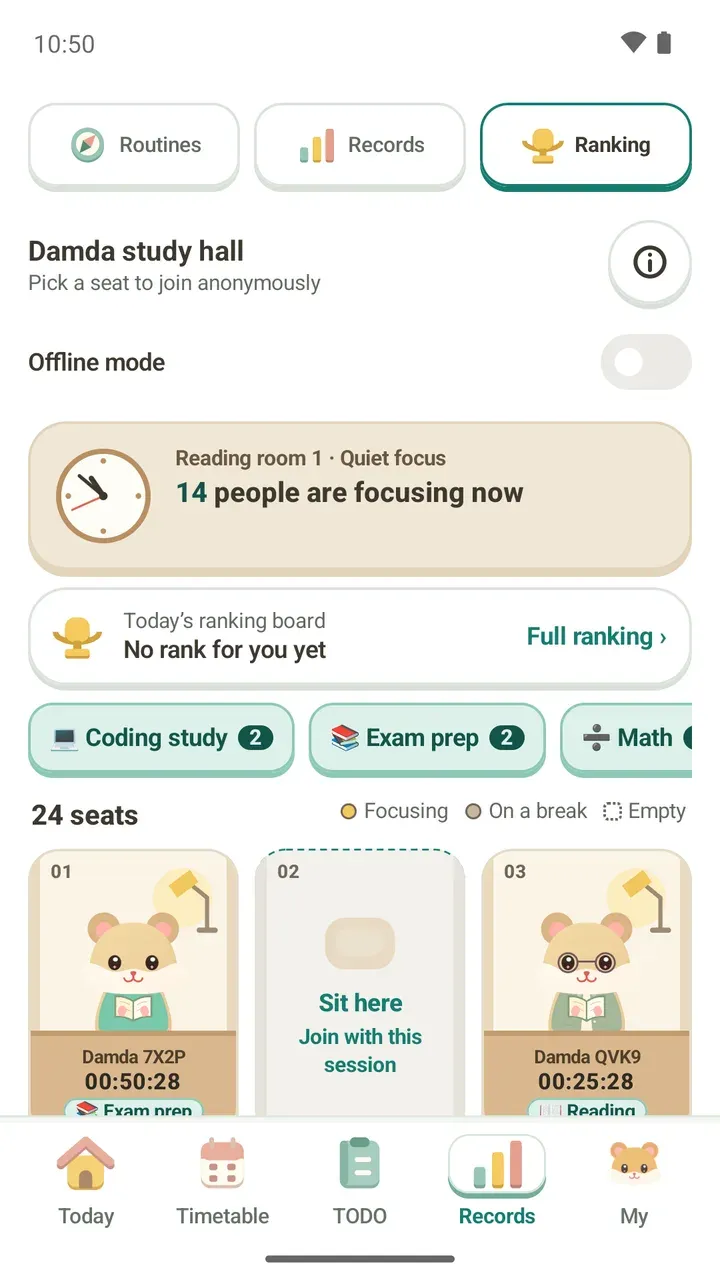
In the study hall, you sit as an anonymous hamster
The Damda study hall is a live room of hamsters at numbered desks. When you pick a seat, you become a hamster at a desk too.
Others only see a name and a hamster that change every day. Your name, timetable and to-do titles are never uploaded, and neither is the outfit you put on your hamster. What is shared and how offline mode works are covered in the study hall post.
You pick its outfits and its place
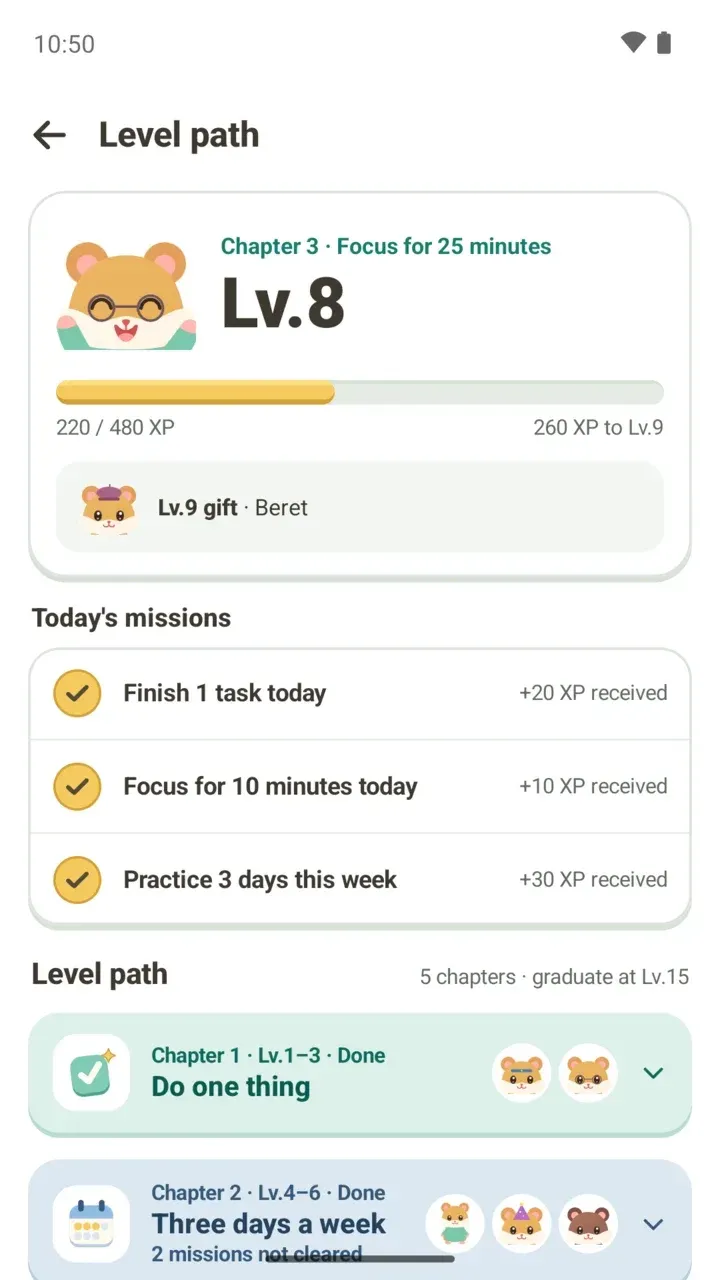
Tap Dress up on the Today tab to choose your hamster's background, clothes, hats and glasses. Outfits arrive as level gifts as you keep at it. When a gift arrives, the hamster tells you what it is and asks if you'd like to try it on.
Learn more about dressing up your hamster, or see how gifts work in the level path post.