A Solo Developer's Timetable App, Restarted After 6 Years
The solo developer behind the timetable app Damda tells how it was first built, left untouched for six years and brought back to life.
Hi. I'm the developer who makes and runs Damda, a timetable app, on my own.
For six years, I couldn't update Damda. But it was never just an old side project to me.
In my twenties, I didn't even know what I should build. I just started coding anyway. Damda was my first real app, and I grew it for about a year by running into one problem after another.
I didn't know what to do, so I just started building
Back then I wanted a job as an app developer. But I wasn't sure what to study or what kind of app to make. So instead of a big plan, I simply started.
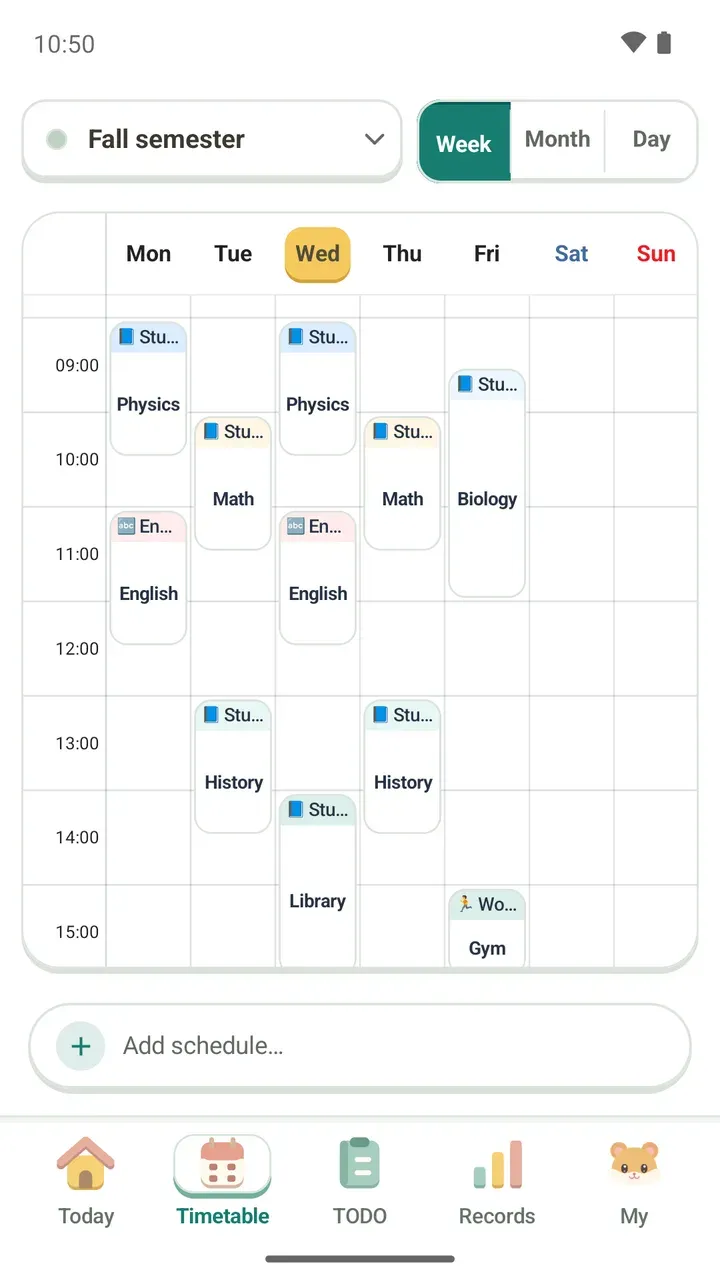
The first things I put into Damda were things I felt I needed myself:
- A timetable I could check every day
- A lock screen that kept me from missing plans
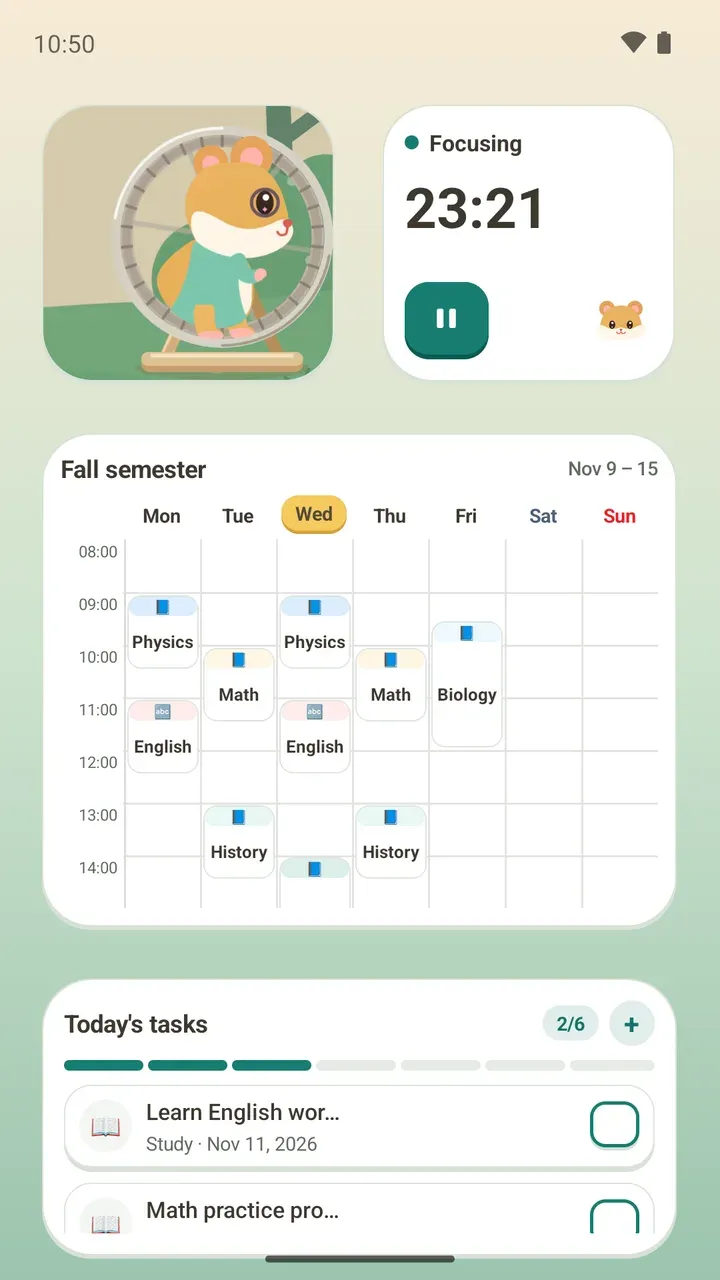
- Widgets I could glance at without opening the app
I added what was needed one piece at a time, then fixed things based on feedback from the people using it. Over and over.
I recently reread something I wrote in 2018. Back then I described Damda as "an app where you add plans down to the minute and check your weekly timetable on the lock screen and in widgets."
I never built it chasing big numbers. I just wanted to finish an app people could actually use. But as that work added up, more people used Damda than I ever expected. By the time I got a job, it had passed 500,000 downloads.
A small project I started while looking for work became a tool that helps people organize their week. That still means a lot to me.
Six years on pause
After I started working, my job and everyday life took over, and I couldn't keep Damda going. The app stayed in the store, but Android kept changing while Damda, in a sense, stood still.
Whenever I thought of it, it left me a little wistful. I wanted to update it someday. And this time, I wanted to keep running it, not stop at the release. That thought became the Damda 3.0 project.
Bringing Damda back with 3.0
3.0 wasn't only a fresh coat of paint on old screens. It was about keeping what Damda had meant, while rebuilding it into an app you could use for a long time on today's Android. Here's what I cared about most:
- Rebuilding what 2.0 did for today's Android, rather than making a completely different app
- Going back over the parts you rarely see, like the old data structure, notifications and backup and restore, so longtime users could come back without trouble
- Giving the whole app one consistent feel, something the old Damda lacked
- Being a tool that stays close to your day, like a widget, even when the app isn't open
- Running reliably across Android versions, tablets, foldables and large font sizes, on a foundation that lets updates keep coming
For 3.0, I used warm colors and placed a dog character all around the app. Today, Damda's character is a hamster. More on that below.
And now, with a hamster
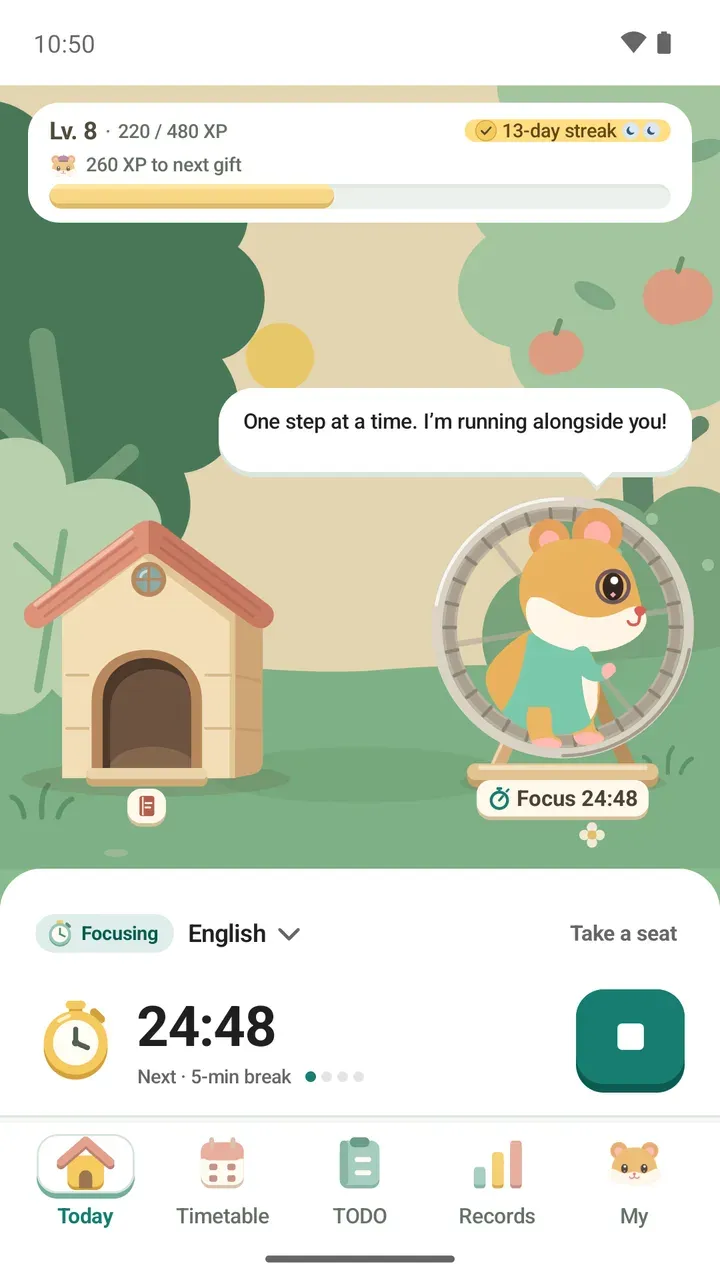
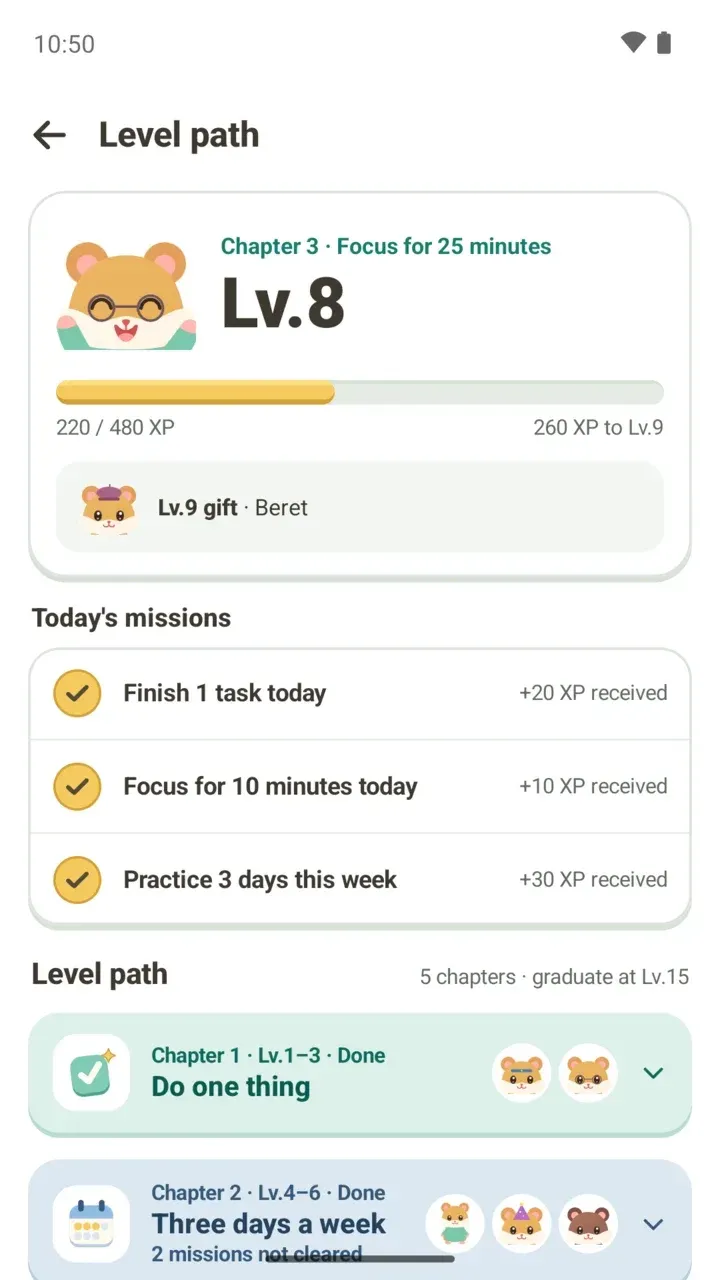
In 3.1.0, I changed Damda's main character from a dog to a hamster. I've always believed cute things can change the world. Dogs are cute too, but they were hard to turn into a character, so I made this adorable hamster the main character.
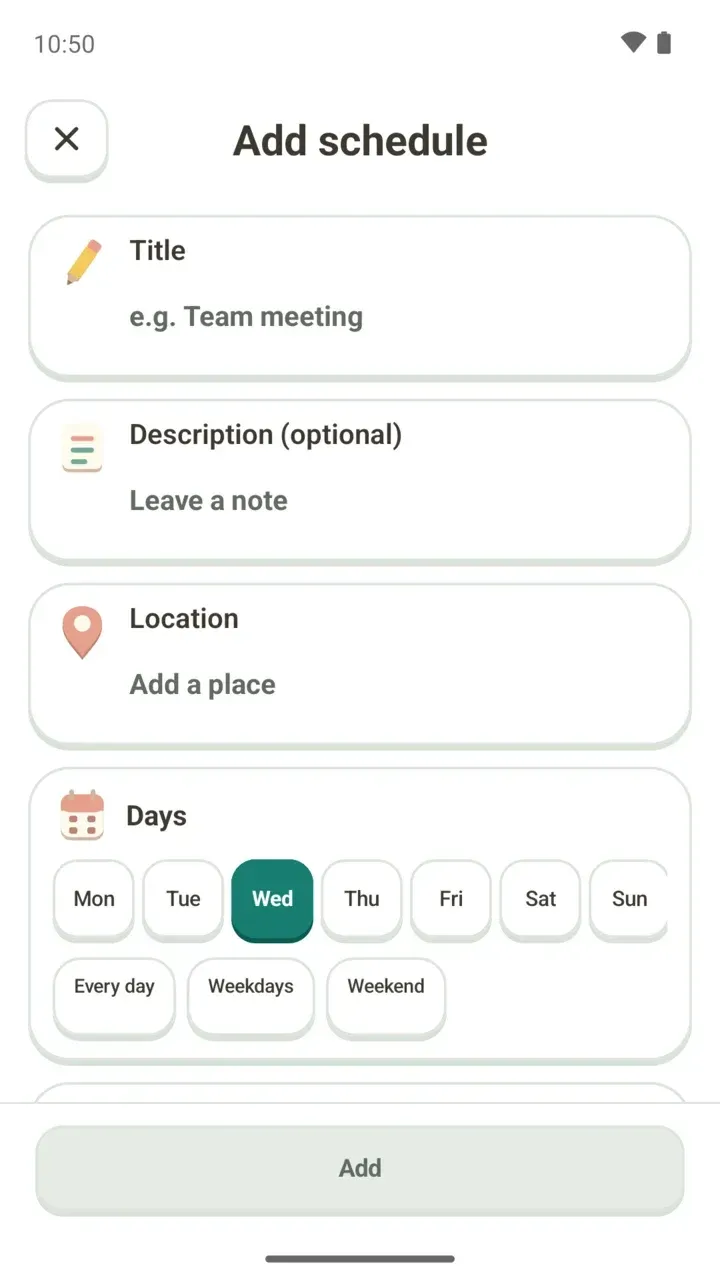
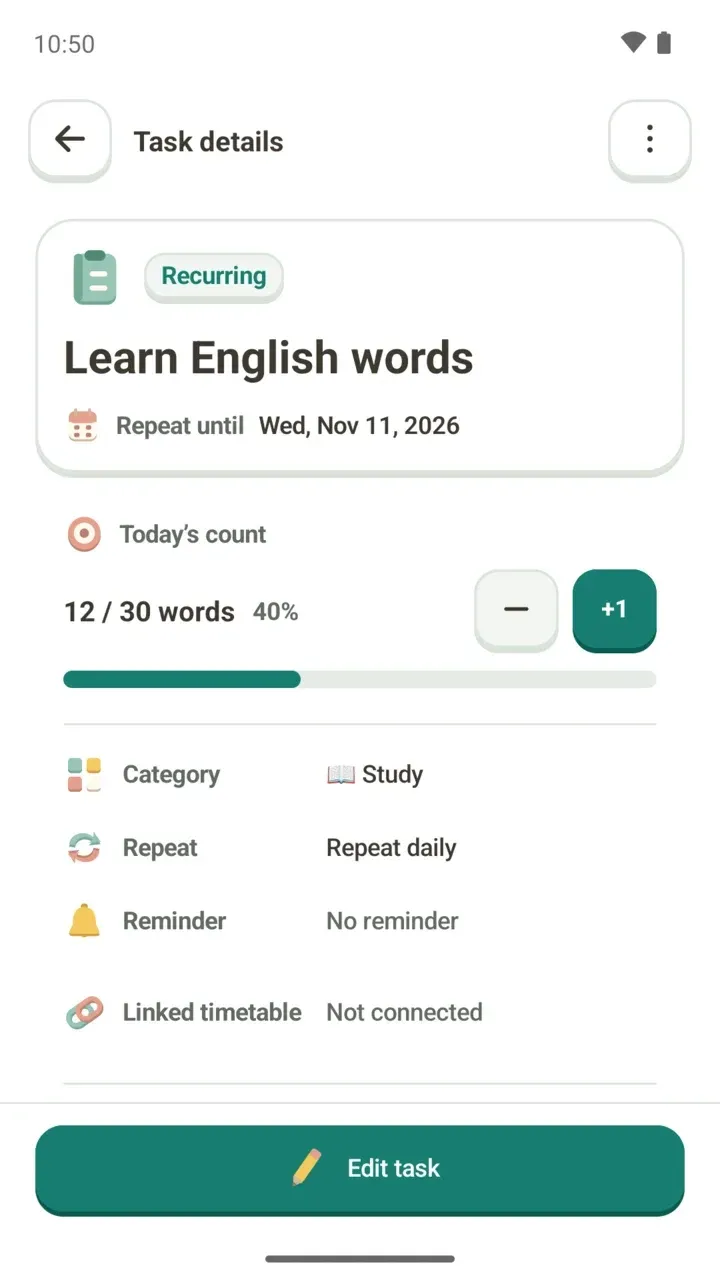
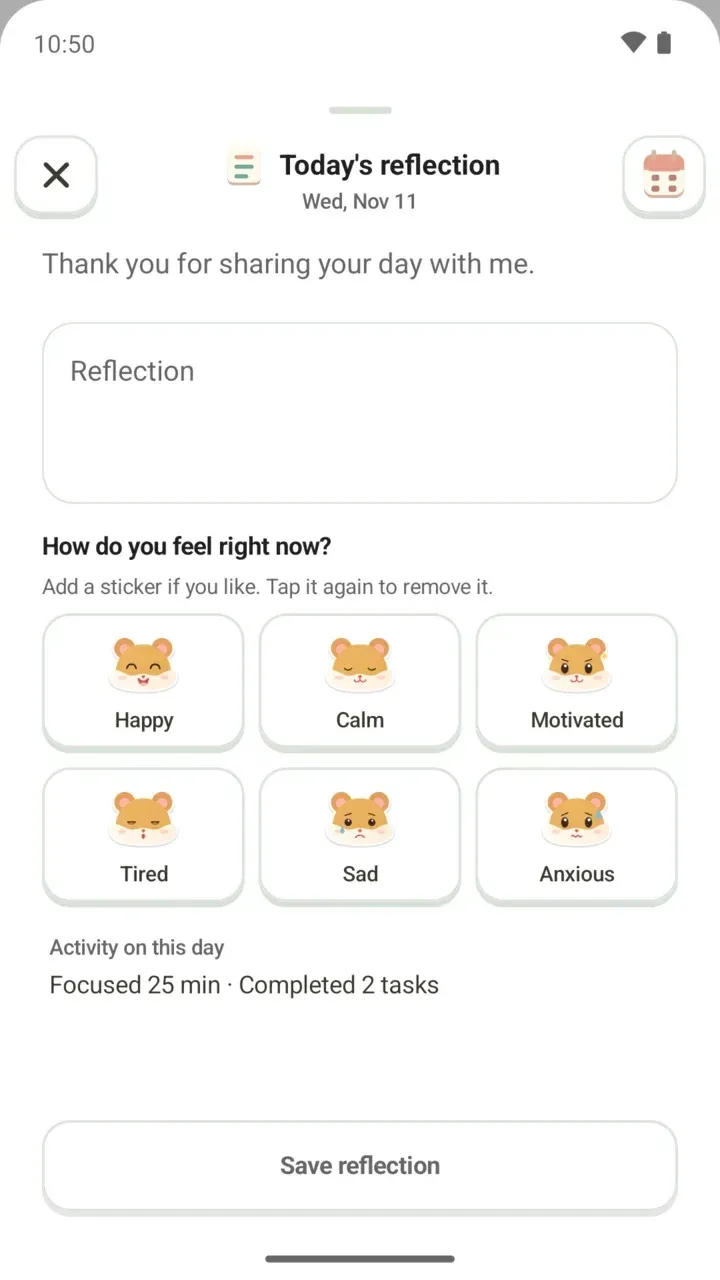
I also rebuilt the UI style. The old one never felt very tidy. It may look a little childish, but I wanted to make an app that feels like a game, so I changed the design to suit that.
Some familiar things moved, too. I wanted today's to-dos to be ready to start from one place.
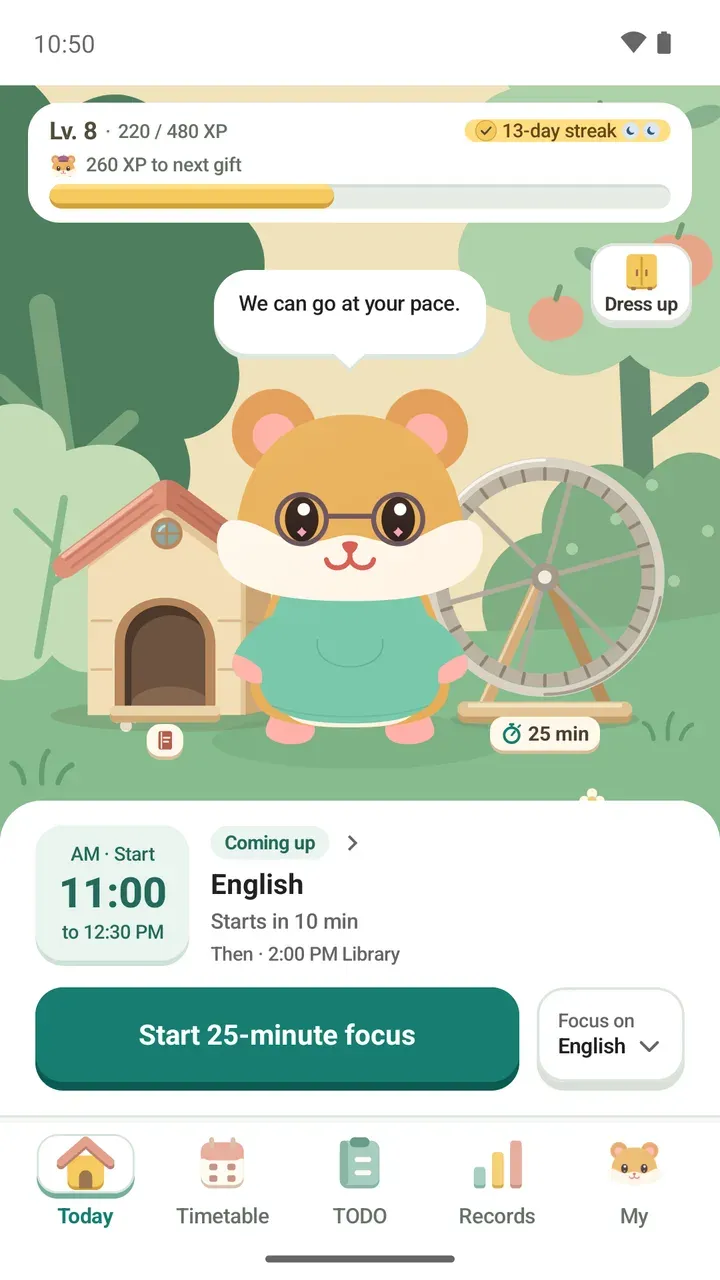
If you've used Damda before, your timetable, to-dos and focus records are all still there after the update. I've listed what moved where in the 3.1.0 update post.
Still aiming to be a well-made timetable app
The character and screens have changed, but Damda will keep aiming to be a well-made timetable app. Just like when I first built it, I hope it can stay close to anyone who wants to see their week at a glance.
Since it sat still for six years, I'm going to keep it running from here on, slowly but steadily. Whether you used Damda years ago or just found it, I hope it helps you keep track of your days a little more easily. Thank you for following along.