How to Make an Exam Study Plan: Timetable to Records
Plan exam weeks in Damda, step by step: study blocks on your timetable, to-dos with due dates and counts, a Pomodoro timer and your records.
When finals are two weeks away, the first thing most of us do is make a study plan. But once classes and assignments pull your days in different directions, the plan you wrote down can drift away fast.
This post walks through planning one exam week in Damda, from your class schedule to your study records. Here's the order:
- Put your classes and library study sessions on your timetable.
- Create to-dos with the exam day as the due date.
- For study you measure in amounts, like vocabulary, set a count goal.
- Link the focus timer to a class or to-do so your focus time adds up there.
- At the end of the week, look back in the Records tab and adjust next week.
1. Put classes and study time on your timetable first
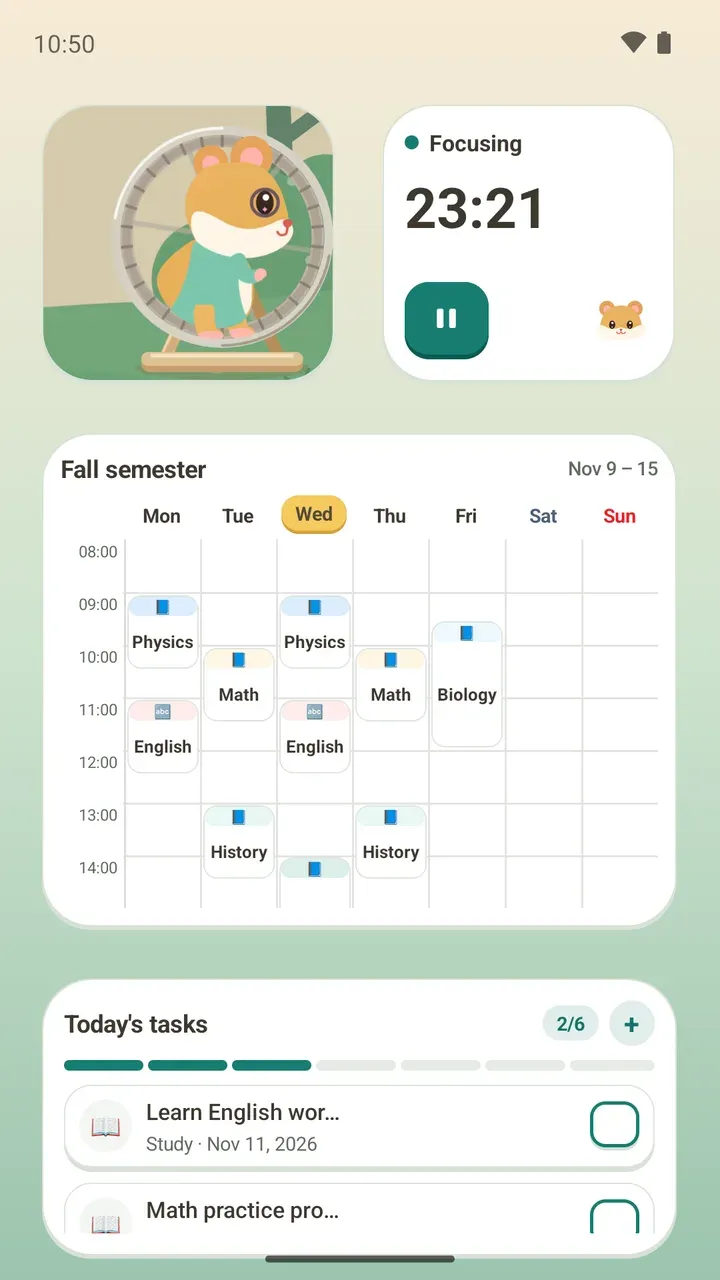
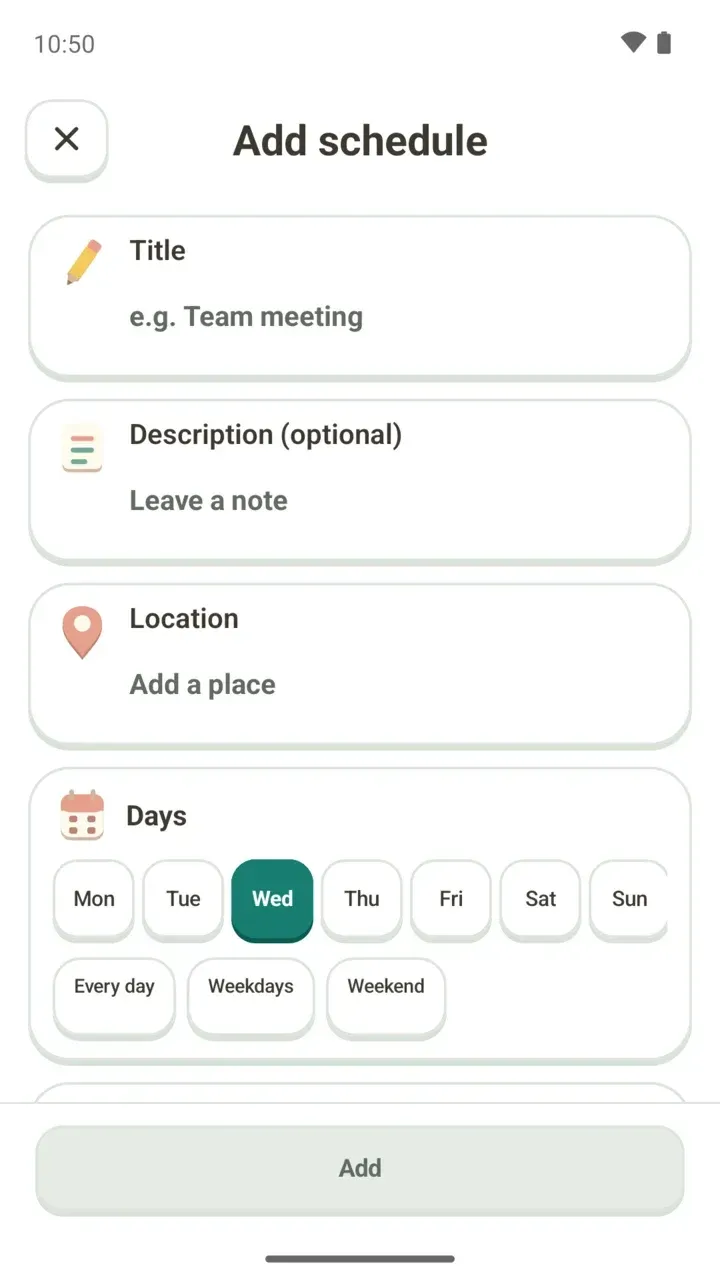
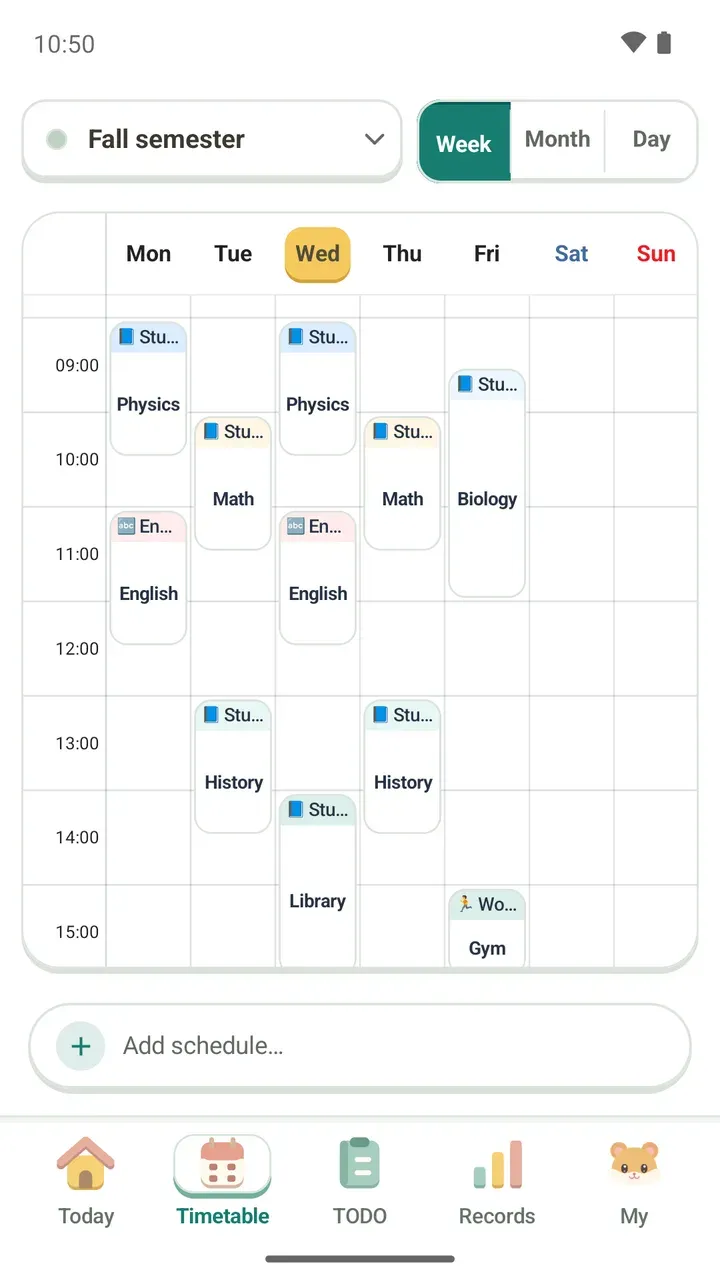
A good plan starts with the time that's already taken. Add your weekly classes with Repeat weekly, and library sessions you only need during exams with One time.
Damda catches overlaps before you save, so you're less likely to book a study session on top of a class. You can also keep a location and a memo with each plan.
2. Make the exam day your due date
Create a to-do for each subject, like 'Review history notes', and set the exam day as its due date. The task then counts down the days left with D-day, so you can see at a glance how close the exam is.
You can repeat a task every day or on chosen days, and set when the repeat ends. Group your study tasks with a category, and link one to a plan on your timetable if that helps.
3. Set a count, like 30 words a day
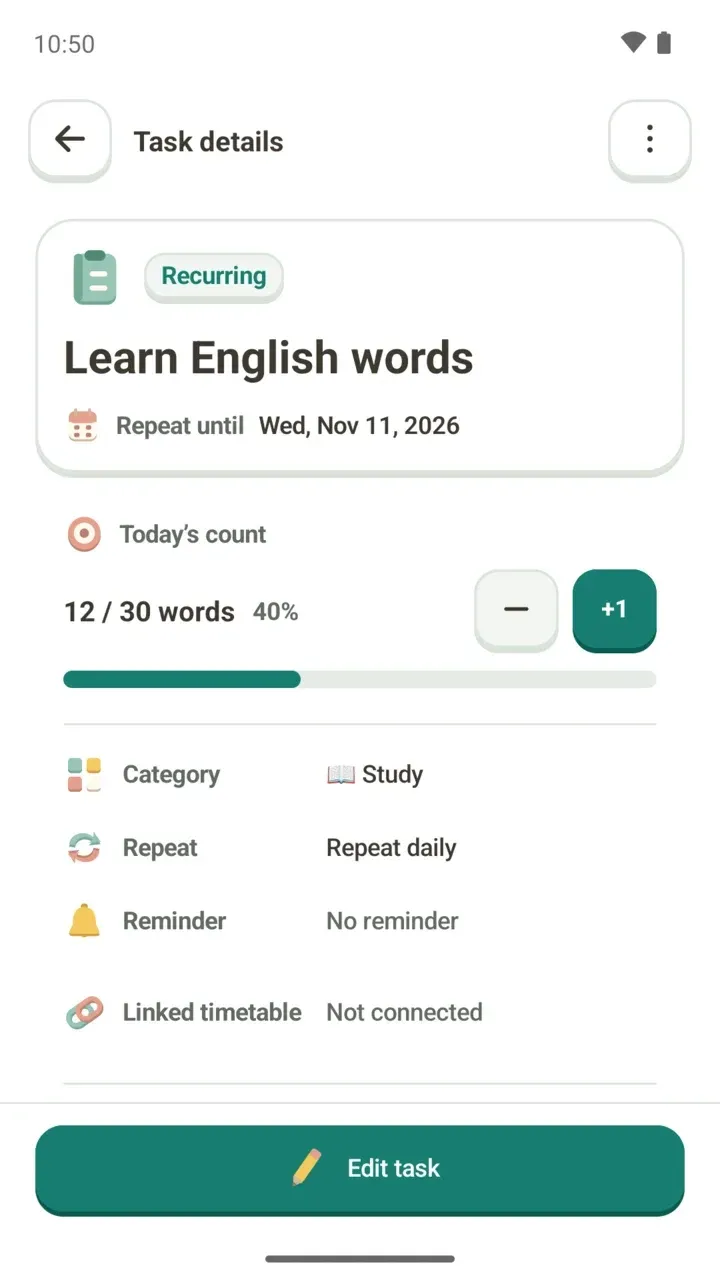
Some studying doesn't fit a single checkbox, like learning vocabulary or working through practice problems. For these, make a task with a count to fill.
Fill it with the + and − buttons in the TODO tab, or tap +1 right from the reminder. A bar shows how far you've gotten today, so it's easy to see how much is left.
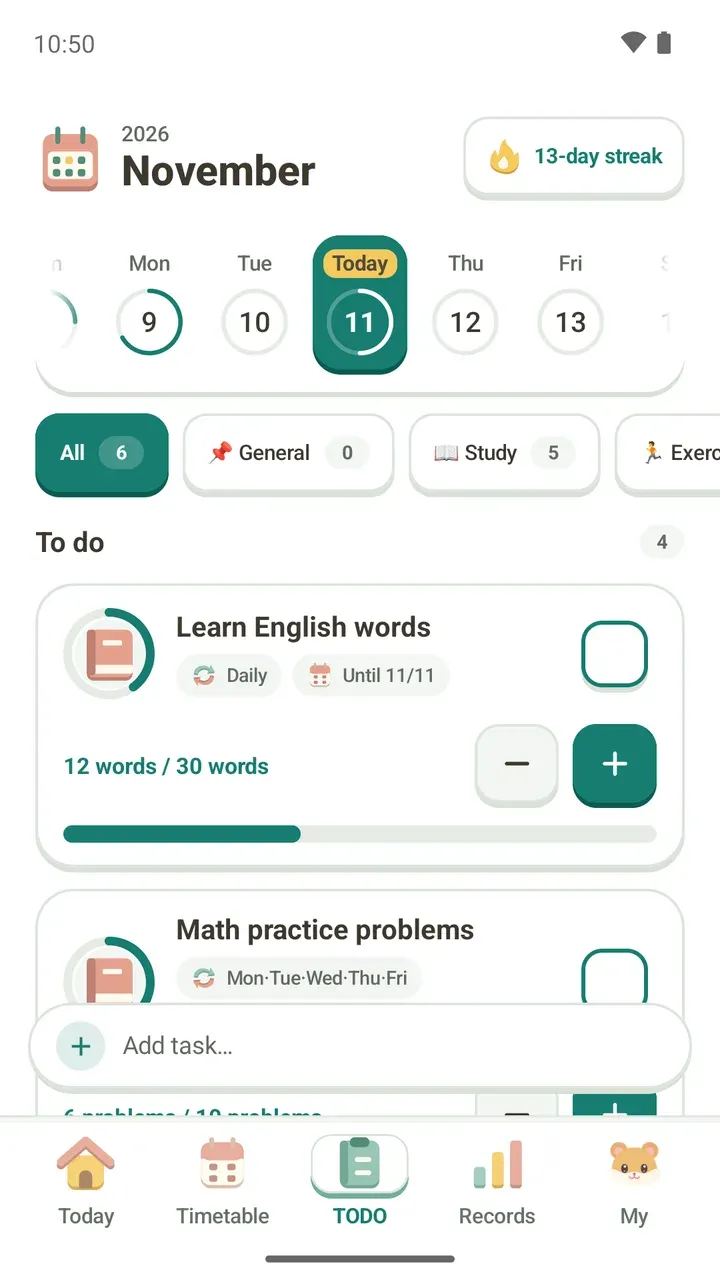
All the options you can pick when making a task are covered in the post on creating to-dos.
4. Link the focus timer to a class or to-do
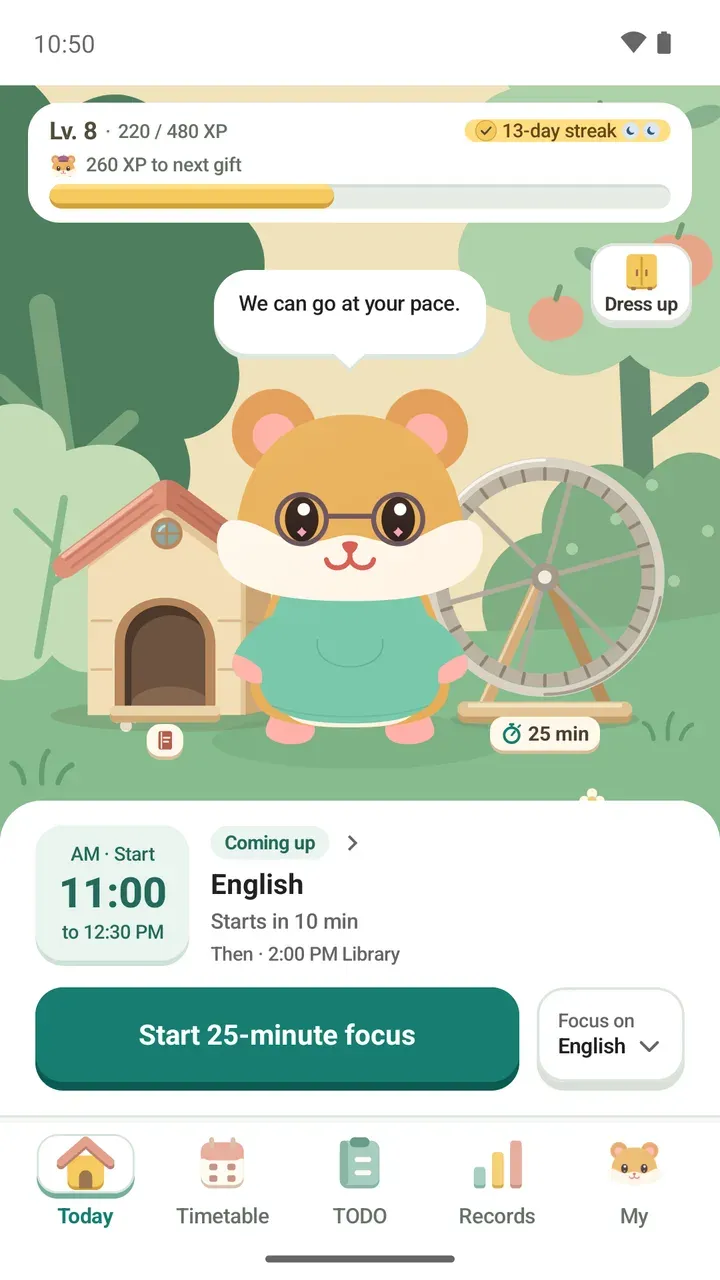
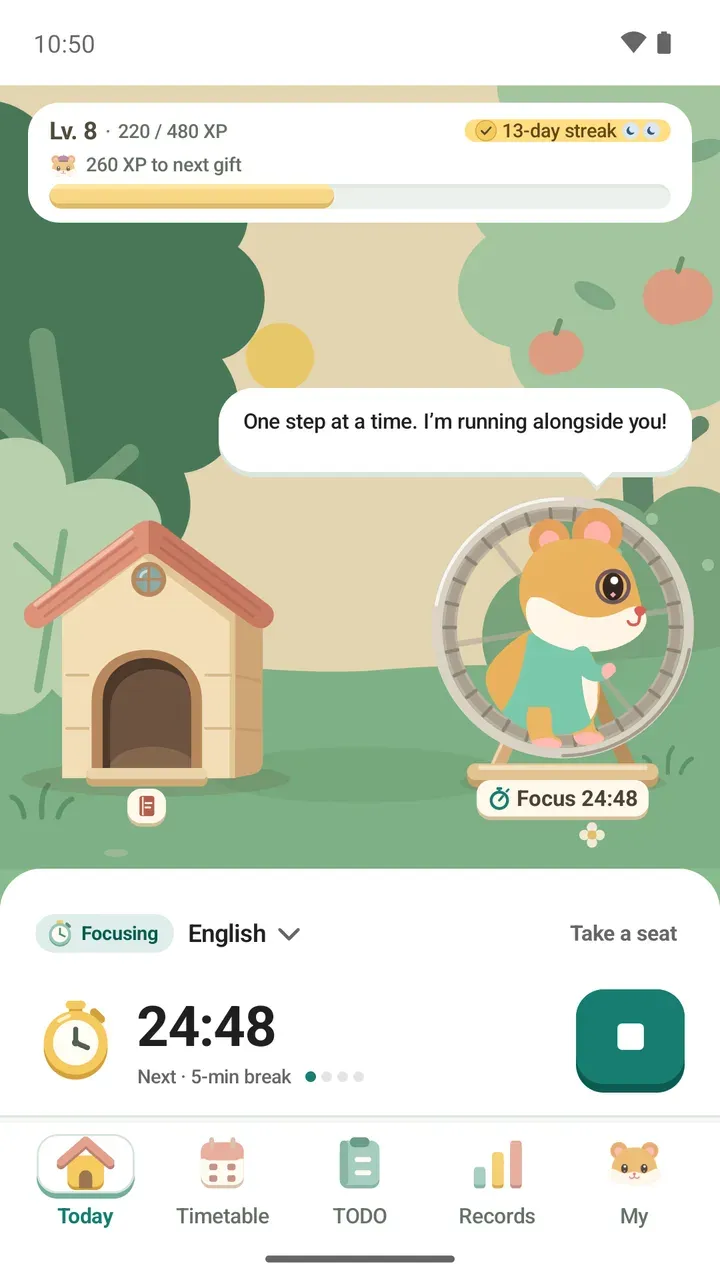
When you start focusing from the Today tab, pick a class or to-do under Focus on. The time you spend focusing is then counted toward that class or to-do.
Choose a preset from Pomodoro 25-minute focus with a 5-minute break up to 60 minutes with a 10-minute break, set your own length from 1 to 120 minutes, or go with no time limit. You can follow your progress on the lock screen too.
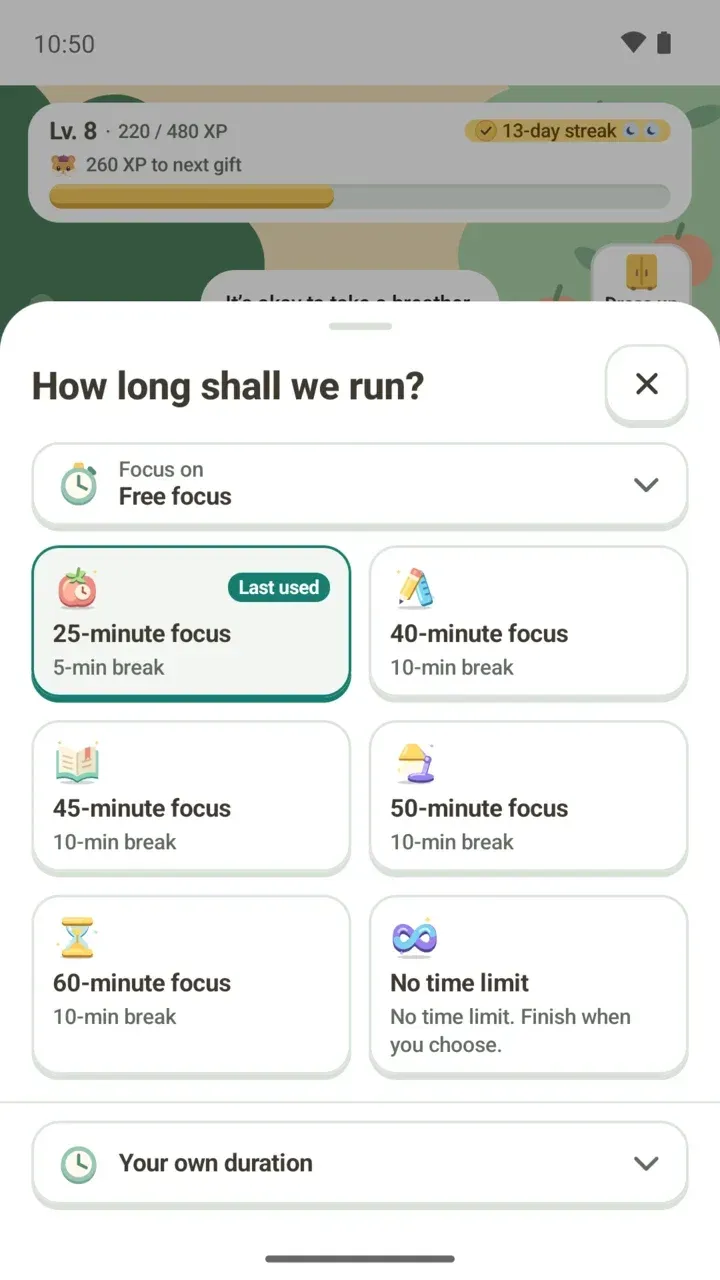
There's more on the timer in the focus timer guide.
5. Look back in the Records tab at the end of the week
The Records tab shows your streaks, ongoing to-dos, your longest runs, and weekly and monthly focus charts. Under Ongoing to-dos, each task shows which day it's on and how many days you finished it.
Use the weekly focus chart to see how much focus time you put in. If it was less than you expected, add one more study block to next week's timetable. If a task has only a few done days, try changing the days it repeats. Records work best as a check on your own plan, not a comparison with anyone else.
Don't worry too much if you miss a day. Three active days in a week earn you a rest day, and it covers an empty day by itself.
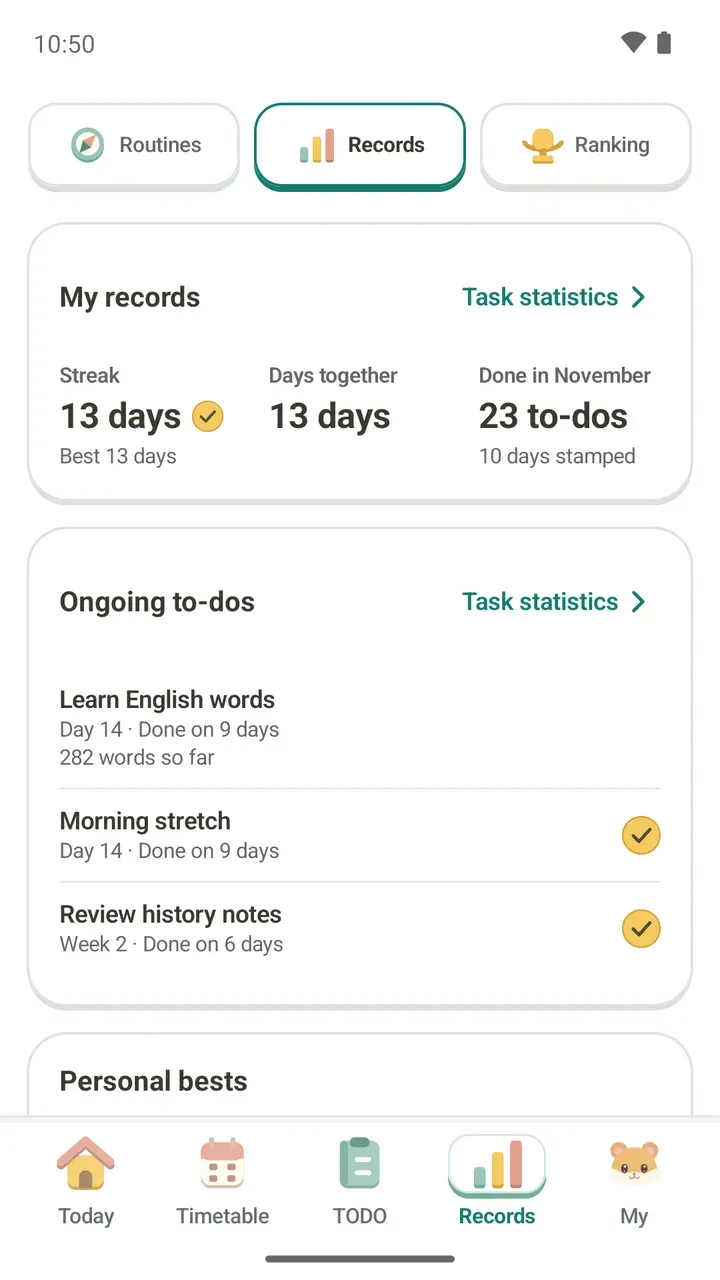
How to read your records is covered in more detail in the study records post.
Worth trying alongside
- Routine packs: under Routines in the Records tab, pick a study routine pack and add it straight to your current timetable. See which packs there are in the study routines post.
- Damda study hall: pick a seat and focus anonymously with others. Your name, timetable and to-do titles are never uploaded.
See your fixed time on the timetable, break your goals into to-dos, build them up with the timer, then look back in your records. This exam season, try planning just one week this way.