Study and Focus Routines: From Daily Reading to Pomodoro
Study and focus routine packs, 30-minute daily reading and an entrepreneur's routine. Add the steps you want, then focus with a timer.
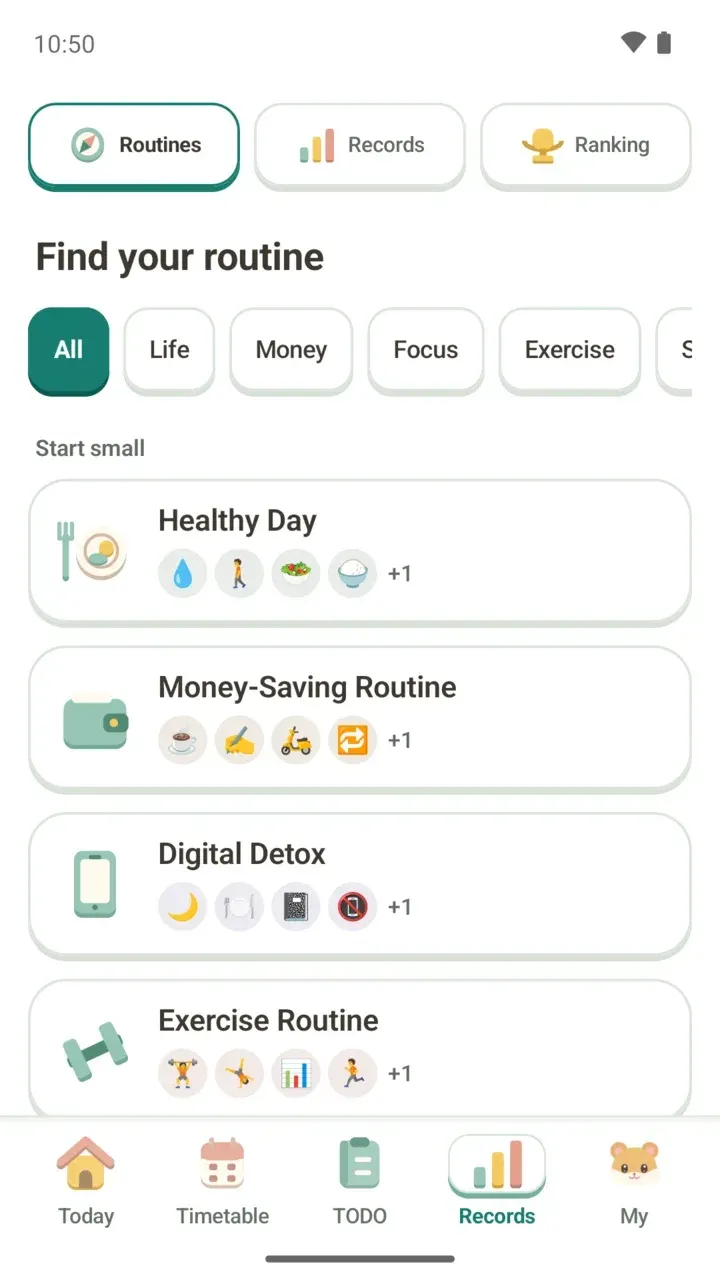
You want a study routine, but it's hard to know what to put on your timetable first. In Damda, Records > Routines has ready-made routine packs. Pick only the steps you like and add them straight to your current timetable.
This post walks through the Study and Focus packs that students and job seekers often look for, 30-Minute Daily Reading for a reading habit, and A Successful Entrepreneur’s Routine from the Jobs category. For the full routine pack screen, see how to pick and add routine packs.
Study: Study Routine
"Languages, lectures and books, a little each week." Books are added as monthly goals, while languages, certifications and lectures go on your timetable as weekly repeats. You can add any of these five steps:
- Study a language every week (timetable)
- Study for a certification once a week (timetable)
- Watch a lecture every week (timetable)
- Read one major-related book a month (to-do)
- Read one humanities book a month (to-do)
The Study category also has a Daily Review pack.
Focus: from Pomodoro to instrument practice
Pomodoro Focus is one Pomodoro a day: 25 minutes of focus, then a 5-minute break. It puts "Do a Pomodoro" on your timetable every day and adds "Focus for 25 minutes, then rest for 5" as a to-do.
Digital Detox says "Phone down, at least at meals and before bed." The idea is to spend a few moments of your day without your phone, so pick only the steps that fit your life. Damda doesn't block other apps. It helps you keep the times you chose with your timetable and to-dos.
- Spend one hour without my phone (timetable)
- Eat lunch without my phone (timetable)
- Stay off social media on public transit (to-do)
- Stay off my phone before sleep (to-do)
- Write in my diary (to-do)
Side Project sets aside work time twice a week and aims to finish one piece of work each week. It puts "Work on my side project" on your timetable twice a week and adds "Finish one task this week" as a to-do.
Instrument Practice puts "Practice an instrument" on your timetable once a week and adds "Finish the piece I am practicing" as a monthly to-do. The Focus category also has A Writer's Morning.
A reading habit: 30-Minute Daily Reading
This pack lives in the Life category, but it suits anyone who studies. "Make 30 minutes a day to keep reading the book you started." It puts "Read a book" for 30 minutes on your timetable every day and adds "Read for 30 minutes" as a to-do.
As the app suggests, reading at about the same time each day, like on your commute or before bed, makes it easier to keep going. You can change the time when you add it.
Jobs: A Successful Entrepreneur’s Routine
A 4-week routine that protects an early start with morning cardio and news reading, and evening time with the people who matter to you. Mornings wake up your body and your view of the world, and evenings keep a line between work and life.
- Morning cardio
- Read several morning news articles
- Dinner with people you love
Which pack fits right now
- Juggling a language, a certification and online courses this semester? Take only the subjects you need from Study Routine.
- If just getting started is the hard part, Pomodoro Focus asks for only 25 minutes once a day.
- If your hand keeps reaching for your phone while you study, pick one moment from Digital Detox, like lunchtime or before bed.
- Building a portfolio or personal project while job hunting? Block out two work sessions a week with Side Project.
- If you never get time for books outside your classes, 30-Minute Daily Reading is a good fit.
- If your days have lost their rhythm, start with set mornings and evenings from A Successful Entrepreneur’s Routine.
Add only the steps you pick
- In the Records tab, tap Routines at the top, then pick Study, Focus or Jobs from the category chips. 30-Minute Daily Reading is under Life.
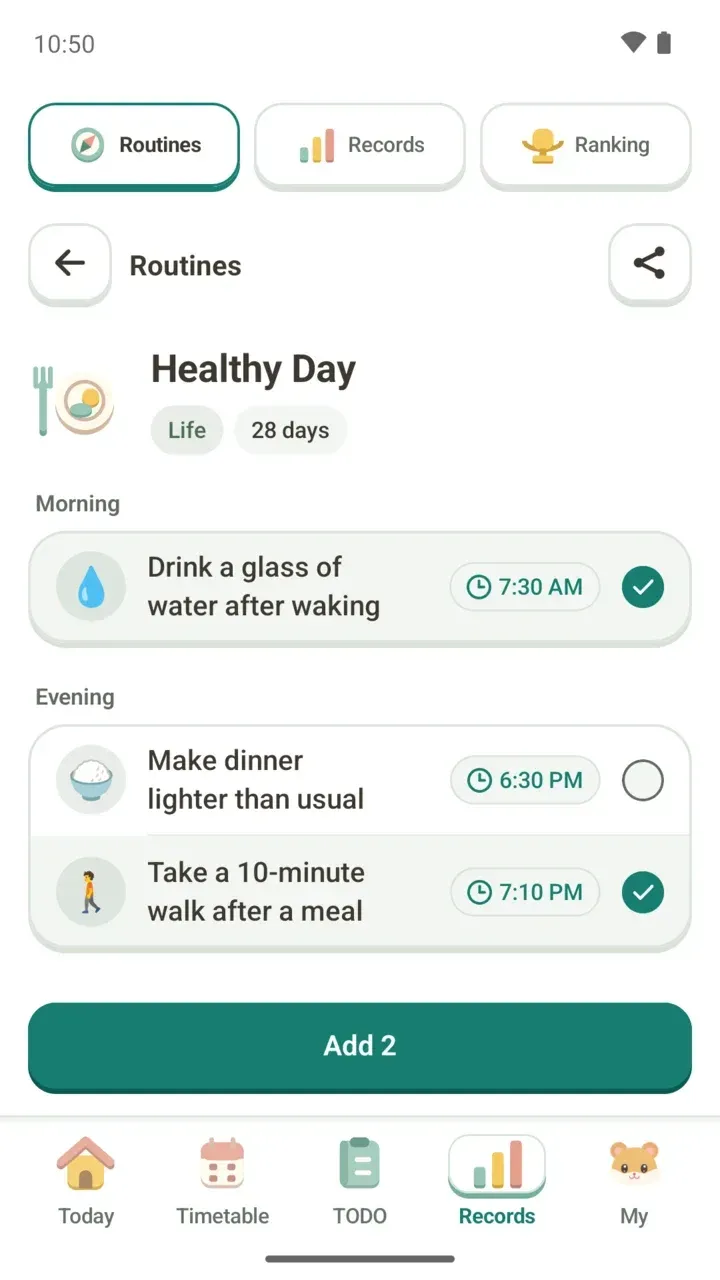
- Tap a pack to open it. Steps are grouped by time of day, like Morning and Evening, and each shows a suggested time.
- Check only the steps you want. The button at the bottom shows how many you picked.
- If a time doesn't fit your day, tap it and set your own.
- Tap Add and choose "Add to current timetable". Schedules go on your timetable and tasks go to TODO.
Timetable schedules repeat weekly, and steps without a set time are added as all-day to-dos.
If a time clashes with your current timetable, you'll see "Some times overlap your schedule". Tap "Change the time" to move it.
Then keep going with the focus timer
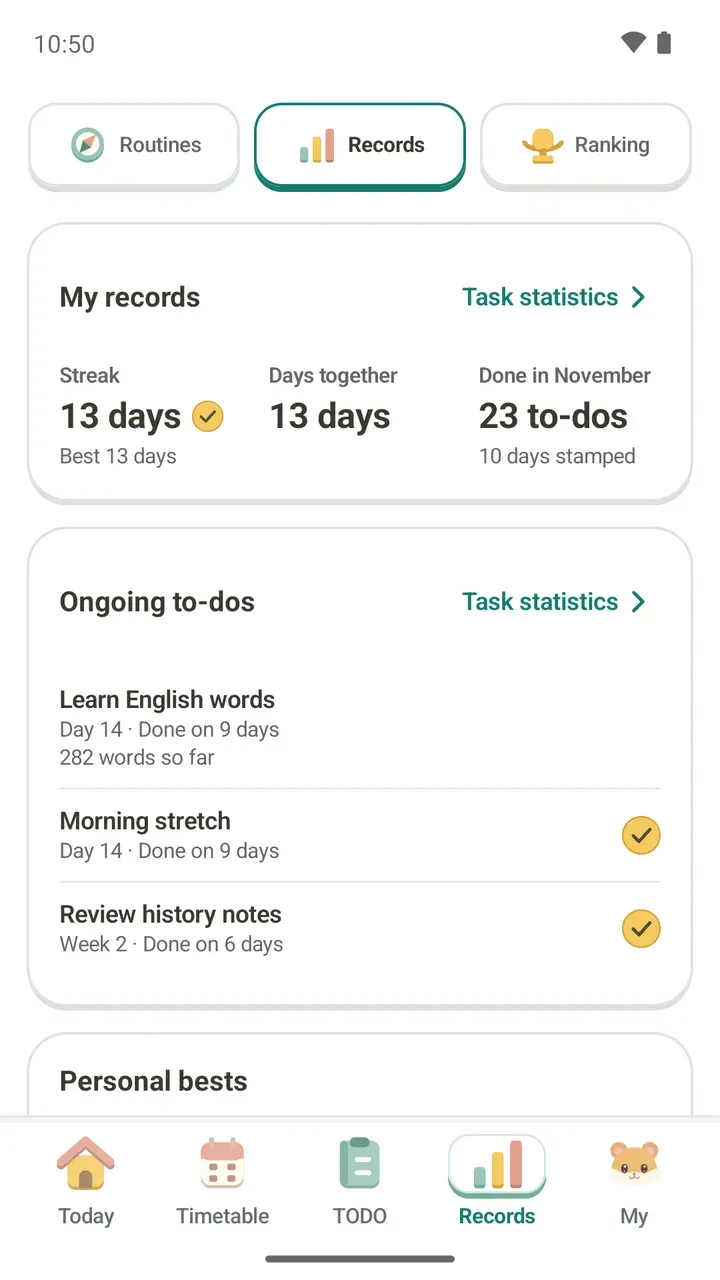
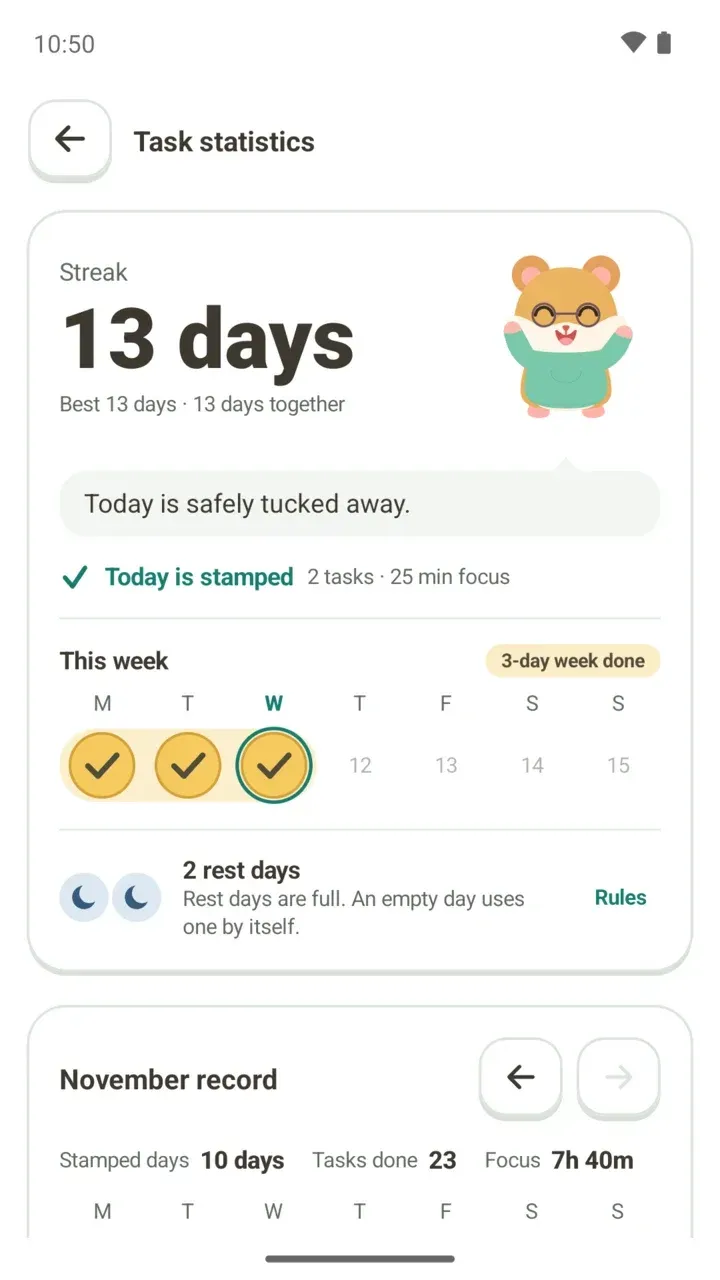
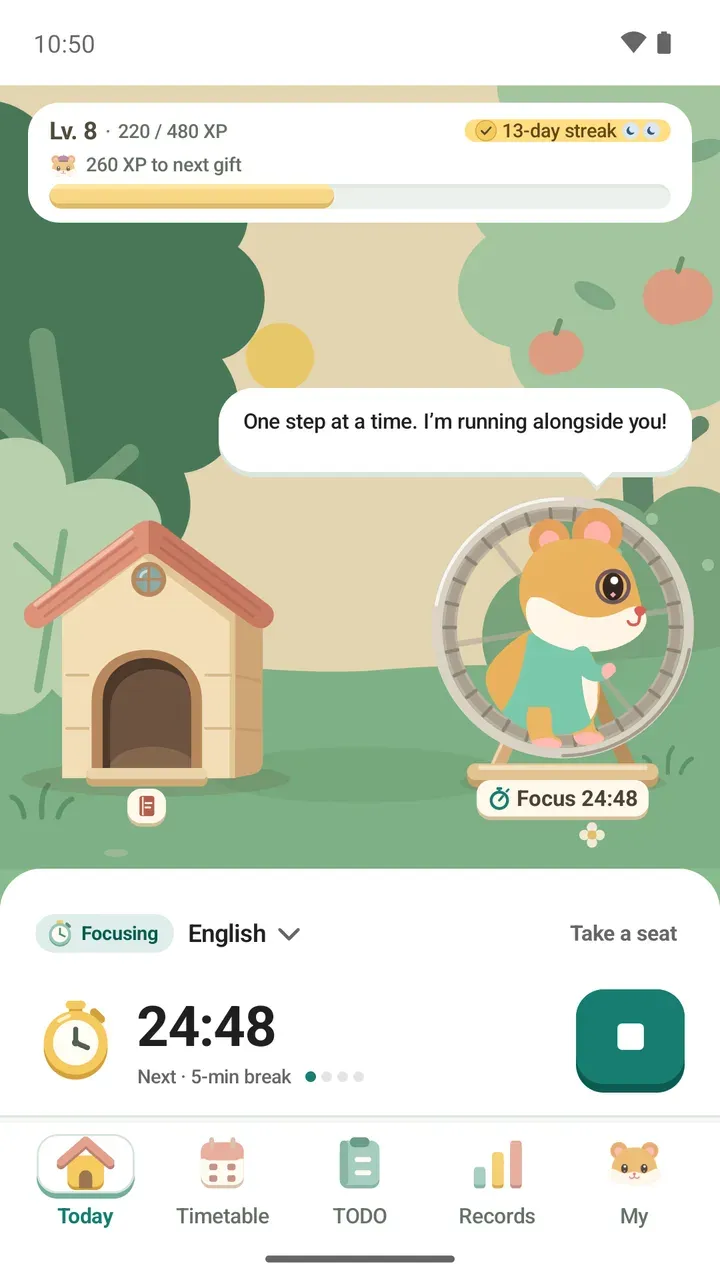
When it's time for your routine, go to the Today tab, choose that class or to-do under Focus on, and tap Start focus. The time is counted toward what you picked, so later you can look back in Records at how long you focused on something like "Study a language every week".
Presets and screens are covered in the study timer guide.
Good to know
- To remove what a routine pack added, end the routine instead of deleting each item. Ending it clears the timetable schedules and TODOs the pack added.
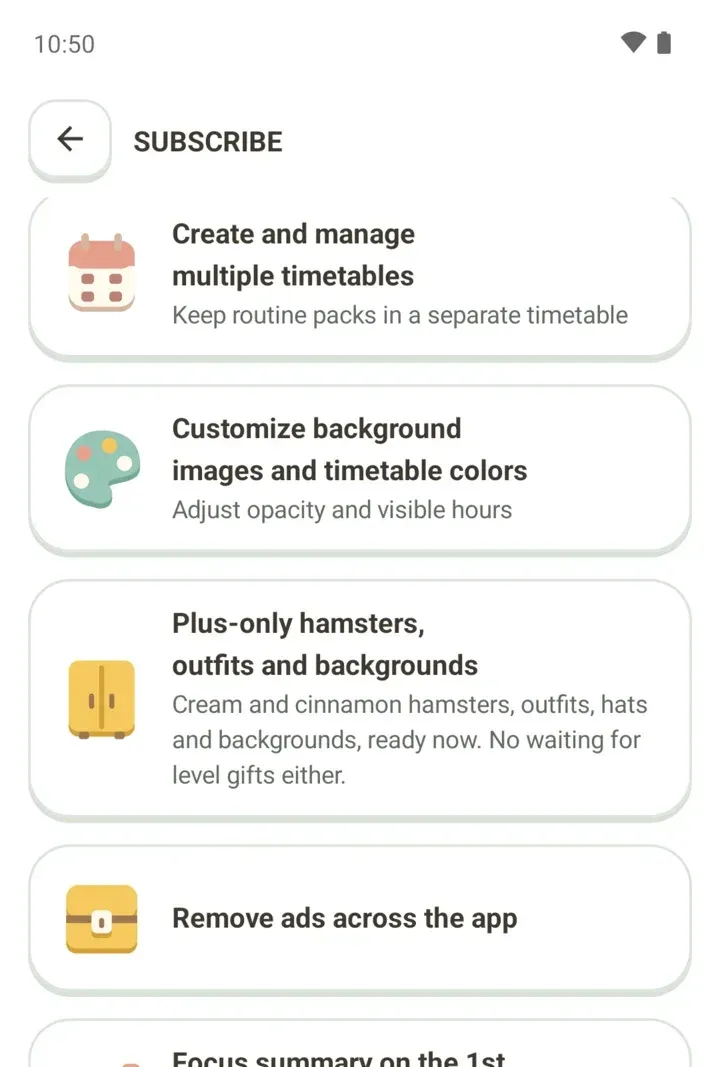
- Keeping routines on a new timetable of their own, apart from your existing schedule, is a Damda Plus feature.
- Want to plan a whole exam week? See how to make an exam study plan too.