Damda Plus Subscription: Remove Ads and What Changes
Damda Plus is a monthly subscription you can cancel anytime. Here's what it adds, from no ads to multiple timetables, and what works without it.
Damda shows ads. If you'd rather use your timetable and study planner without them, you can choose Damda Plus, a monthly subscription you can cancel anytime.
Before you decide, here's what changes with Plus and what stays the same.
What you can use without subscribing
There's no sign-up, so you can start right away. All of these work without a subscription:
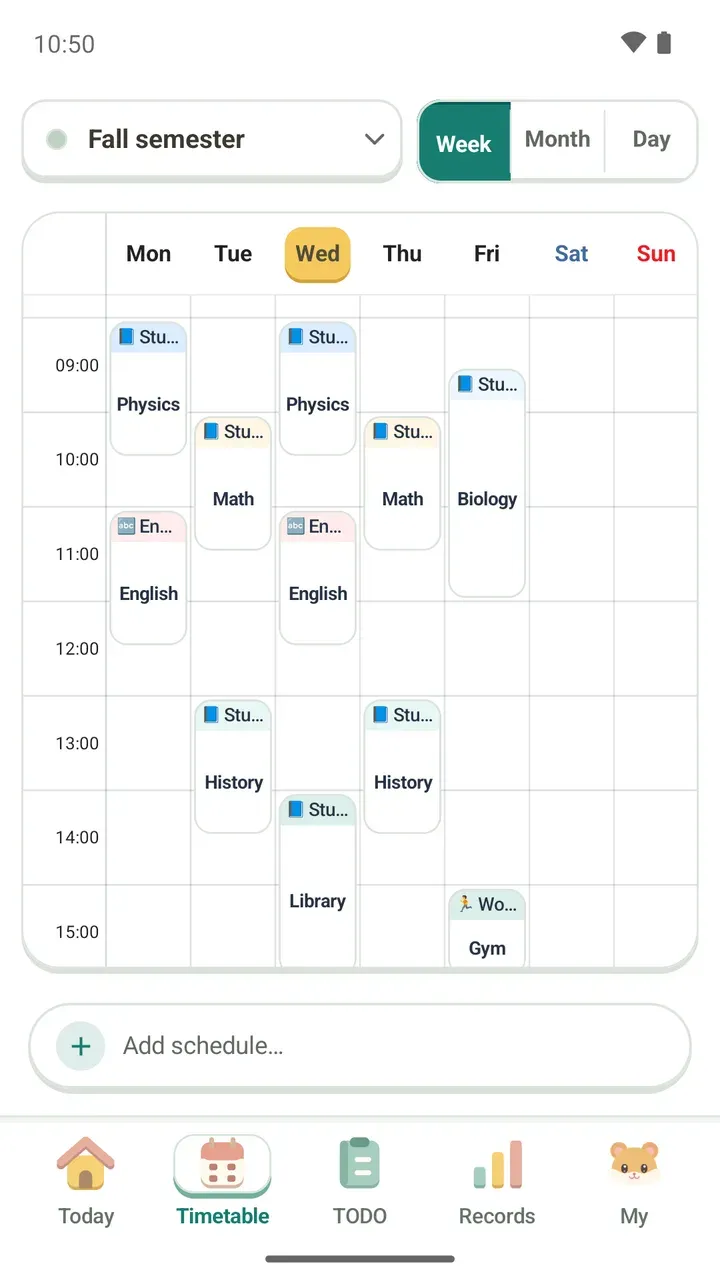
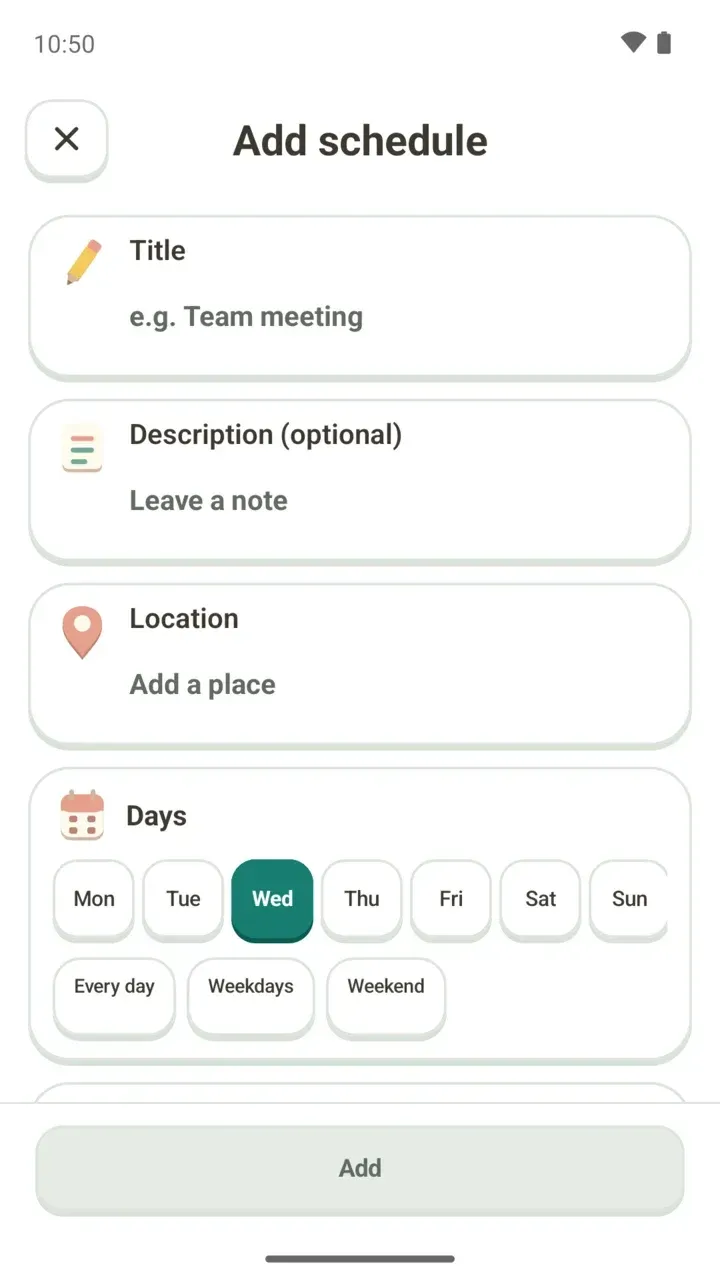
- One timetable: Week, Month and Day views, adding schedules, and reminders
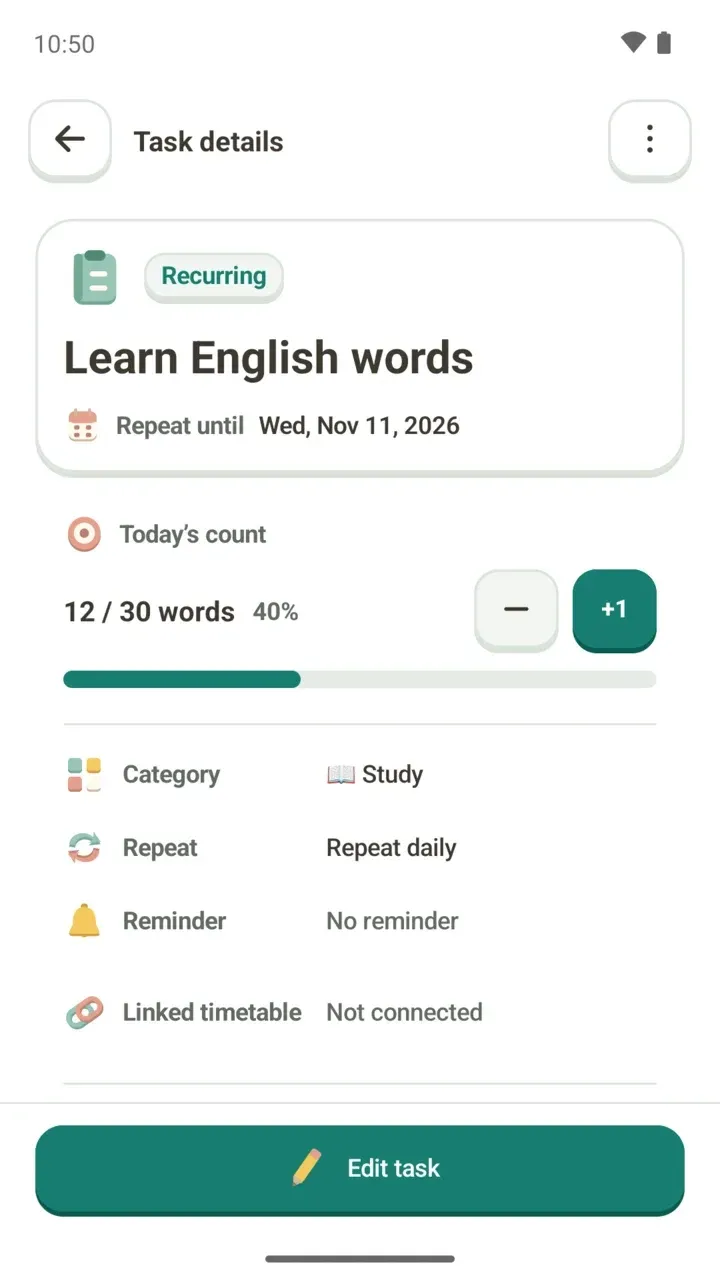
- To-dos: check tasks off, fill a count goal, repeats and D-day
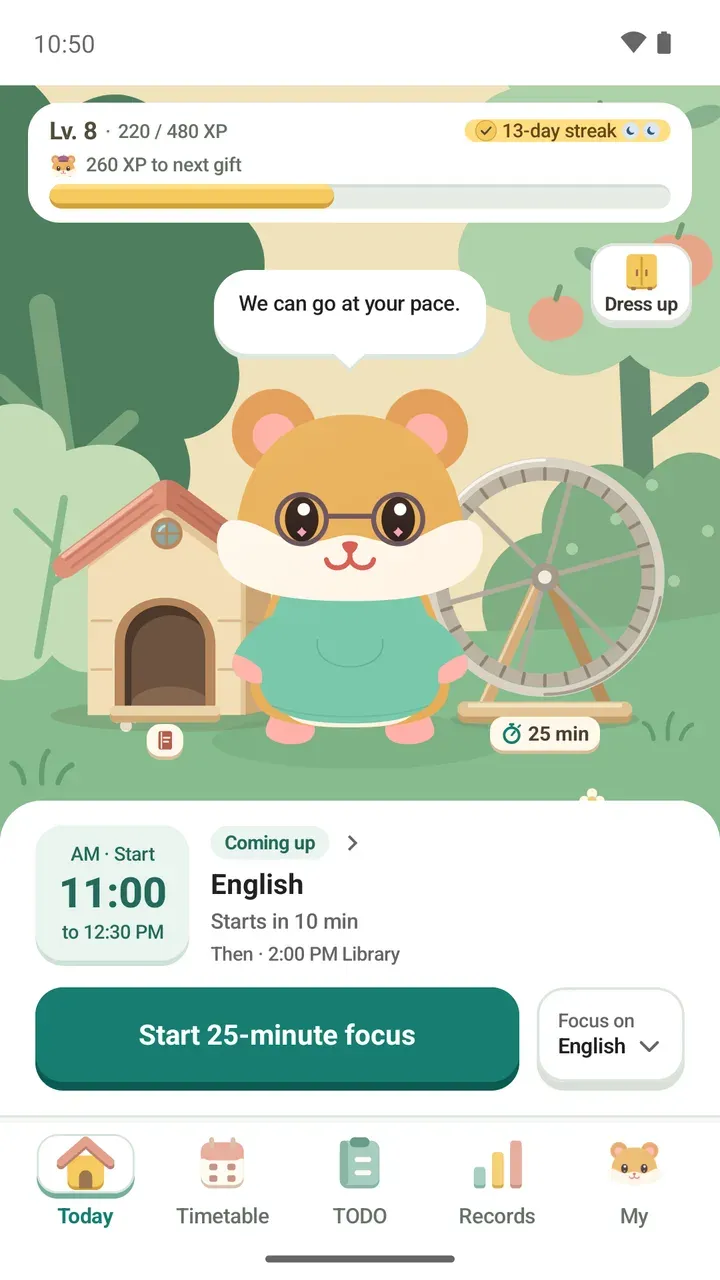
- Focus timer: Pomodoro presets, your own length, or no time limit
- Records: streaks, ongoing to-dos, and weekly and monthly focus charts
- Damda study hall: focus with others anonymously
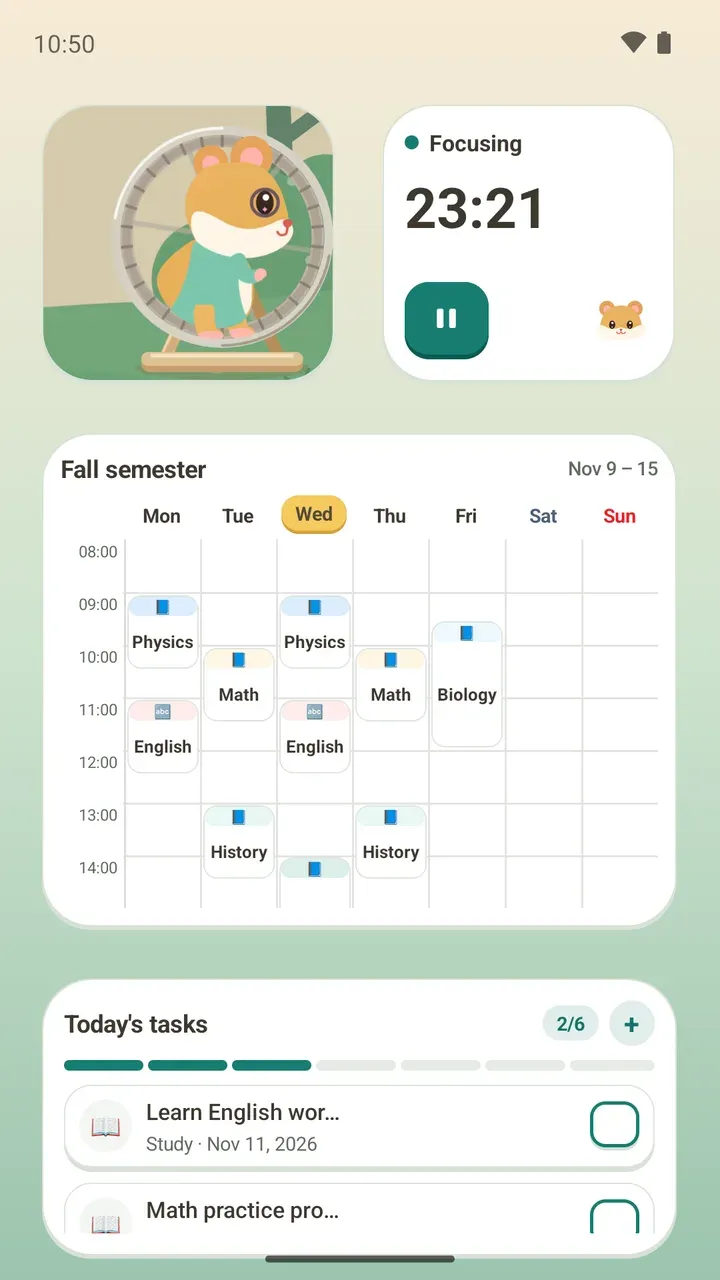
- Five home screen widgets
- The level path and its missions
You don't need a subscription to plan your week on one timetable and keep up with your to-dos and focus time.
What Damda Plus adds
- No ads on any screen
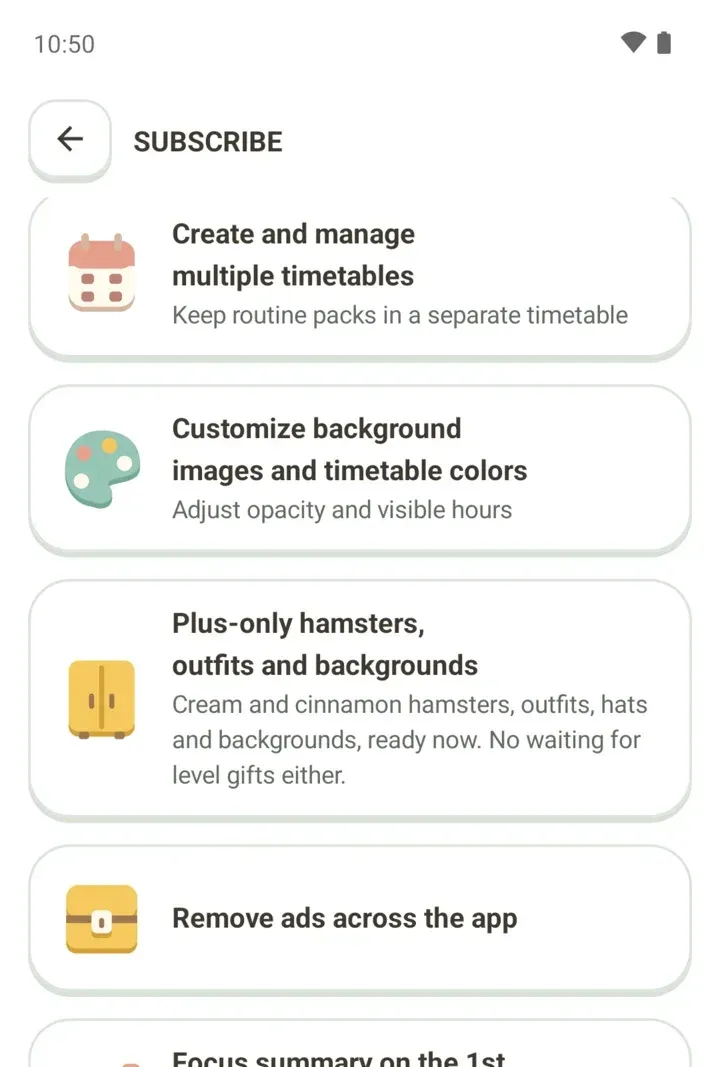
- Multiple timetables, plus a separate timetable for routine packs
- Background images and timetable colors
- Opacity and visible hours you can adjust
- Plus-only hamsters, outfits, hats and backgrounds, with every level gift ready now
- A focus summary on the 1st of each month
No ads
While you're subscribed, ads disappear from every screen. Damda doesn't request any ads during your subscription.
Multiple timetables
Without a subscription you get one timetable. A second one and beyond need Damda Plus.
That helps if you want a timetable for each semester, or separate ones for classes, practice and a part-time job. Keeping routine packs in their own timetable is a Plus feature too.
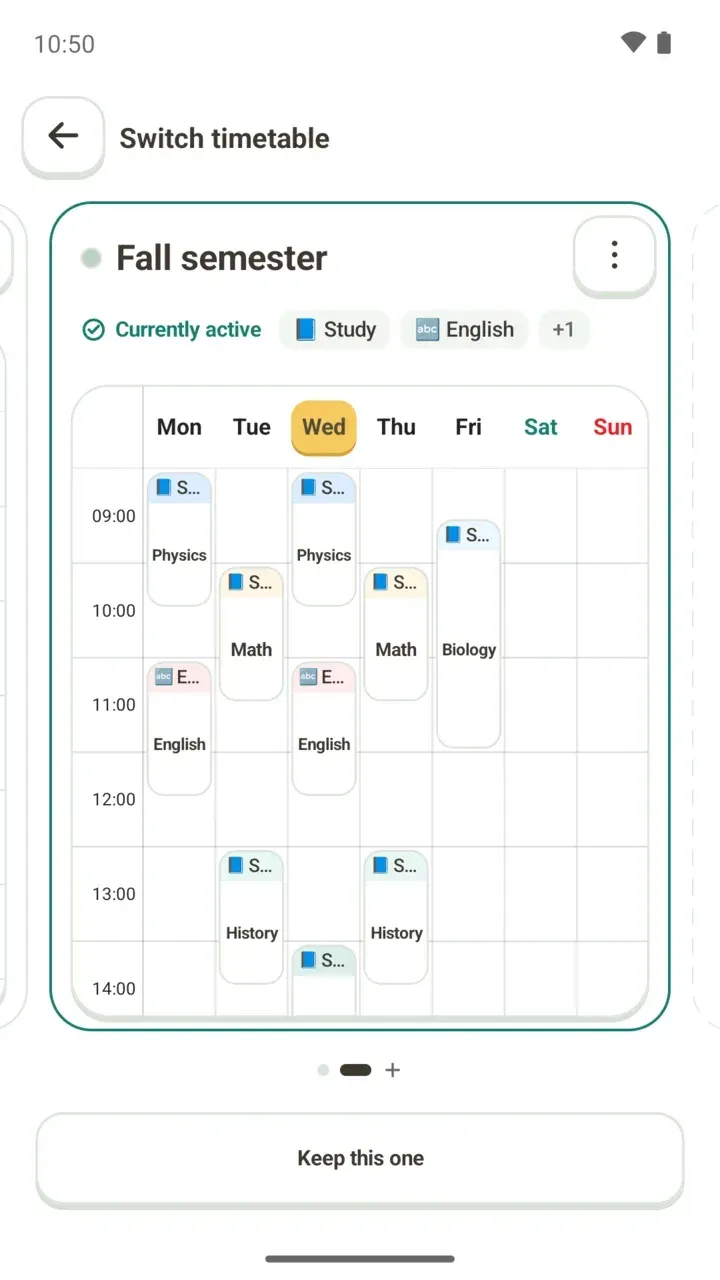
Timetable themes and visible hours
With Plus you can add a background image to your timetable, choose its colors and adjust the opacity.
You can also set the visible hours, meaning which hours your timetable shows from start to end. The start and end times appear on the App Setting tab in App settings, but changing them needs Damda Plus.
Plus-only hamsters, outfits and level gifts
Cream and Cinnamon hamsters, plus Plus-only outfits, hats and backgrounds, are ready to use right away. Level path gifts are ready now too, with no waiting to level up. Anyone can follow the level path itself, subscribed or not.
You can try on Plus-only items before you subscribe. If you start Plus while previewing, that exact look is saved.
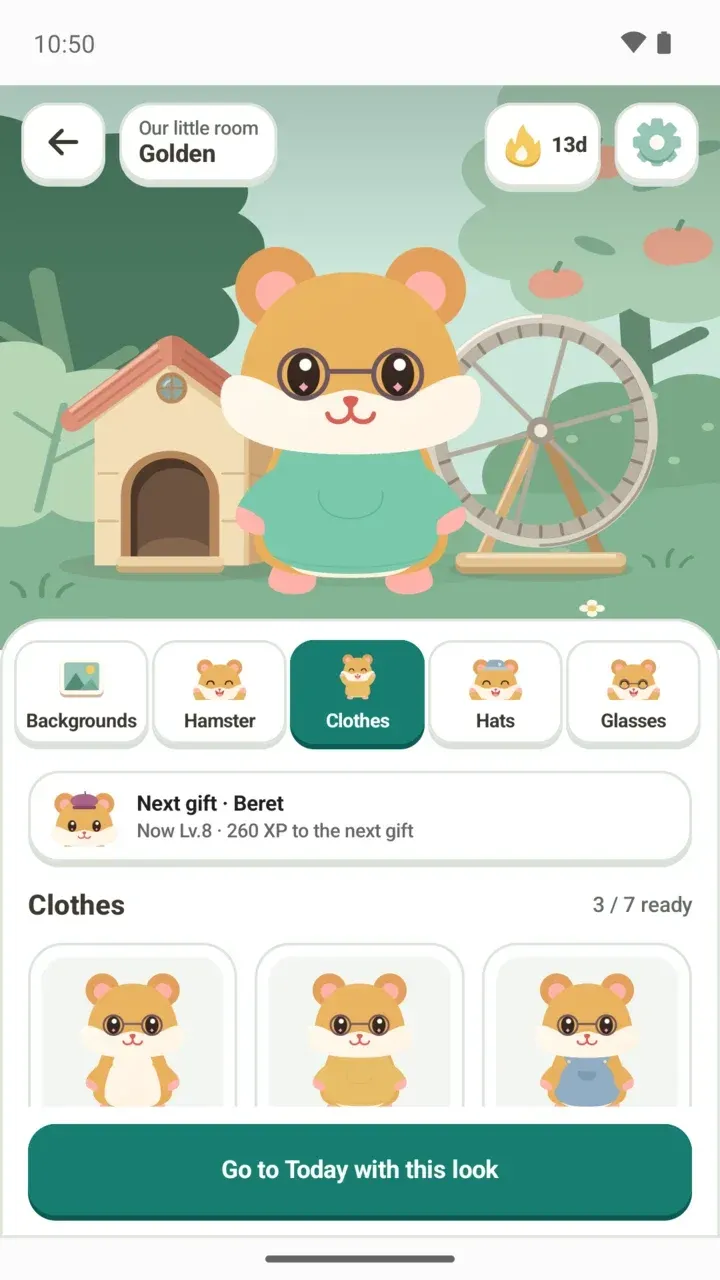
If your hamster is wearing Plus-only items when Plus ends, it goes back to its default look. Your outfit is kept, so it comes right back if you start Plus again.
Focus summary on the 1st
On the 1st of each month, Damda sums up last month's focus and suggests one step for this month.
It shows your total focus time and daily average compared with the month before, where that month sits among the last 12 months, and what you focused on longest. You can also share the summary as an image.
If you focused on 3 or more days in the month, for an hour or more in total, the summary goes into more detail. For reading the focus records you build up day to day, see your study records.
Where to see the benefits and subscribe
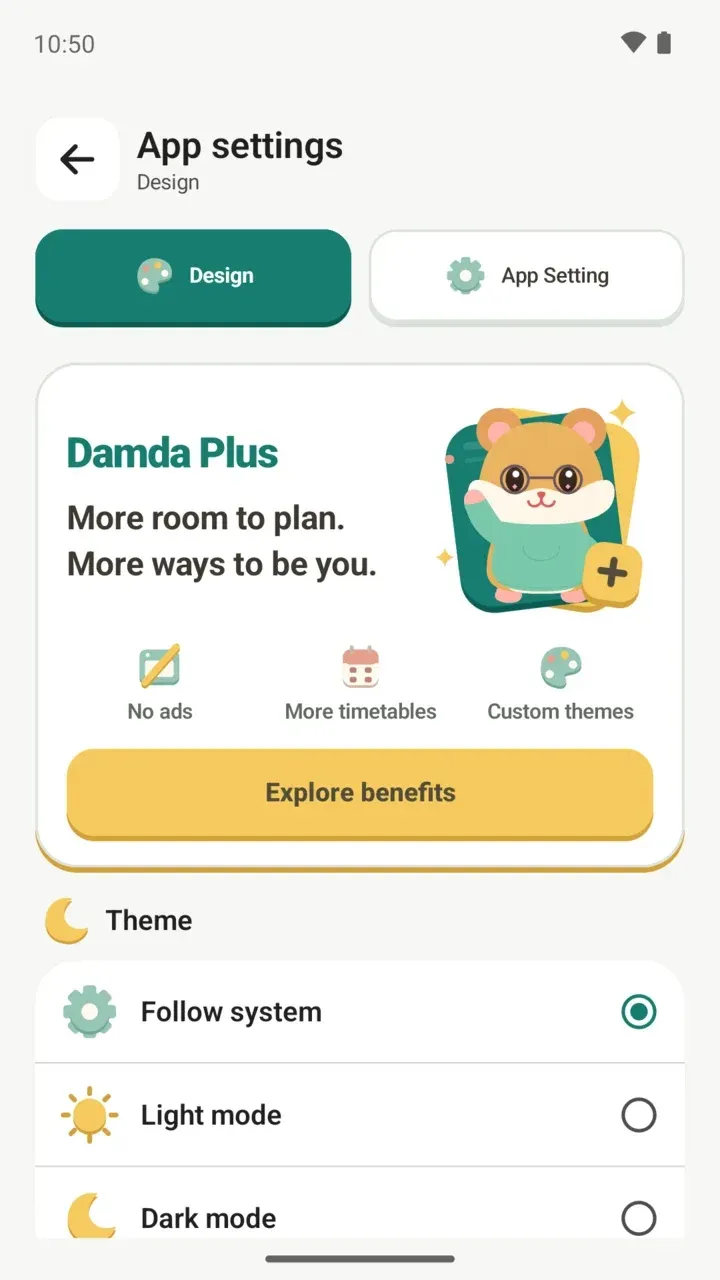
- Tap Explore benefits on the Damda Plus card at the top of the My tab. The same card is also on the Design tab in App settings.
- Check the list of benefits on the subscribe screen.
- When you start a subscription, payment goes through Google Play, where you'll also see the price.
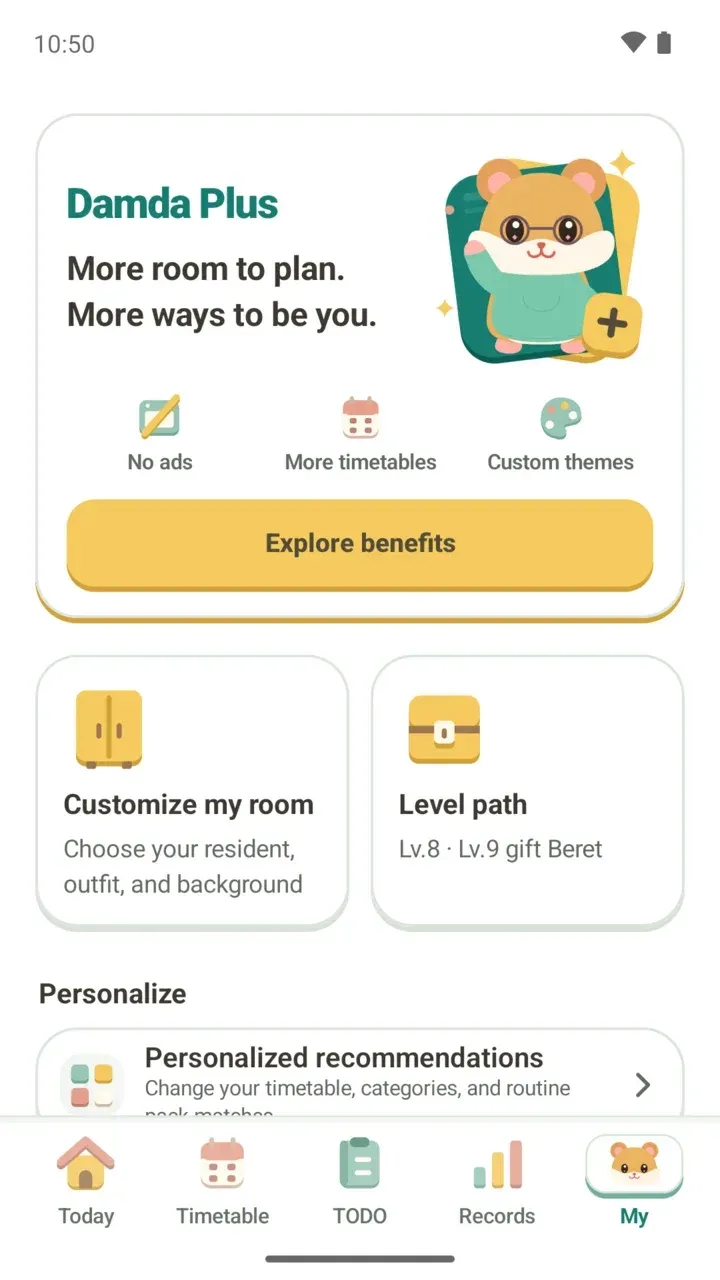
Payment, canceling and refunds
Payment, canceling and refunds for the subscription are all handled in Google Play and follow Google Play's policies. Damda never receives payment details such as your card number.
If you want Damda without ads, or need more than one timetable, Plus may be a good fit. If one timetable is enough, everything at the heart of Damda works without a subscription.