Dress Up Your Hamster: Clothes, Hats, Glasses and Backgrounds
How to dress up your Damda hamster with clothes, hats and glasses, change the background, and read the ready count and next gift card.
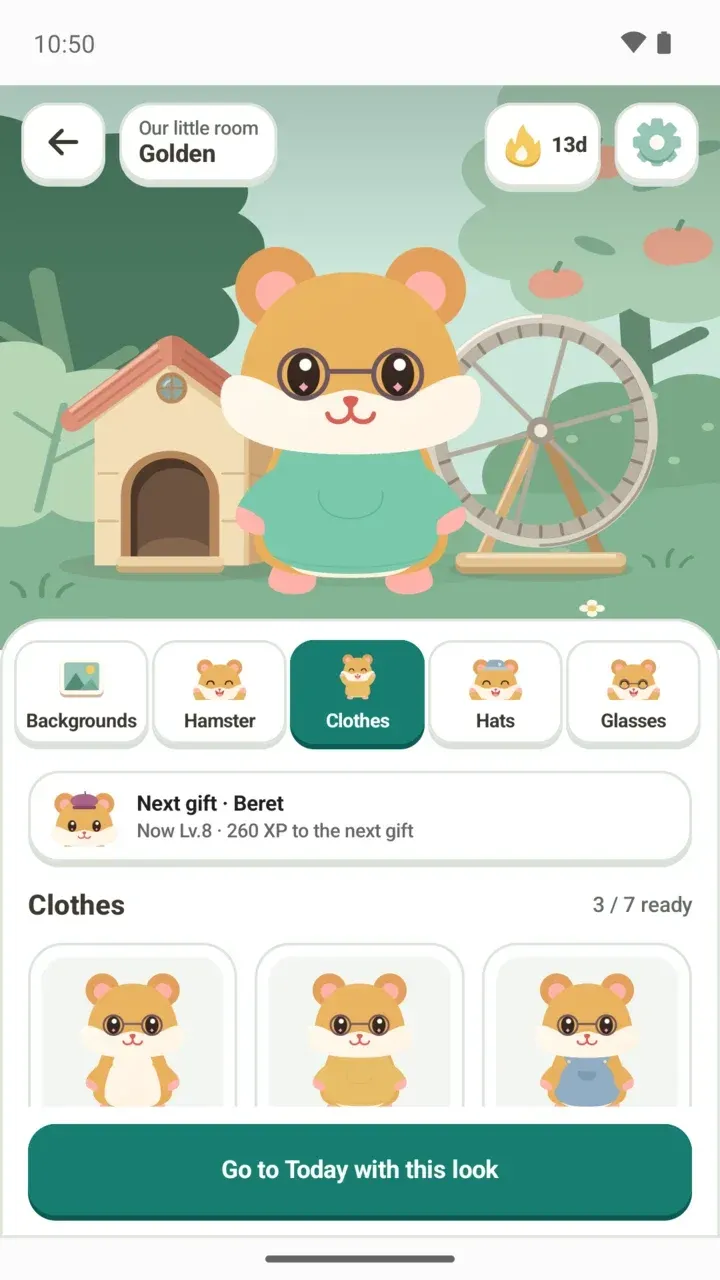
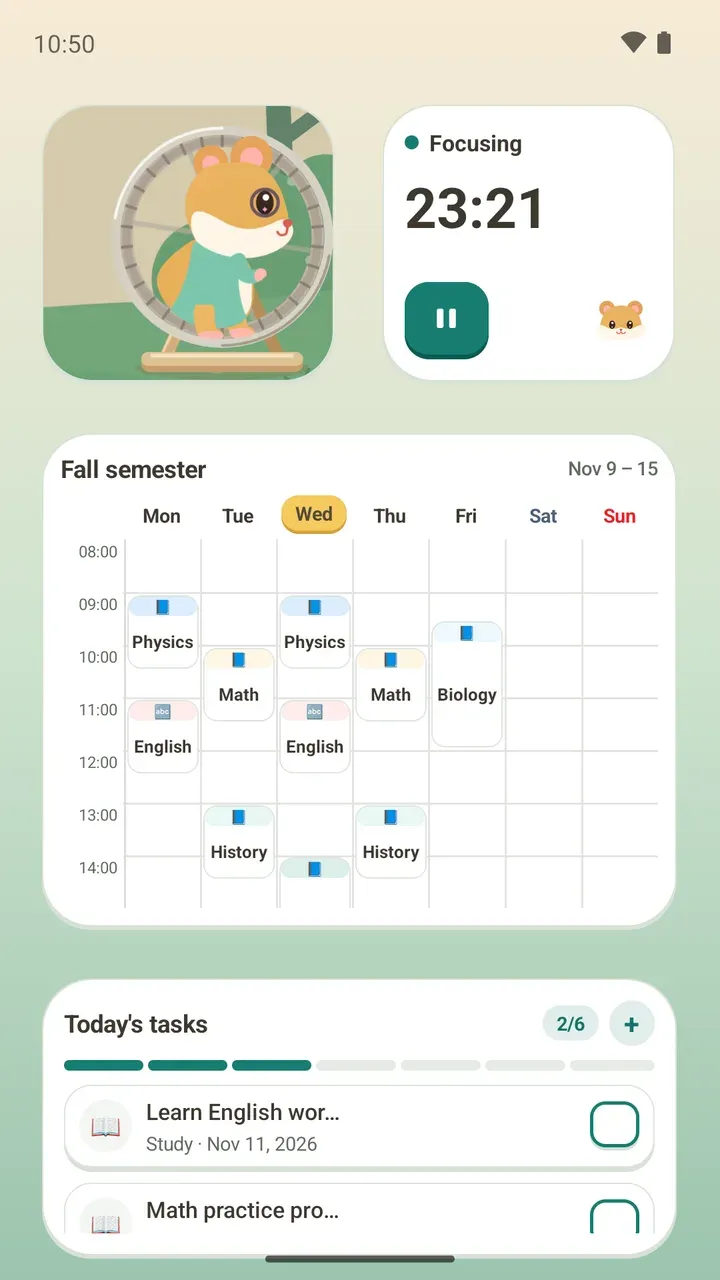
Maybe you just leveled up and got a new outfit but can't find where to put it on. Or maybe you'd like to give the hamster in your Today tab garden a fresh look. In Damda, one Dress up screen lets you pick the background, fur color, clothes, hats and glasses.
Where to open Dress up
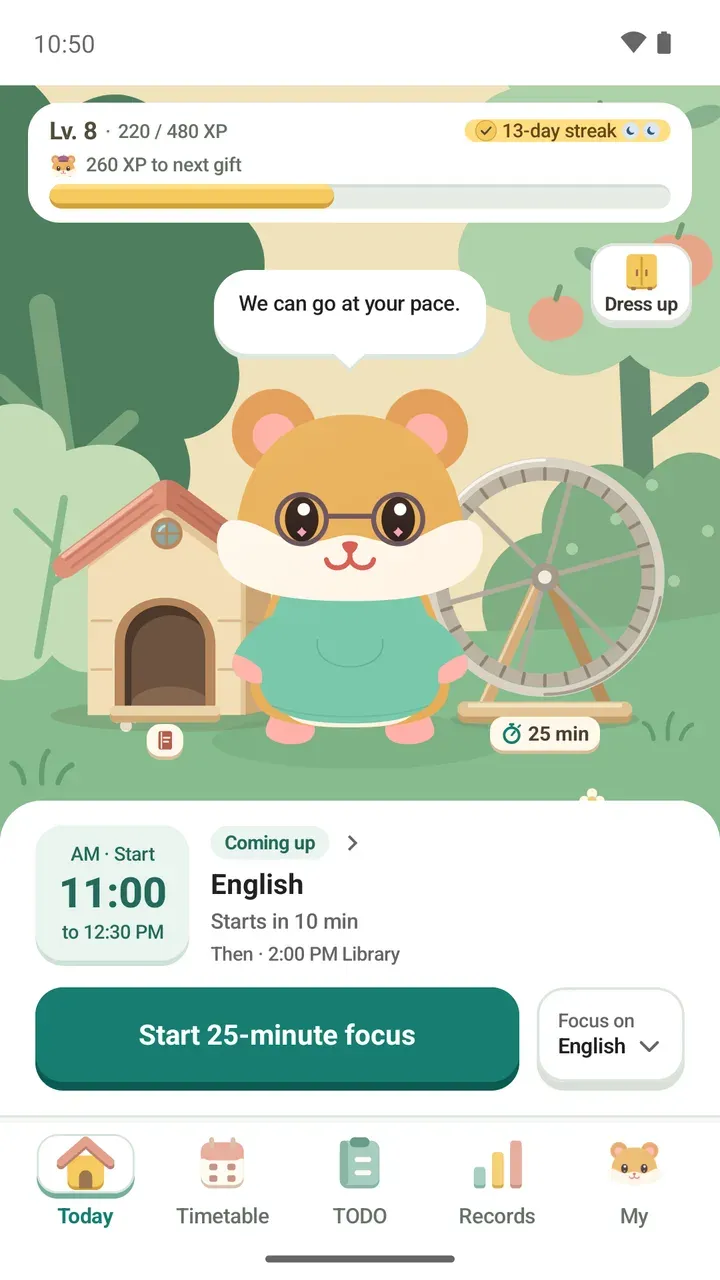
There are two ways in. Tap Customize my room in the My tab, or tap the Dress up button at the top right of the garden in the Today tab.
From the Today tab, Dress up opens first. Tap Full wardrobe at the top to see everything on a full screen.
The top of the screen: Our little room
At the top of Dress up you'll see Our little room, with your hamster's fur color under it, such as Golden.
On the right, a flame shows your streak in days. Next to it, the gear button takes you to Profile and settings.
How to dress up your hamster
- Go to My > Customize my room, or tap Dress up in the Today tab.
- Pick one of the tabs below: Backgrounds, Hamster, Clothes, Hats or Glasses.
- Tap the one you like in the list. What you have on now is marked Wearing or Selected.
- Go through the other tabs to finish the look.
- When you're happy with it, tap Go to Today with this look to head back to the Today tab.
To take off a hat or glasses, choose No hat or No glasses. To take off clothes, choose Base body.
What you can pick on each tab
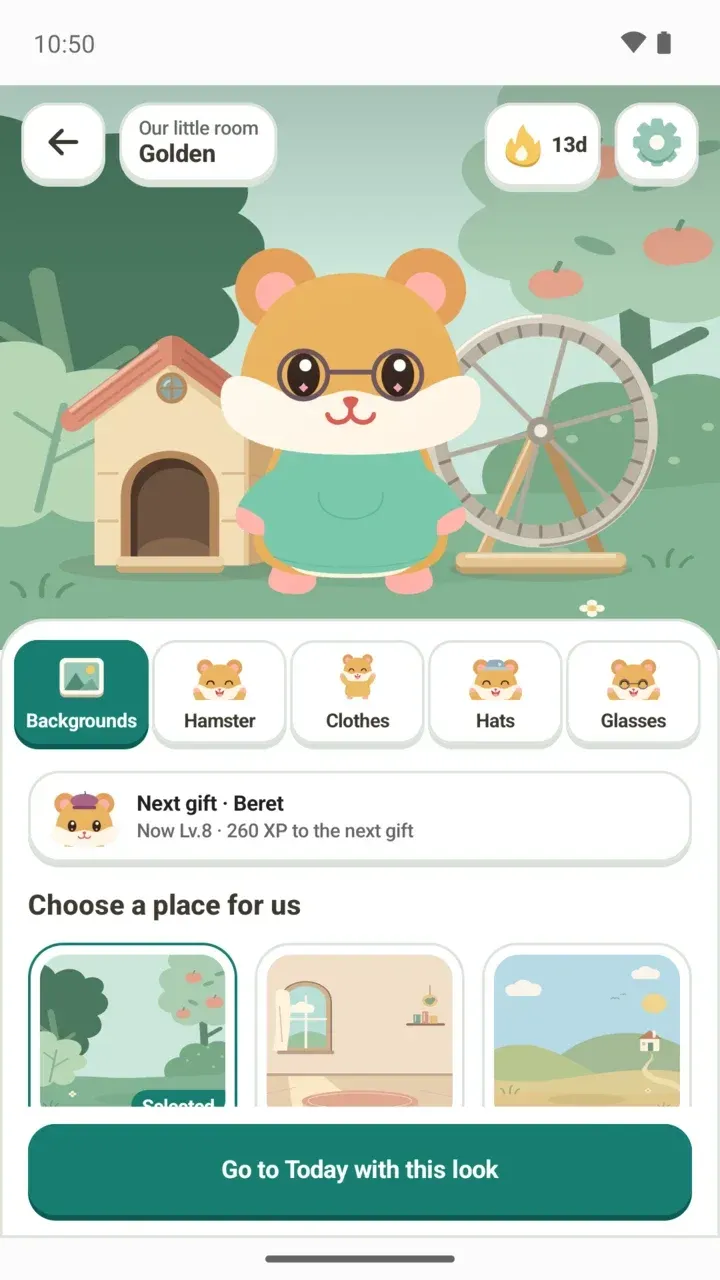
- Backgrounds: Garden, Cozy room, Breezy hills, Cloudy sky, Sunset stroll, Starry night
- Hamster: Golden, Cream, Cinnamon, Chocolate and Snowflake fur
- Clothes: Yellow hoodie, Blue overalls, Everyday jacket, Mint hoodie, Lavender hoodie, Coral hoodie
- Hats: Day cap, Bucket hat, Soft beanie, Focus band, Party hat, Sleep cap, Beret, Achievement crown, Chef hat, Graduation cap
- Glasses: Round glasses, Sunglasses
In the Garden background, the sky changes for morning, day, evening and night. Only the Garden changes with the time, and only when you see it in the Today tab.
Reading the ready count and the next gift
At the top right of each tab's list, a count like 3 / 7 ready shows how many you have out of the total.
The card just below the tabs shows your next gift, your current level and the XP left until that gift, for example: Next gift · Beret, Now Lv.8 · 260 XP to the next gift. Once you've collected them all, it says All gifts collected.
Collect outfits as Level path gifts
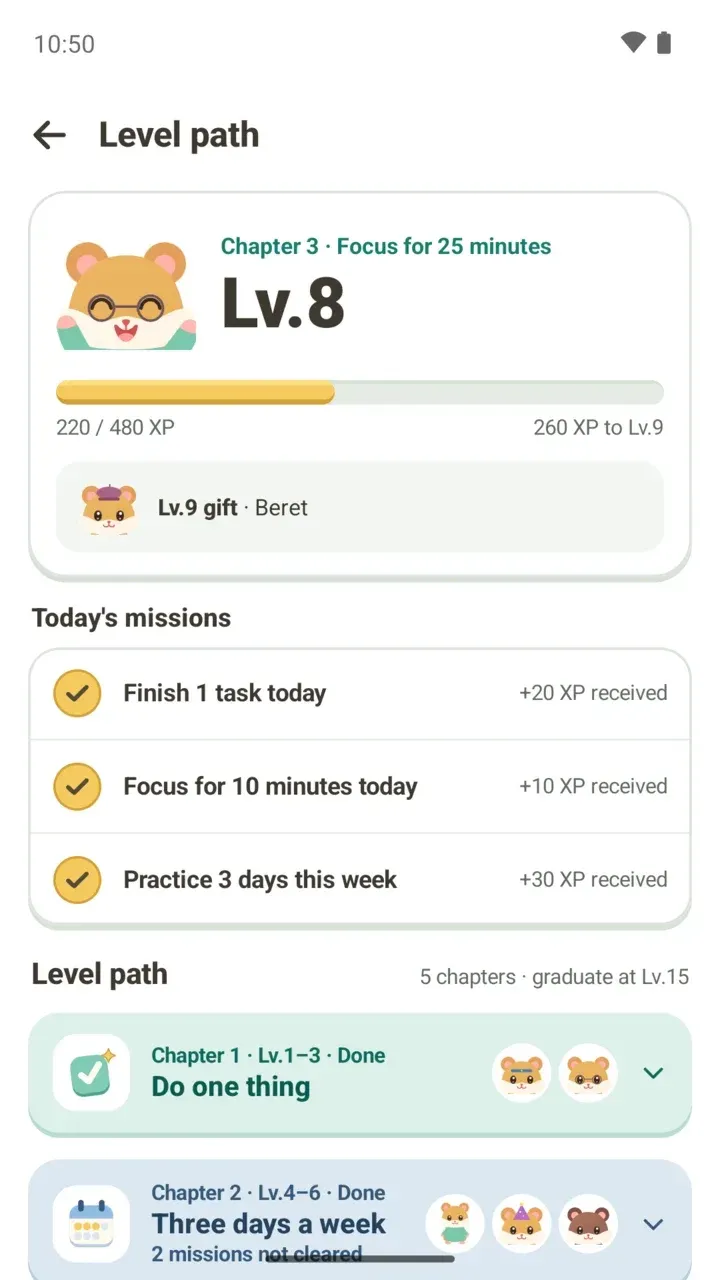
Each time you level up, up to Lv.15, a new gift unlocks. You earn XP by finishing to-dos, focusing for 10 minutes at a time and clearing missions. Learn more about missions and chapters in how the Level path works.
When you get a gift, Damda lets you know: Your gift is ready to wear. Tap Wear it and go to Today to return to the Today tab with your hamster in its new outfit.
Plus-only hamsters and outfits
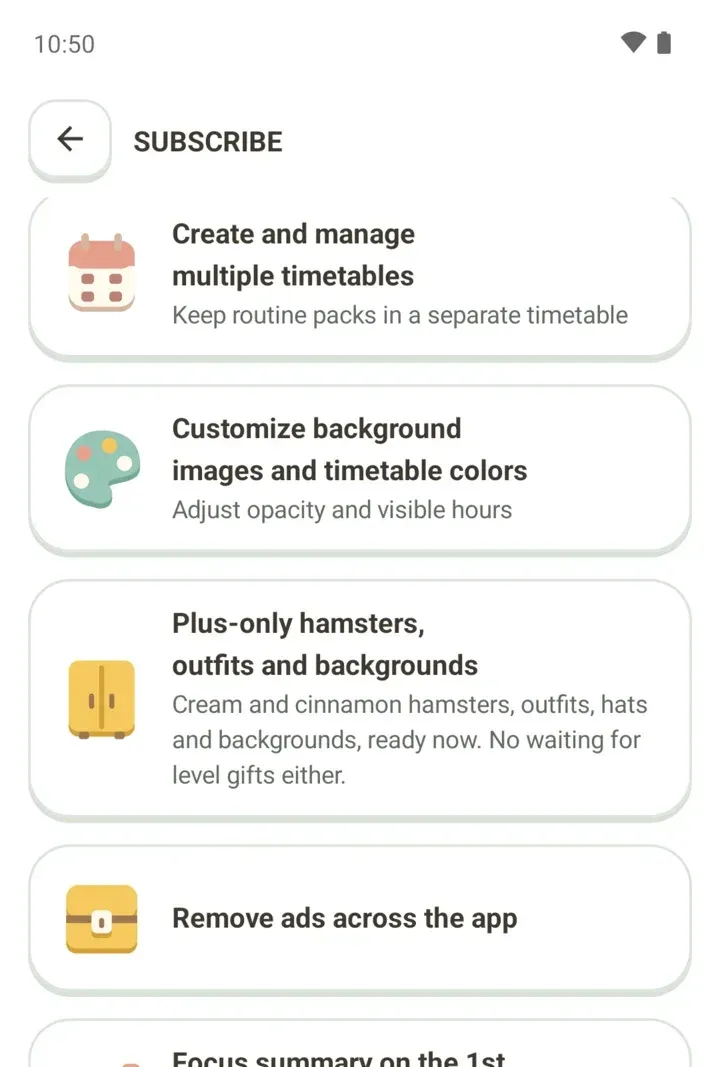
The Cream and Cinnamon hamsters and some clothes, hats and backgrounds are only in Damda Plus. With Plus, every level gift is ready right away, without waiting.
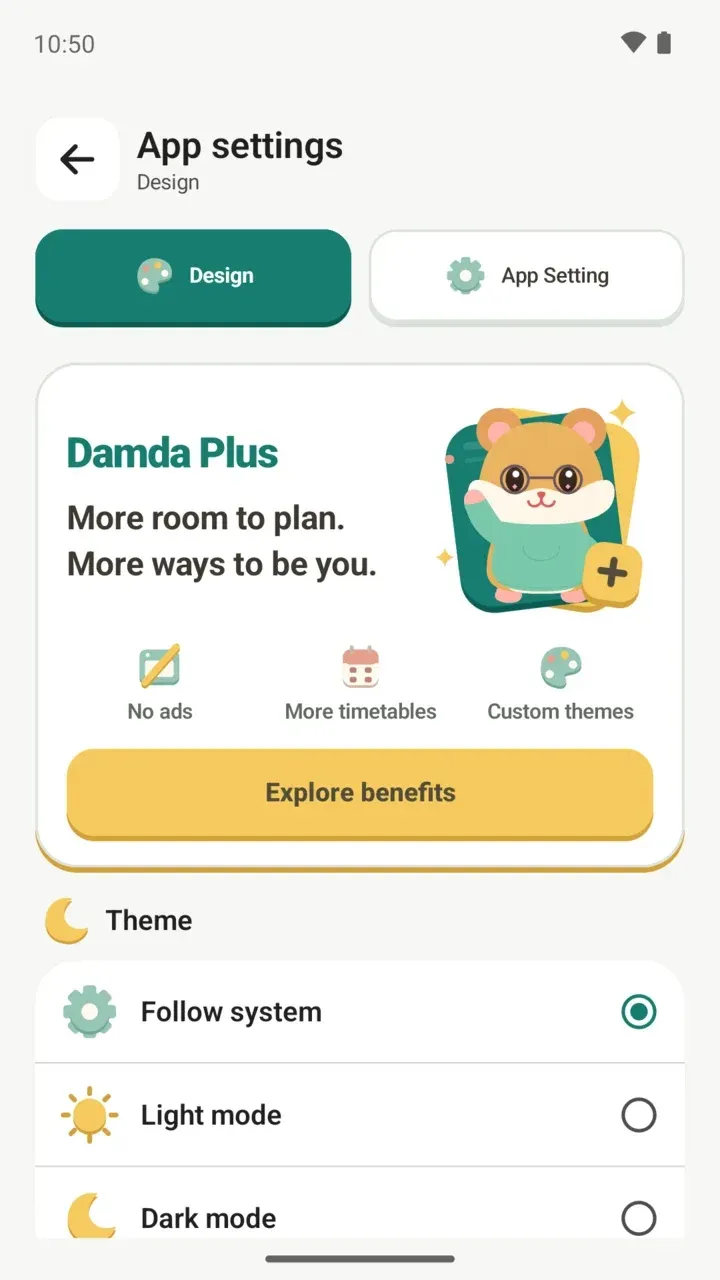
The Level path and Dress up work without a subscription. For more on the subscription, see what Damda Plus includes.
If you used Damda before 3.1.0, the outfits you wore came along too. The bow tie, scarf and bandana became hoodies. To find out more about your hamster, read the story of the hamster character.