Adding a 3D Hamster Study Hall to My 2018 Timetable App
Why I added a 3D study hall to Damda, a timetable app first made in 2018: what went in, what stayed out, and how it runs without a server.
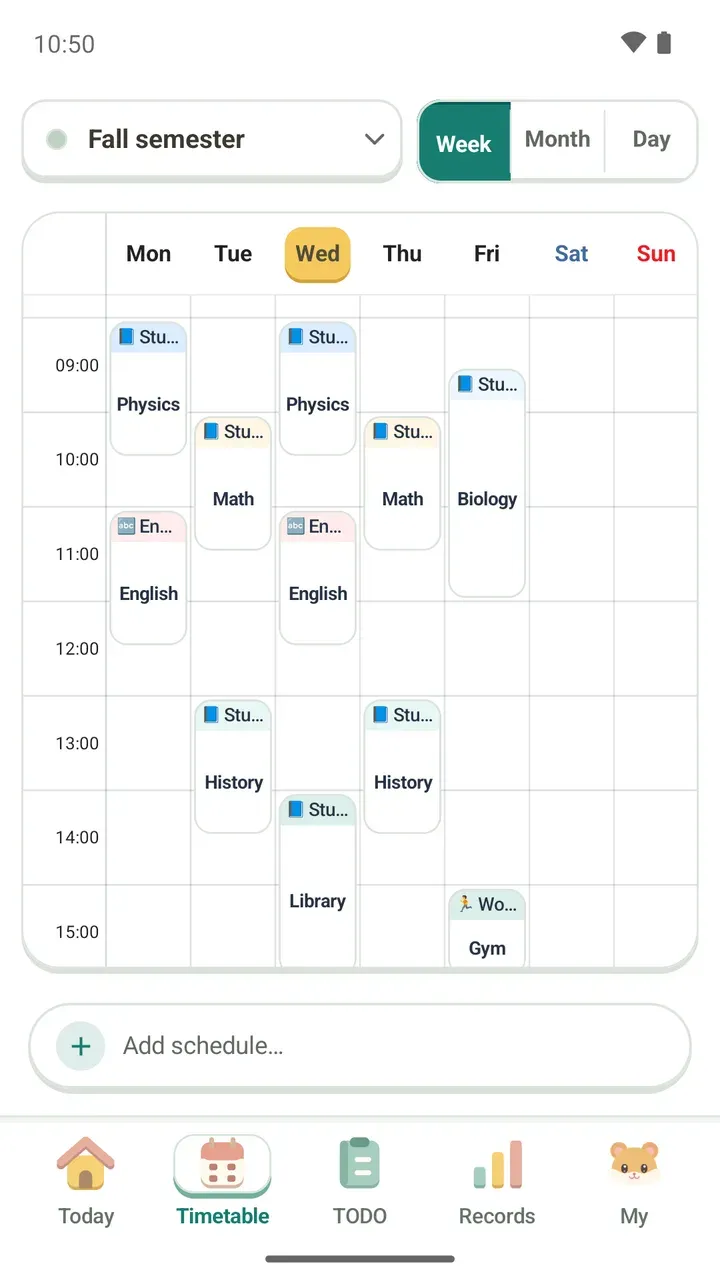
Hi. I make and run Damda on my own. It's a timetable app and study planner I first built in 2018.
In the 3.1.0 update, I added a 3D study hall to Damda. It's a quiet virtual study room. When you start focusing, your hamster walks down the aisle and sits at a partitioned desk, while other people's hamsters focus quietly at their own seats. Here's why a timetable app got something like this, and what I thought about while building it.
It started with a quiet metaverse
In late October, I read about an online temple one person had built that drew hundreds of thousands of visitors in a few days. All you could do there was walk around, sit on a cushion and bow. You didn't have to talk to anyone. People came just to sit in the same place, and that stayed with me.
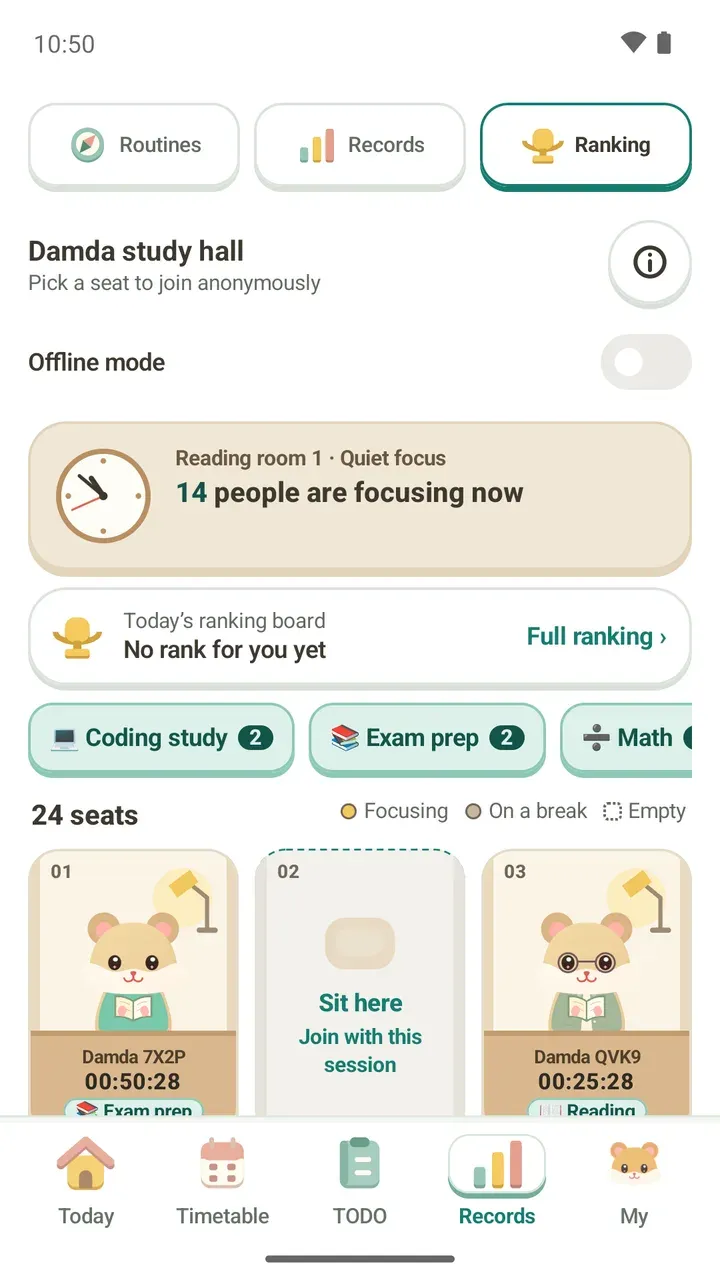
Damda already had a study hall. You picked a seat and focused alongside others as an anonymous hamster, but the screen was a grid of numbered cards. The idea was the same, yet it never really felt like being in the same room.
The first try looked rough
At first I just added perspective to the 2D drawings the app already used. Honestly, it looked rough. There were too few seats, it was hard to tell front from back, and above all you had no freedom to move.
So I built a separate test app in real 3D. Once I placed desks, partitions, desk lamps and windows and had a hamster walk in, it finally felt like a shared room. After seeing that test app, I decided to move the whole study hall into it.
Like a Korean study room, in Damda's own way
The 3D reading room I looked at for reference had green banker's lamps, a red carpet and name tags floating over people's heads. Damda went another way. It follows the Korean dokseosil, a quiet study room where you sit at your own partitioned desk. So there are carrel desks with name plates, a lounge with a sofa and a vending machine, and windows whose light changes with the time of day. At night the ceiling lights dim and the desk lamps stand out.
- No floating names. It's an anonymous study hall, so name plates only show a seat number and a status. Only your own desk is marked as yours.
- No chat. I think the quiet is what makes this place work.
- Your status becomes something on your desk: a book when you study, a laptop when you code, a mug when you're on a break.
- On a break, you can get coffee or cup noodles from the vending machine in the lounge. That only shows on your phone, and nothing is uploaded.
- Your hamster wears the outfit you put on it in the app. Others only see you as a hamster with a fur color that changes every day.
- No fake hamsters. If the room is empty, it looks empty.
No server of my own, within free limits
Damda is run by one person, so it has no server of its own. The study hall runs on just two kinds of documents in Firebase Firestore.
- One document per reading room. It holds who is sitting in each of the 60 seats, whether they're focusing or on a break, and their status.
- One document per date. It has one line for each person who focused that day, and your phone works out the ranking from that single document. So however many people there are, seeing the ranking takes one read.
- While you focus, the app only sends a short "still here" every few minutes. If the app suddenly closes, your seat shows as empty after a while.
- If the limits are reached or something goes wrong, the study hall quietly takes a break instead of breaking. I can also open or close more reading rooms remotely.
It only uses an anonymous sign-in, and your name, timetable and to-do titles never reach the server. Turn on Offline mode and nothing is sent; the room is shown on your phone only.
Keeping 3D light on a phone
The 3D is drawn with SceneView (Filament), and it adds about 3 MB to the download on each phone. Some phones still stuttered the first time you entered or sat down, so I lowered the default quality and made the screen redraw less often while you're seated. On phones that can't run 3D, or with TalkBack on, you get the old seat list as before.
The study hall is the doorway, the timetable is home
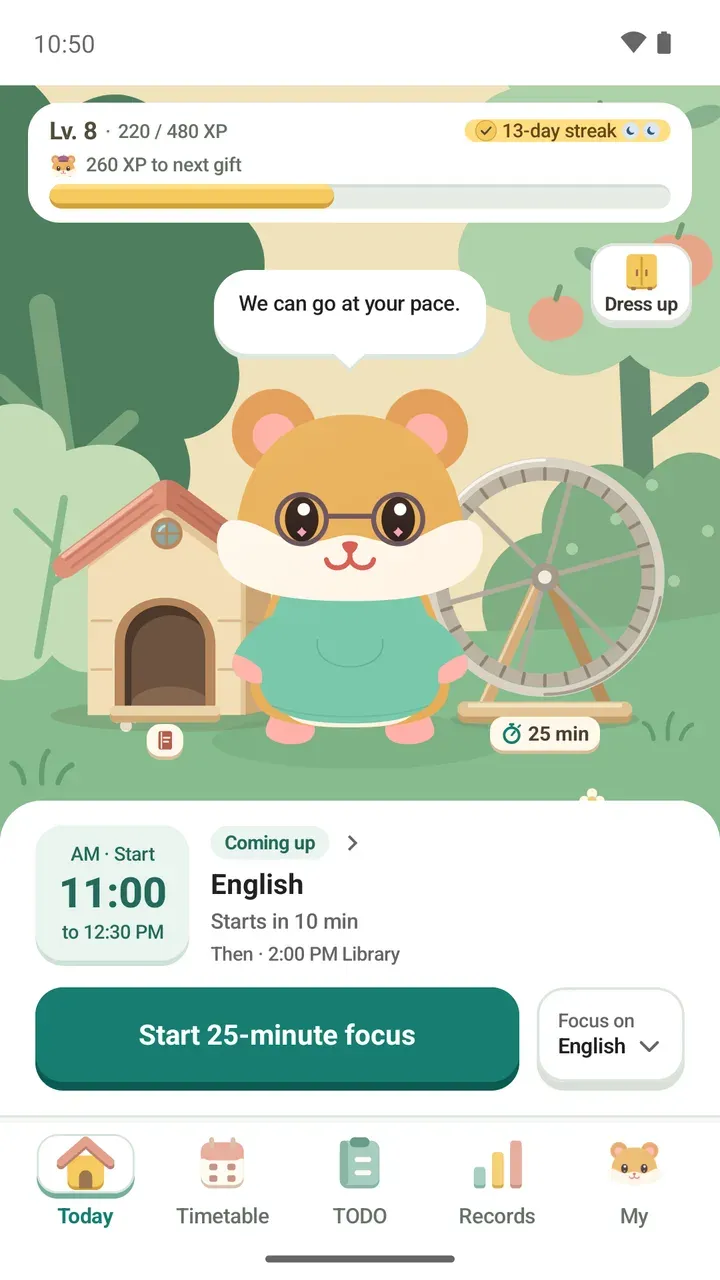
Even with a 3D study hall, Damda is still a timetable app. The time you spend at your desk comes from a task or schedule you pick in the Today tab. When you finish, it stays in your records and levels, and the next day you start again from your timetable. I walked through that flow in a post on going from your timetable to the study hall.
I wrote about how Damda began separately. For how to use the study hall itself, see the Damda study hall guide.
The room is still big and quiet. I often sit there at night myself, so if you're passing by, tap an empty desk and I'll be happy to keep you company from the next desk. Damda is an Android app.